890370_0•en•01.06.2009 We reserve the right to carry out improvements
75
Loading the image
Insert the memory card into the climatronic.
Press the [Settings] function button in the main menu and then go to the
following menu: [System] > [Display] > [Load standby picture].
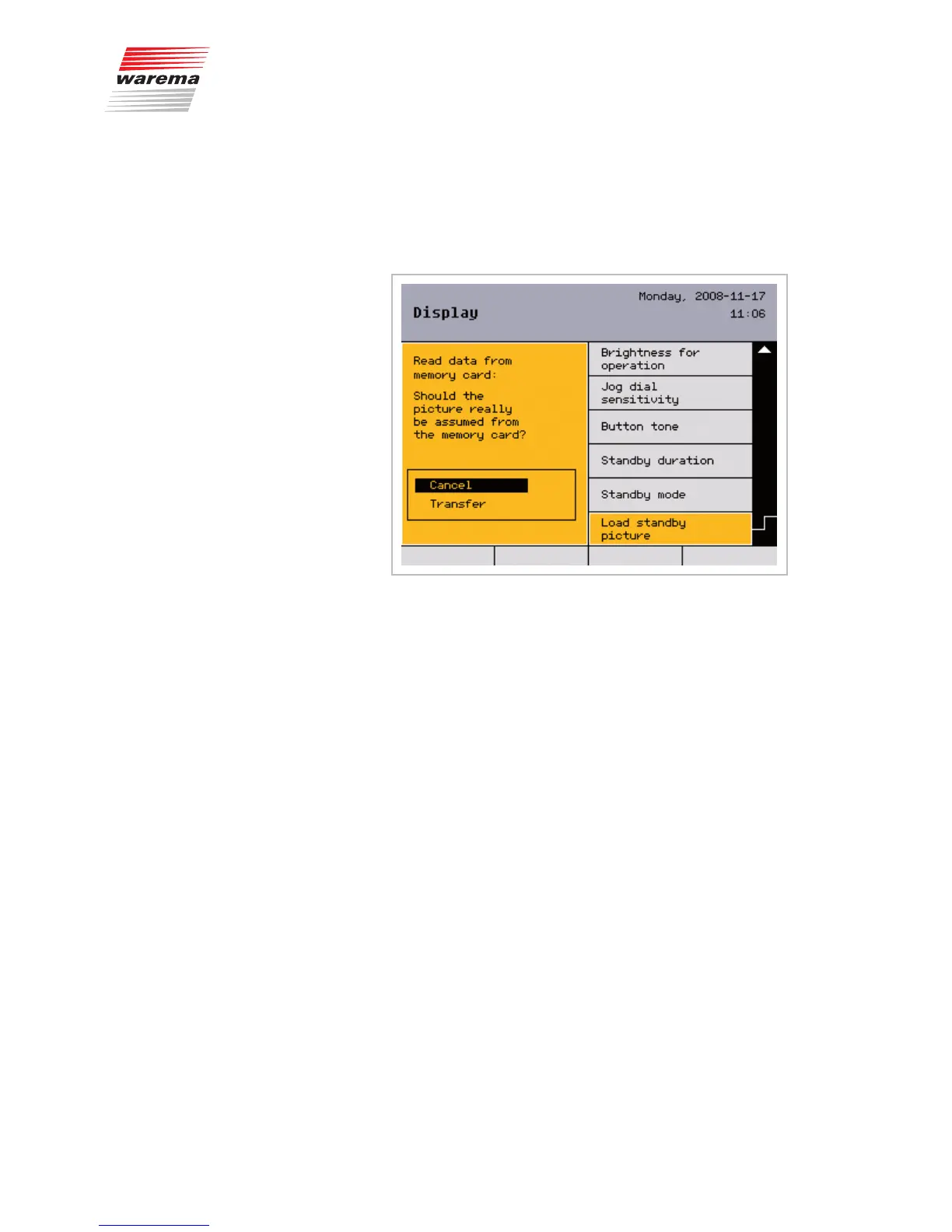
The following view appears in the display:
Select [Apply] and confirm by pressing the function wheel.
The image is loaded and displayed.
NOTE The climatronic can only find the image if the image is named BILD.WRM and
is located in the upper directory level of the memory card. Please also note
the information on the memory card presented in Chapter 8.8 on page 114.
Adjusting the display
settings
Adjust the display settings as described below to display the loaded image
as a standby picture:
Select the [Standby mode] menu and activate the
[Display standby picture] option there.
In the [Standby duration] menu, set the duration for which the standby
mode is to be active.
Whenever the climatronic is not operated for 15 minutes, the standby picture
is displayed for the set duration. Afterwards, the screen saver is activated
and the time is displayed.
NOTE If the [Brightness standby] is set to less than 2%, the display illumination is
so dark that the standby picture is not visible.
Start menu
Main menu
Settings
System
Display
System settings



 To Next Page