170 CHAPTER 8: DEFINING WLAN
To view Radio 802.11 b/g Settings:
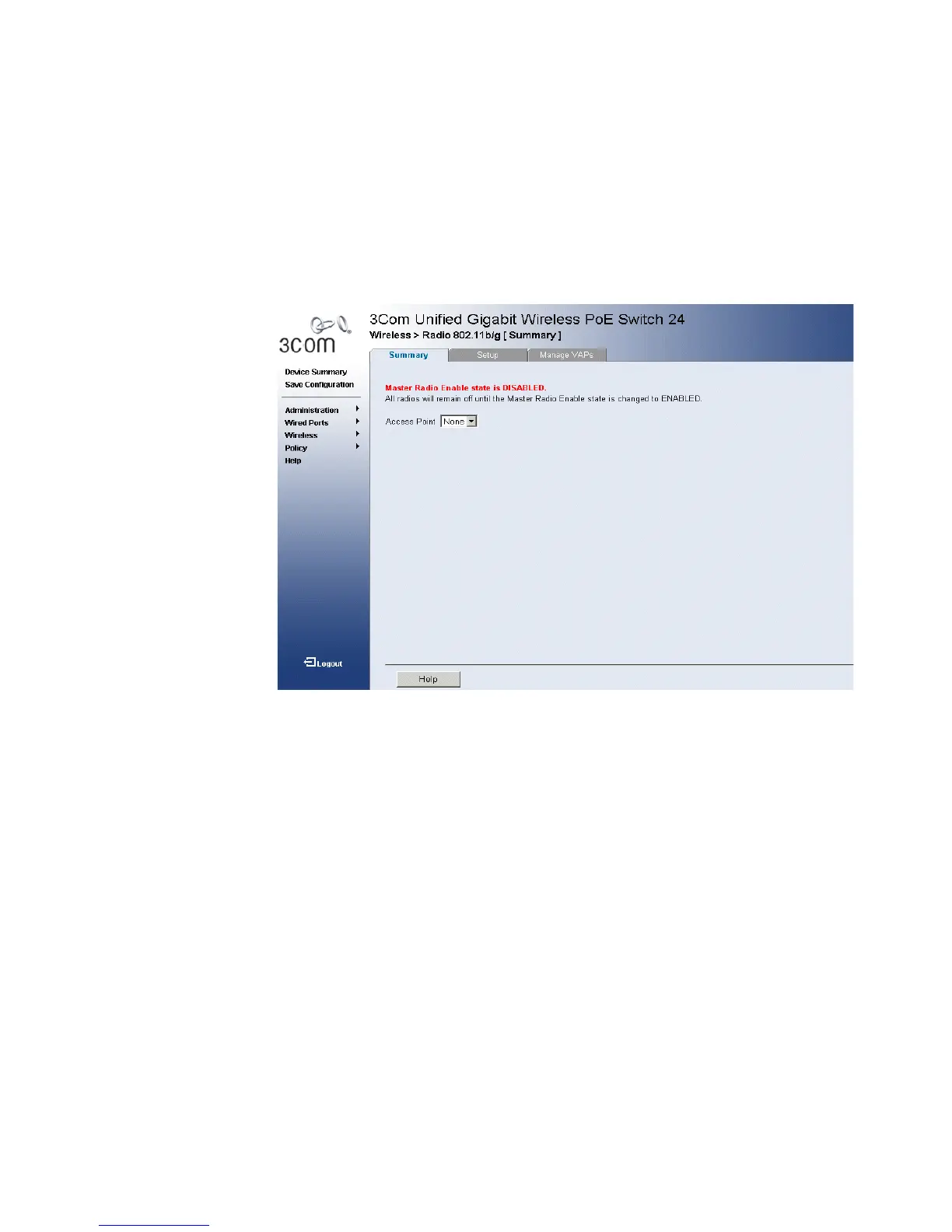
1 Click Wireless > Radio 802.11b/g > Summary. The 802.11b/g Radio
Summary Page opens:
Figure 85 802.11b/g Radio Summary Page
The 802.11b/g Radio Summary Page contains the following fields:
■ Access Point Name — Displays the specific access point to which the
radio settings are assigned.
■ VAP — Displays the virtual access point number.
■ SSID Broadcast — Indicates SSID Broadcasting is enabled. SSID
Broadcasting allows access points to advertise their presence several
times per second by broadcasting beacon frames that carry the SSID
Name.
■ BSSID — Defines the Basic Service set by SSID.
■ Profile — Displays the Profile Name.
2 Select the Access Point to be displayed from the drop-down list.












 To Next Page