54 CHAPTER 3: MANAGING DEVICE SECURITY
Configuring Port Authentication Settings
To configure 802.1x Global Settings:
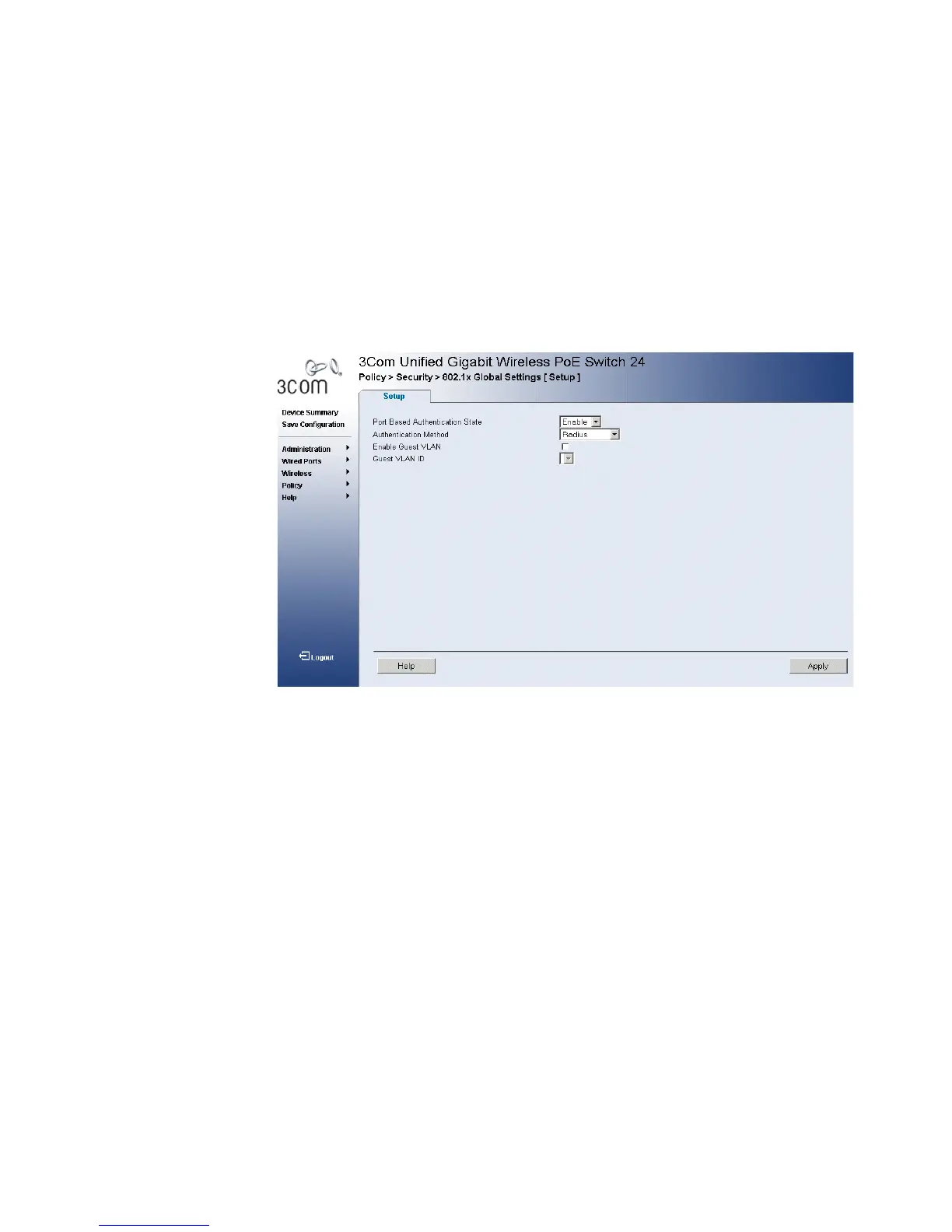
1 Click Policy > Security > 802.1x Global Settings > Setup. The 802.1x
Global Settings Setup Page opens:
Figure 29 802.1x Global Settings Setup Page
The
802.1x Global Settings Setup Page contains the following fields:
■ Port-based Authentication State — Indicates if Port Authentication
is enabled on the device. The possible field values are:
■ Enable — Enables port-based authentication on the device.
■ Disable — Disables port-based authentication on the device.
■ Authentication Method — Specifies the authentication method
used for port authentication. The possible field values are:
■ RADIUS — Provides port authentication using the RADIUS server.
■ RADIUS, None — Provides port authentication, first using the
RADIUS server. If the port is not authenticated, then no
authentication method is used, and the session is permitted.
■ None — Indicates that no authentication method is used to
authenticate the port.
■ Enable Guest VLAN — Provides limited network access to authorized
ports. If a port is denied network access via port-based authorization,












 To Next Page