ptg
C H A P T E R F I V E Creating Output: Saving, Exporting, and Printing
92
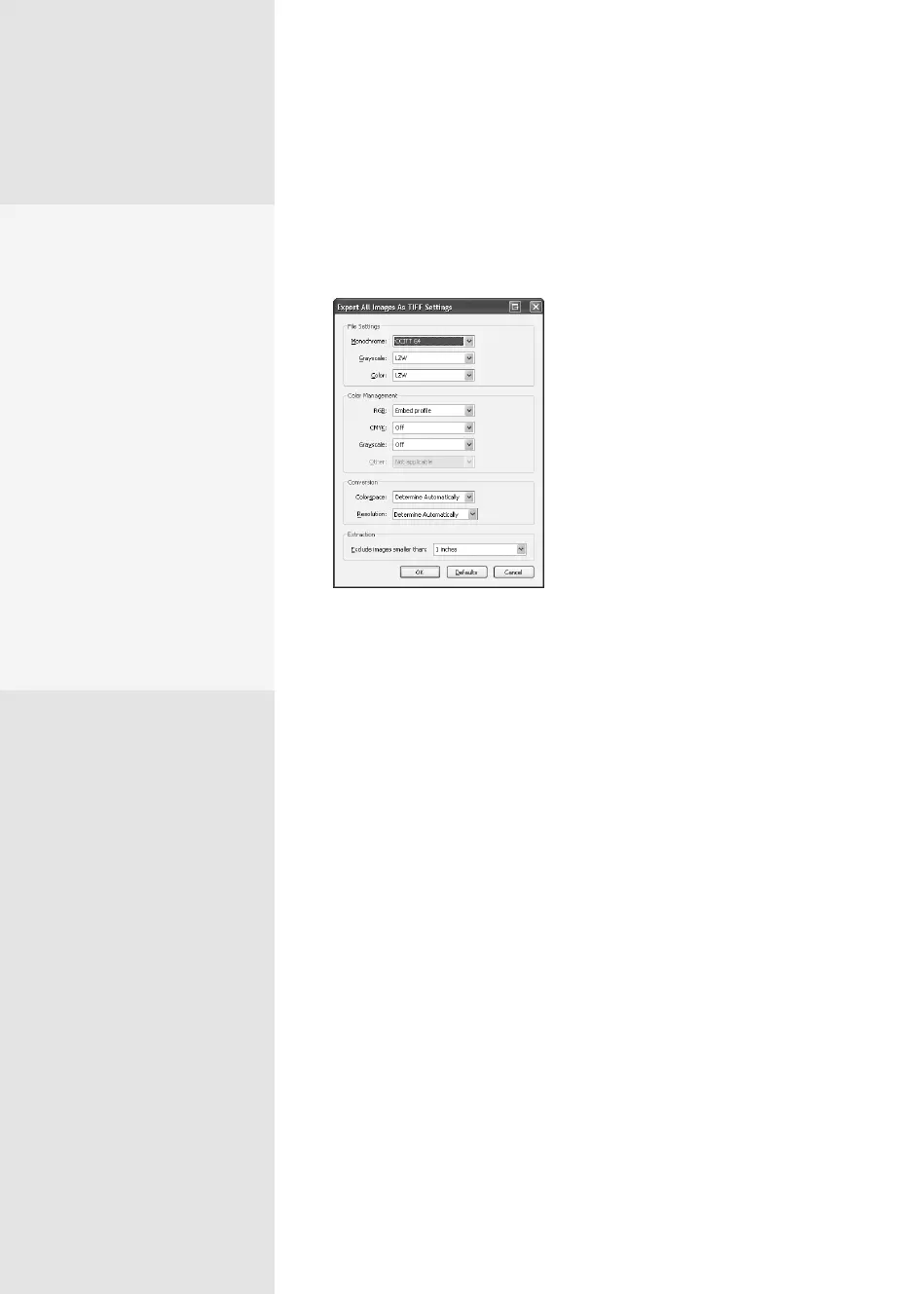
3. Click Settings. In Figure 35, the resultant dialog shows Export All
Images As TIFF Settings. The dialog is similar to that used for congur-
ing export settings for any format that allows for image export.
Figure 35 Specify how to export a
sequence of images in a document.
4. Click Save to export the images to the folder and save them using the
le’s name and an incremental number.
It’s a Good Time to
Use Image Formats
When …
Acrobat offers ways to work
in image formats, which you
might want to do for the
following cases:
•
To use the content as
part of another project or
process.
•
To create thumbnail
images of pages for use
in other documents.
•
To protect the content
in a page. Exporting as
an image with security
prevents text and other
content changes.
From the Library of Daniel Dadian



 To Next Page