ptg
C H A P T E R F O U R T E E N Using Drawings, Maps, and Layers
296
Say you have a document made up of several pages, some containing
layers, some containing maps with georeferenced locations, and still oth-
ers containing content with headings that you want to hyperlink with
bookmarks. You can make the document easier to work with by navigat-
ing from one pane only.
The process of adding a bookmark to a drawing or map is the same as
for adding a basic bookmark—that is, add and name the bookmark, dis-
play the correct view, and set the destination. The process for bookmark-
ing a layered document requires more document manipulation.
Note
For the inside scoop on working with bookmarks, refer to Chapter 15,
“Controlling Action and Interaction.”
Follow these steps to bookmark a layered document:
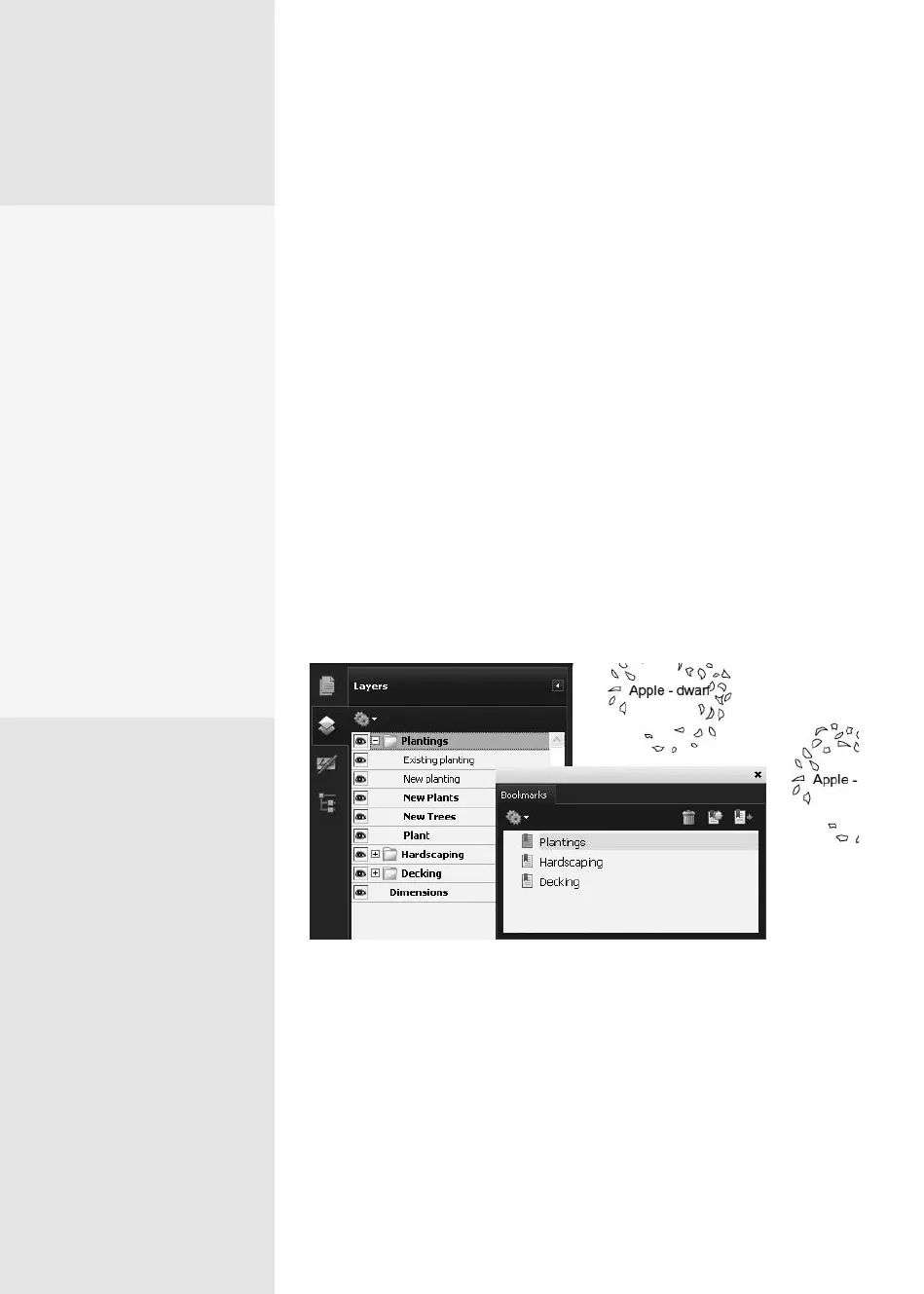
1. Open the Bookmarks pane and add default bookmarks corresponding
to the layers you want to link (Figure 110a). At this point, if you click
any bookmark, it displays the same location on the same page.
Figure 110a Add the bookmarks used to initiate the action.
2. Select the rst layer bookmark and name it. To minimize confusion,
it’s sometimes easier to name the bookmarks and arrange them in the
same order as the layers listed in the Layers pane.
3. In the Layers pane, toggle all layers’ visibility o but the one associated
with the rst bookmark.
Why Use Bookmarks?
Acrobat lets you attach
bookmarks to layers, which
you can use in different
ways. For example, you
can distribute the same
information using different
languages without having to
provide documents in dif-
ferent languages, or you can
show customers samples in
different colors in the same
document. Use bookmarks
in conjunction with layers
to give readers control over
what they see and print. Use
actions to extend the func-
tion of a bookmark beyond
just pointing to a location in
your document.
Bookmarking Drawings,
Maps, or Layers
#
110
From the Library of Daniel Dadian



 To Next Page