ptg
295
dierences in the sidebar “Measurable Dierences.” The values shown
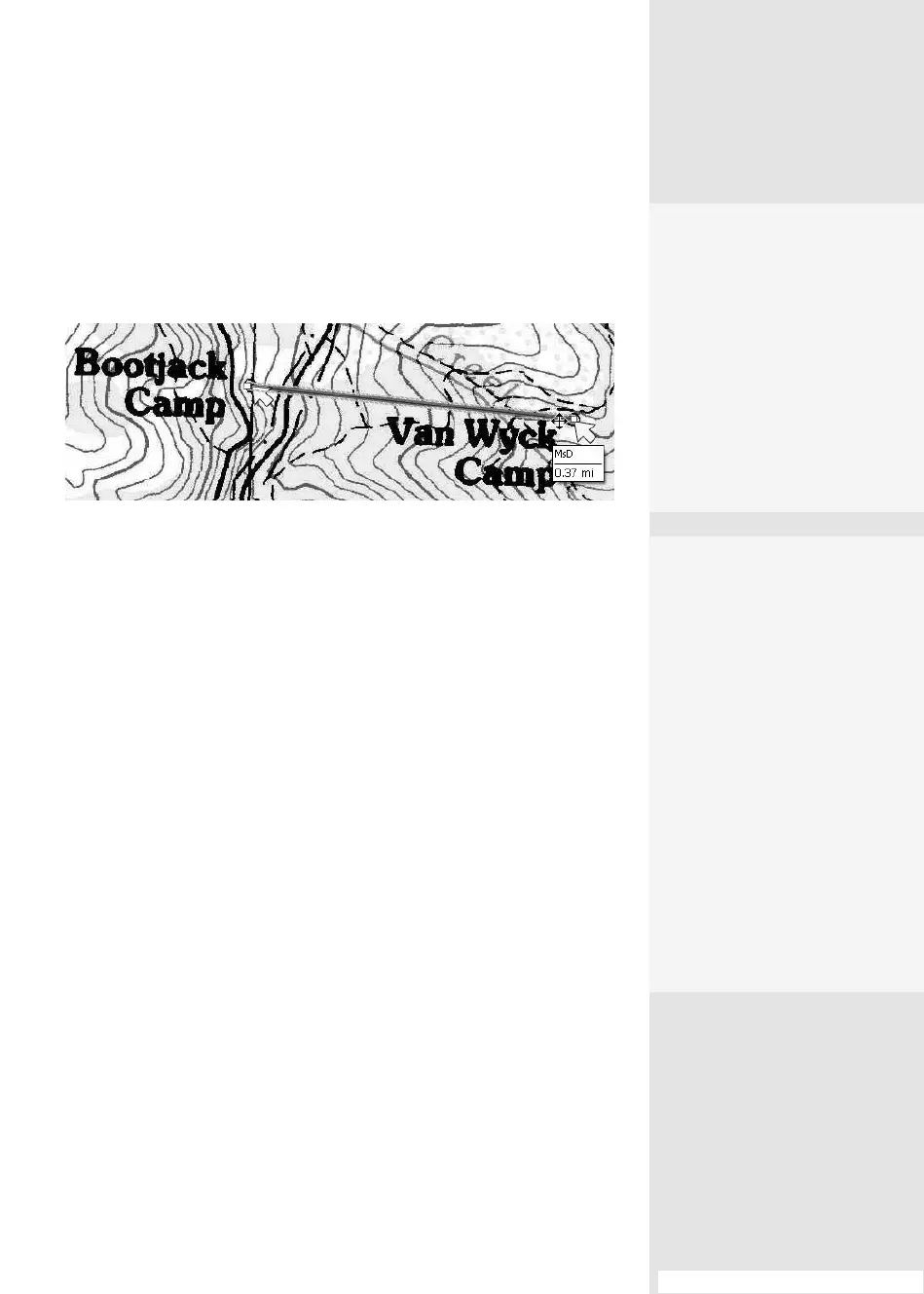
in the measurement are inserted into a comment using the map data
(Figure 109c). Read instructions for using the tools in #108, “Measuring
Objects.”
Figure 109c Locations on a map are measured using the map’s data as units of
measurement.
#109: Commenting and Measuring on a PDF Map
4.
Select a registration sys-
tem from the drop-down
list, and specify default
units of measure.
5.
Click OK to move to the
end of the wizard; the
Geospatial Location
tool and Measurement
tool are now enabled to
interact with geospatial
content in the document.
Measurable
Differences
The measuring tools work
much the same way in map
and non-map PDF files, with
exceptions:
•
On a PDF map, the
measured value is stored
in a drawing markups
comment, such as a line
or polygon.
•
On a PDF map, the
shortcut menu for the
measurement types
includes options to
specify distance units
and area units.
From the Library of Daniel Dadian



 To Next Page