ptg
C H A P T E R S I X T E E N Making Your Documents Secure
334
In Acrobat there are several types of security and trusts that you can
access in dierent locations. In addition to managing your trusted identi-
ties, you need to establish trusts for using multimedia. New to Acrobat 9,
you can choose and export your security settings to share with recipients,
take to another computer, and so on.
Note
Many of the preferences are available for Windows only, as the Pro
Extended features aren’t available for Mac.
Multimedia Trust (legacy).
You need to specify how to manage multi-
media documents and how the document behaves. To get started, choose
Edit > Preferences (Acrobat > Preferences) to open the Preferences dialog.
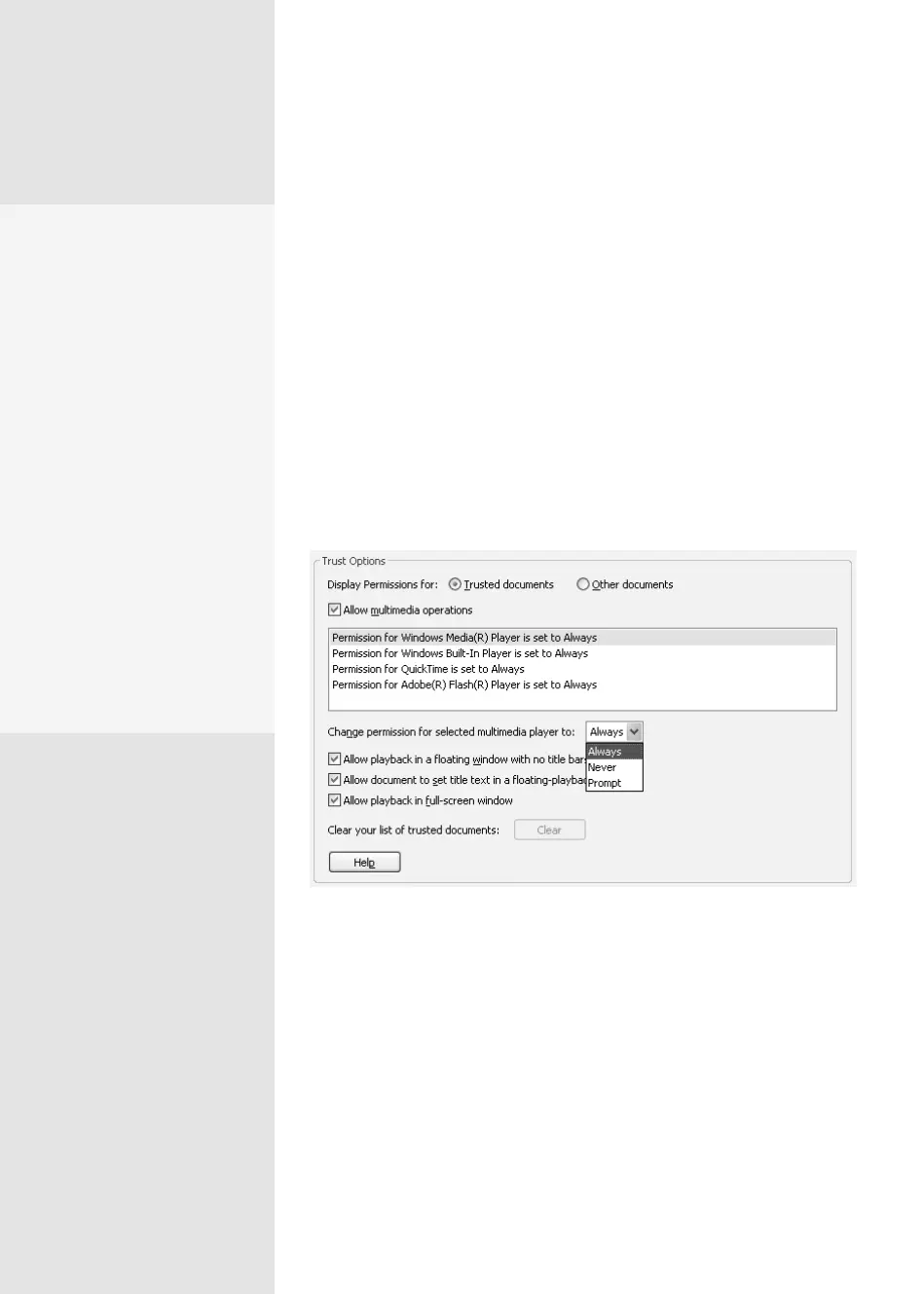
Click Trust Manager to display the Trust Manager settings (Figure 124a).
Figure 124a Specify how different media players and displays are used in Acrobat.
At the top of the dialog, select the “Allow multimedia operations”
check box and then choose an option from the “Change Permission for
selected multimedia player to” pop-up menu. You can select dierent
options for the listed players (see the sidebar “Pick Your Player” for details).
At the lower part of the dialog, select various options for playback, such
as oating windows or full-screen views.
Managing Multimedia
and Security Trusts
#
124
Whom Do You Trust?
In the Trust Manager, click
Change Settings to open
the Manage Internet Access
dialog. Here you’ll specify
how and when PDF files
can connect to Web sites
for sharing and retrieving
information:
•
Start by selecting
whether to allow, block,
or specify a list of sites.
•
Type the URL for a Web
site and specify whether
to allow or block it.
•
Define a default behavior
for sites not included on
your list—always ask,
always allow, or always
block.
From the Library of Daniel Dadian



 To Next Page