ptg
103
4. Click Analyze if you’ve chosen a prole that veries or evaluates some
aspect of the le; click Analyze and Fix if you choose a prole that
tests and makes changes. Acrobat evaluates and applies changes as
required.
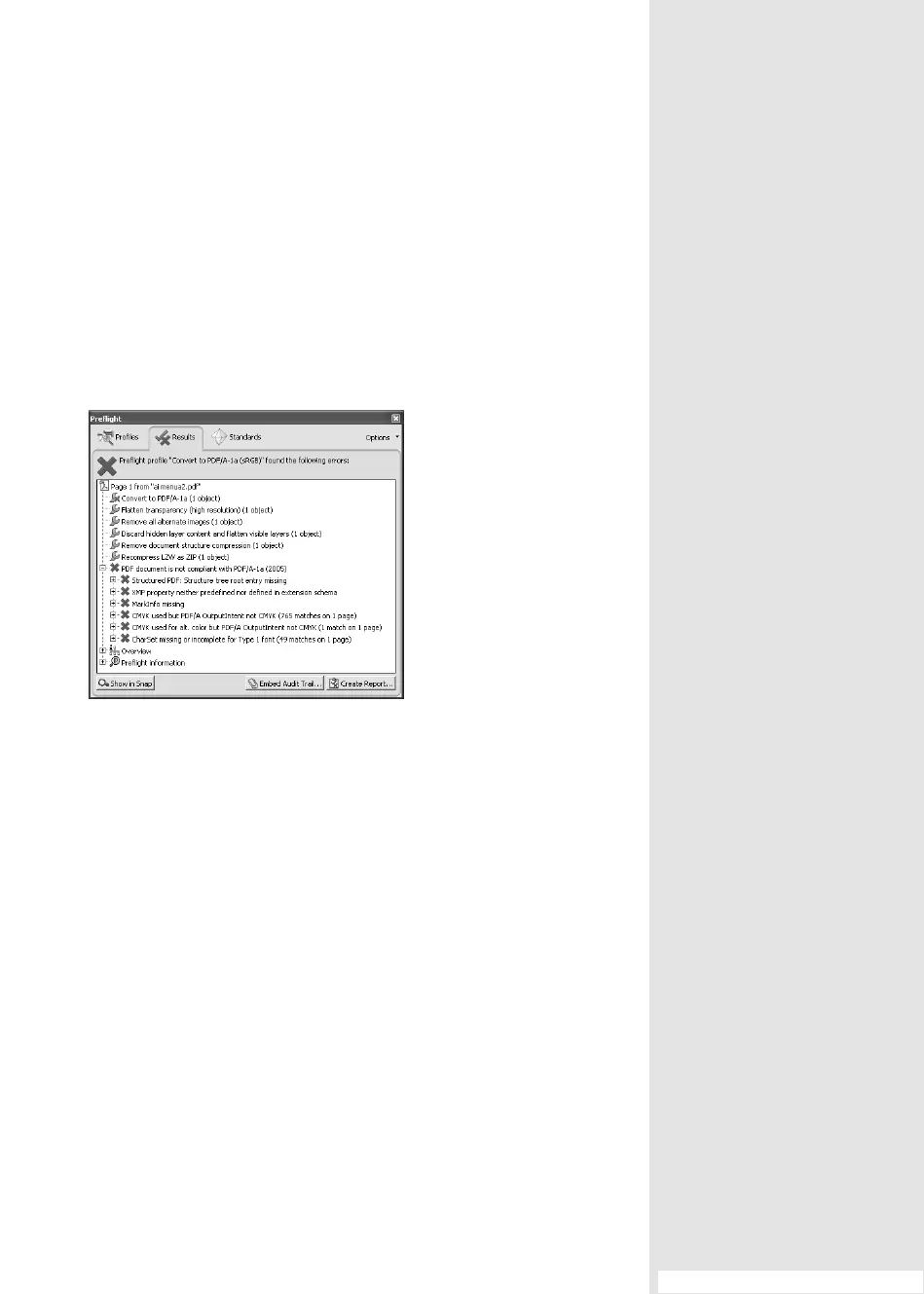
5. The Results tab displays the results. As you see in Figure 39b, there are
some errors, and the source le, although an RGB le, isn’t successfully
converted to a PDF/E-compliant document.
Figure 39b Evaluate the results of your profile.
6. Click the plus sign (+) to the left of any error message to display
detailed information.
#39: Testing and Fixing a Document with Preight
From the Library of Daniel Dadian


 To Next Page
 Loading...