ptg
113
#44: Examining a Document’s Output
•
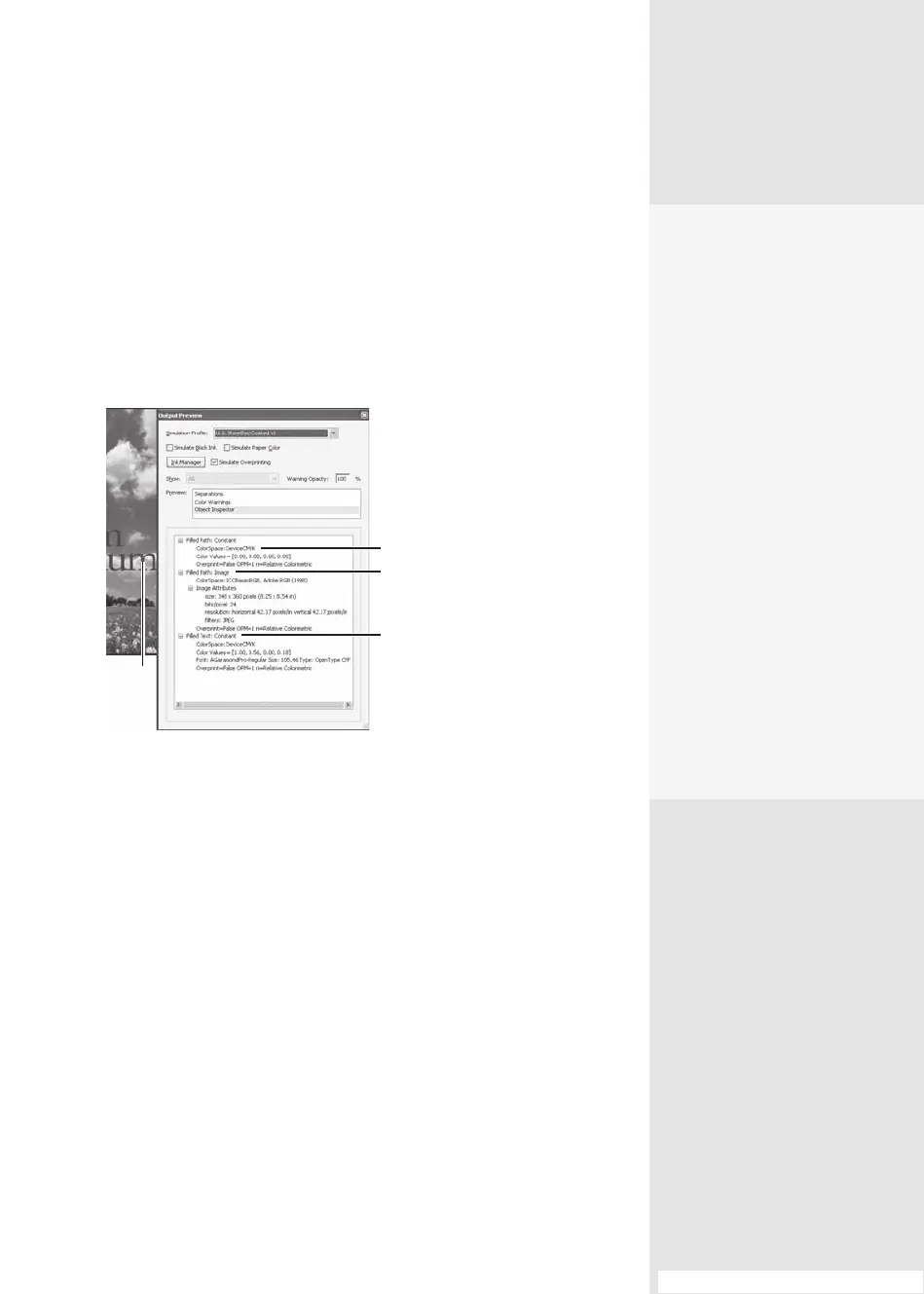
Image information, including resolution, format, and size.
•
Text object information includes the color space and color value,
font name, font size, and so on.
•
Transparency settings, types of blending modes, and other image
manipulation settings applied.
5. Close the dialog when you’ve nished examining your le.
Click object
Graphic frame
Background image
Text heading
Figure 44b The Object Inspector shows details about the
page contents at the cursor location.
The Dish on
Overprinting
One term you may have
heard, and not understood,
is overprinting. Simply put,
overprinting blends the color
of an object (like some text)
with the color of an underly-
ing object. For example, if
a background is 100% cyan
(blue) and the text is 100%
magenta, the areas that
overlap look violet.
In Acrobat 9, overprint
simulation is on by default.
For an individual document,
you can deselect the Simulate
Overprinting check box in the
Output Preview dialog.
By the way, the opposite of
overprint is knockout, where
the overlying object’s color
is opaque.
From the Library of Daniel Dadian



 To Next Page