ptg
3
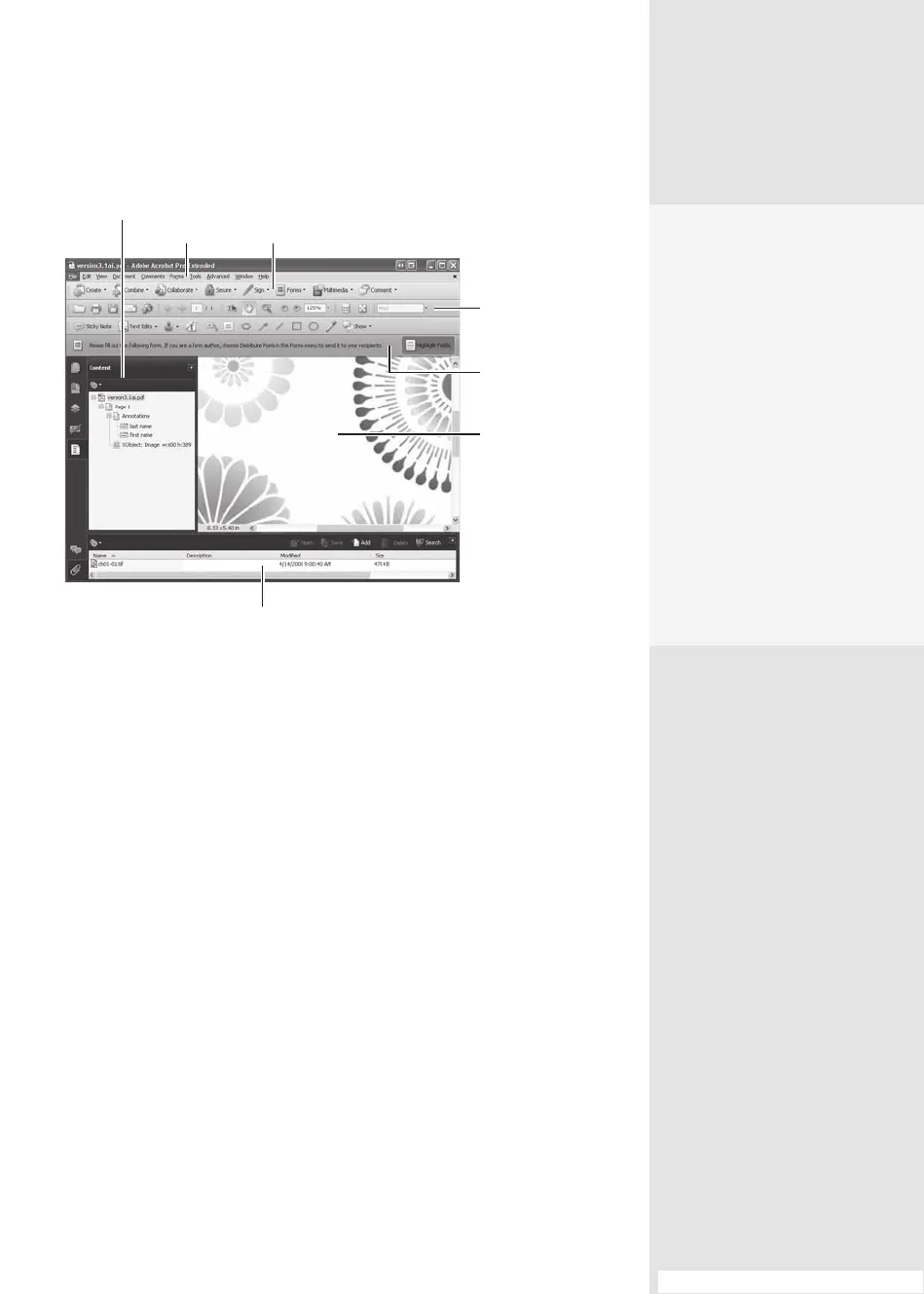
Menu items
Task buttons
Navigation pane
Toolbars
Document pane
Document
message bar
Navigation pane
Figure 1 The Acrobat 9 Pro interface is made up of several components.
Note
Throughout this book, the Windows command is given first, followed by
the Mac command in parentheses.
No Pane? No Problem
If you open multiple docu-
ments in Acrobat, each
opens in its own program
window. You’ll see that each
instance of the program is
complete with its own menu
and toolbars—but not Navi-
gation panes. To show them,
right-click (Control-click)
anywhere in the left side of
the window to display the
shortcut menu and choose
Show Navigation Panes.
Once the panes display, you
can pick and choose which
panes you want to view.
#1: Getting Around the Interface
From the Library of Daniel Dadian



 To Next Page