ptg
CHAPTER ONE Getting Started, Staying Organized
6
•
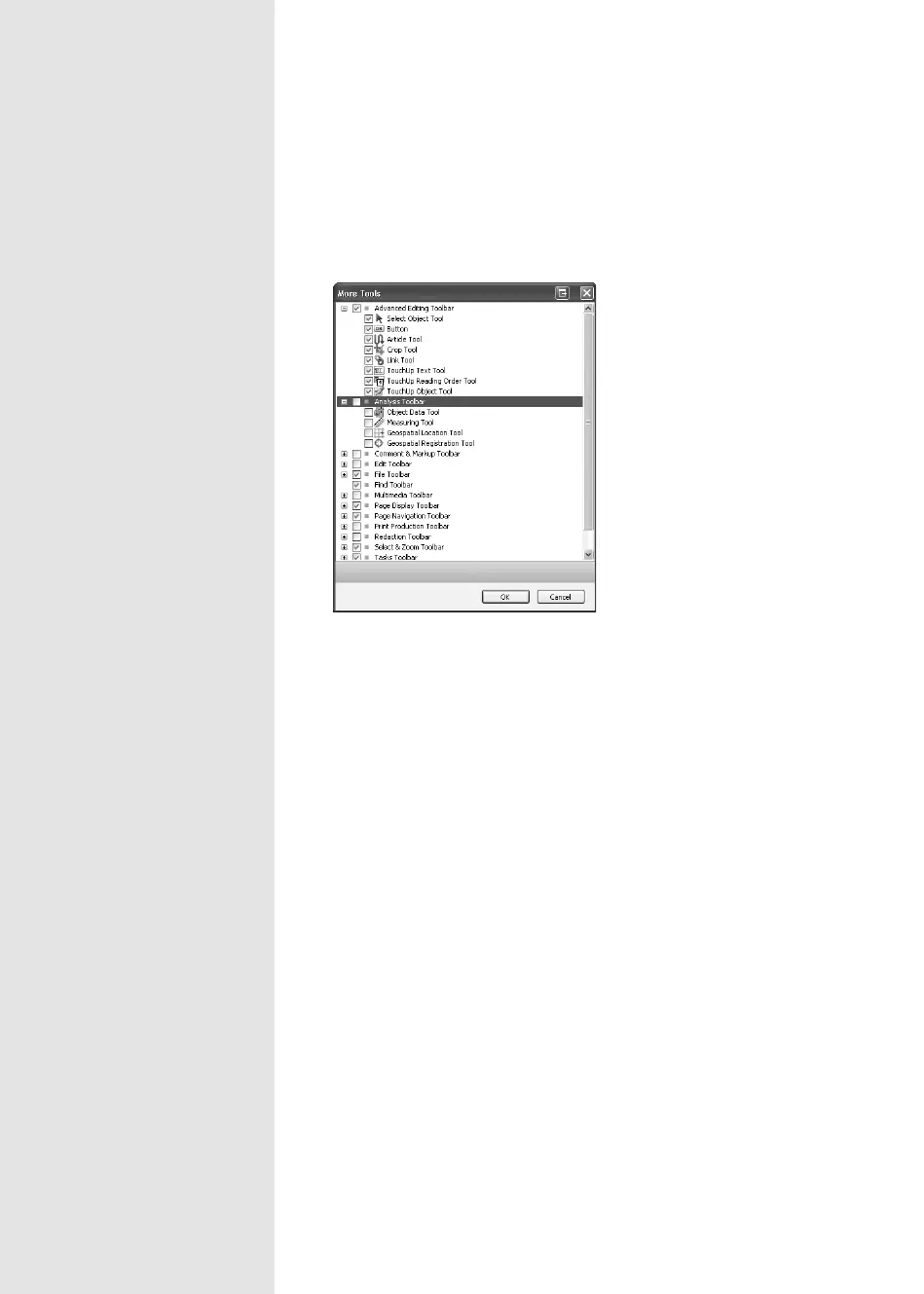
Right-click (Control-click) the toolbar well and choose More Tools to
open the More Tools dialog (Figure 3b).
Figure 3b Select tools to display
and hide in the More Tools dialog.
From the Library of Daniel Dadian



 To Next Page