ptg
159
#61: Extracting Active Text from an Image
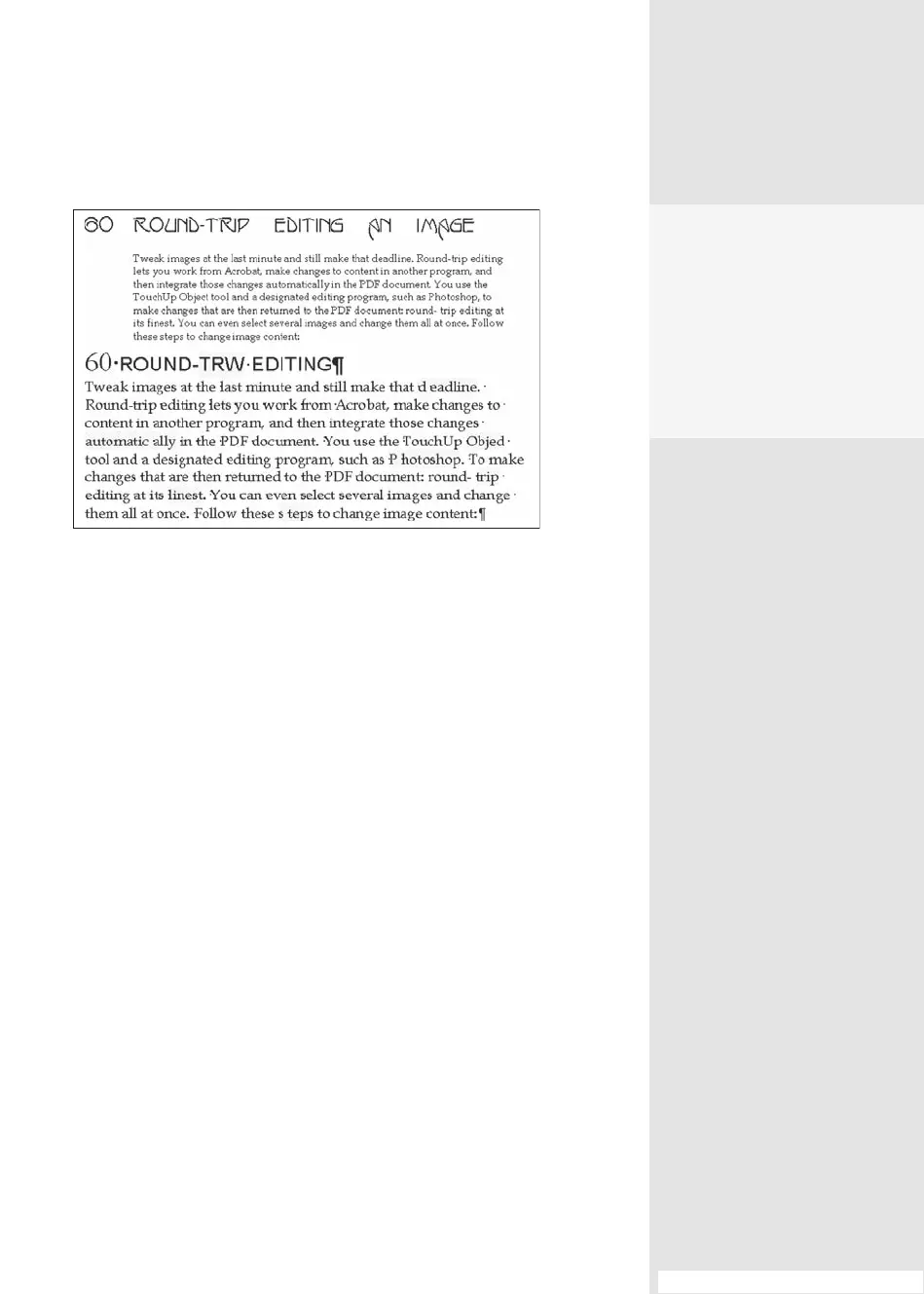
Figure 61b Acrobat tries to interpret as much as possible of the page’s content
as text, but won’t recognize text on a dark-colored background.
Note
If you’re wondering where the captured text came from, it’s simple: All I did
was select and copy the paragraph in the PDF le, and then I pasted it into
a Word document. The highlights were added in Word for illustration.
Scan and Convert
If you are scanning a docu-
ment in Acrobat 9, creating
searchable text is a default
part of the scanning proc-
ess. See #21, “Creating a PDF
from Web Pages in Acrobat,”
for more details.
From the Library of Daniel Dadian



 To Next Page