ptg
201
#76: Exporting Comments to a Word Document (Windows)
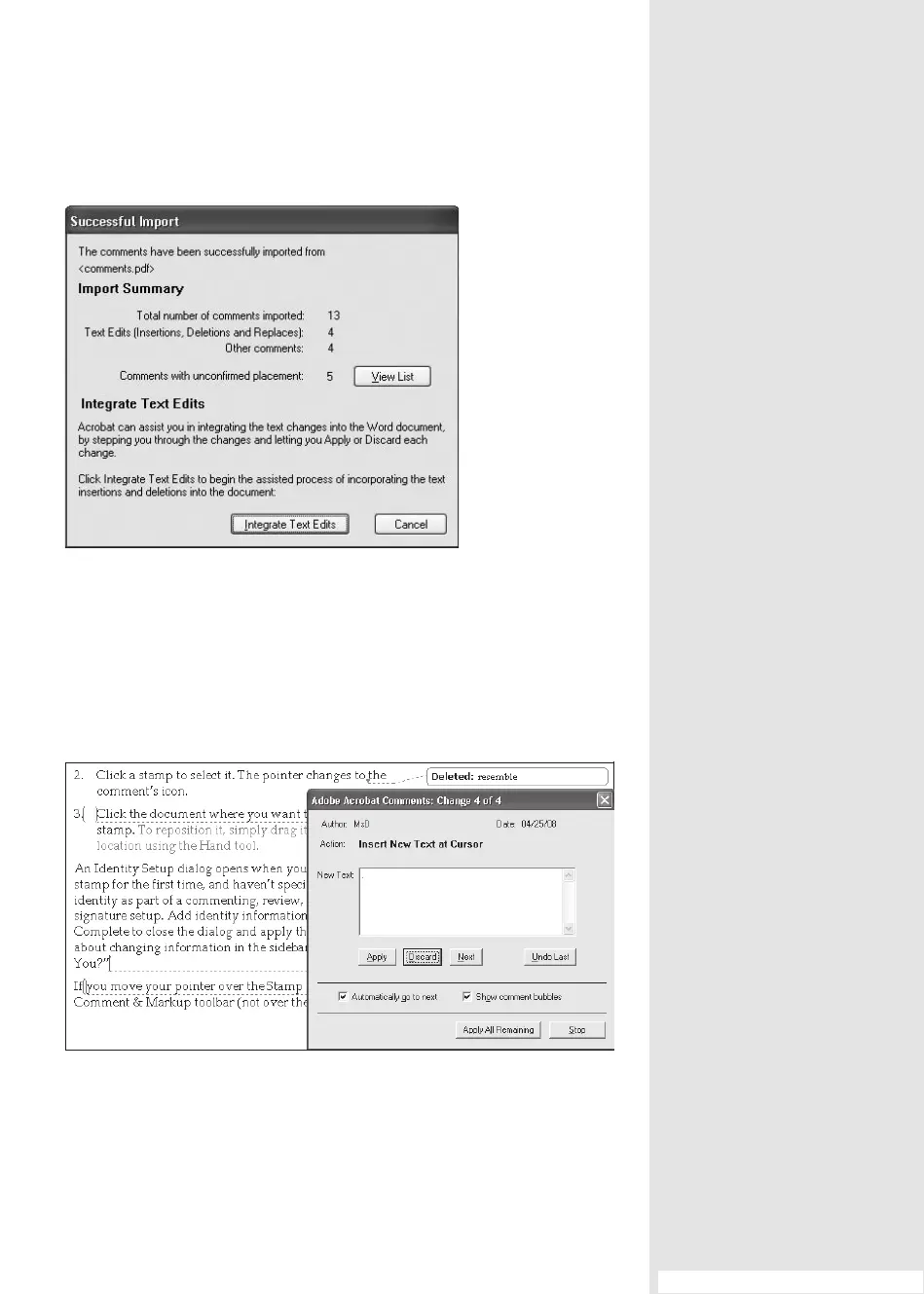
Figure 76a Acrobat tells you when it has finished importing
the comments into the document.
5. Click Next in the Adobe Acrobat Comments dialog to continue with
the next edit—click “Automatically go to next” to save mouse clicks.
Continue until you’ve viewed and applied all the edits. If you don’t
want to use the edit, click Discard (Figure 76b).
Figure 76b Evaluate each comment and change before applying or rejecting it in the
integration process.
(continued on next page)
From the Library of Daniel Dadian


 To Next Page
 Loading...