ptg
C H A P T E R E L E V E N Live Reviewing and Collaboration
210
If you don’t have an Adobe ID, click Sign Up! and follow the prompts.
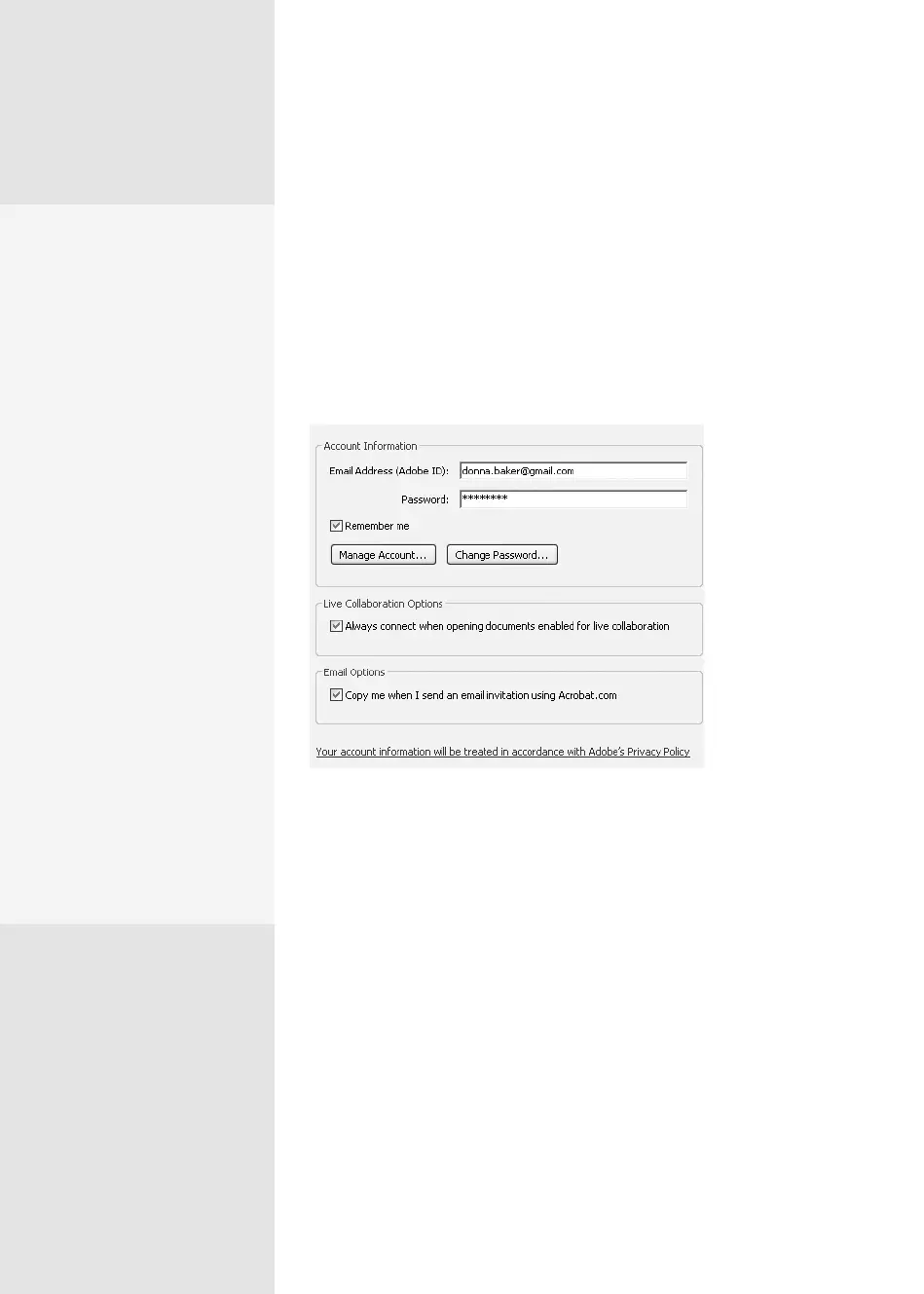
From Acrobat or Adobe Reader, you can set Acrobat.com access con-
trols in the program preferences. Choose Edit > Preferences (Acrobat/
Adobe Reader > Preferences) and choose Acrobat.com from the list to
display the settings (Figure 78c). Using the preferences, you can manage
your Acrobat.com account, as well as specify how to manage invitations
and les enabled for live online collaboration. (Read more in the sidebar
“Manage Acrobat.com Preferences.”)
Figure 78c Specify your settings for Acrobat.com in the program preferences.
Create a PDF File
Online
The Acrobat.com service
includes five free PDF file
conversions. Beyond that
number, you can subscribe
to the Create Adobe PDF
Online service (or convert
files yourself in Acrobat).
A file can be up to 200 MB in
size. The service can convert
multiple file types to PDF,
including the following:
•
Text as TXT, PS, or RTF
•
Image files in BMP, GIF,
JPEG, TIFF, and PNG
formats
•
Microsoft Office files in
DOC, XLS, PPT, and PRJ
formats
•
Open Office files in ODT,
ODP, ODS, ODG, and ODF
formats
•
Star Office files in SWX,
SXI, SXC, SXD, and STW
formats
•
WordPerfect WPD files
From the Library of Daniel Dadian



 To Next Page