ptg
C H A P T E R T W E L V E Creating and Handling Forms
246
•
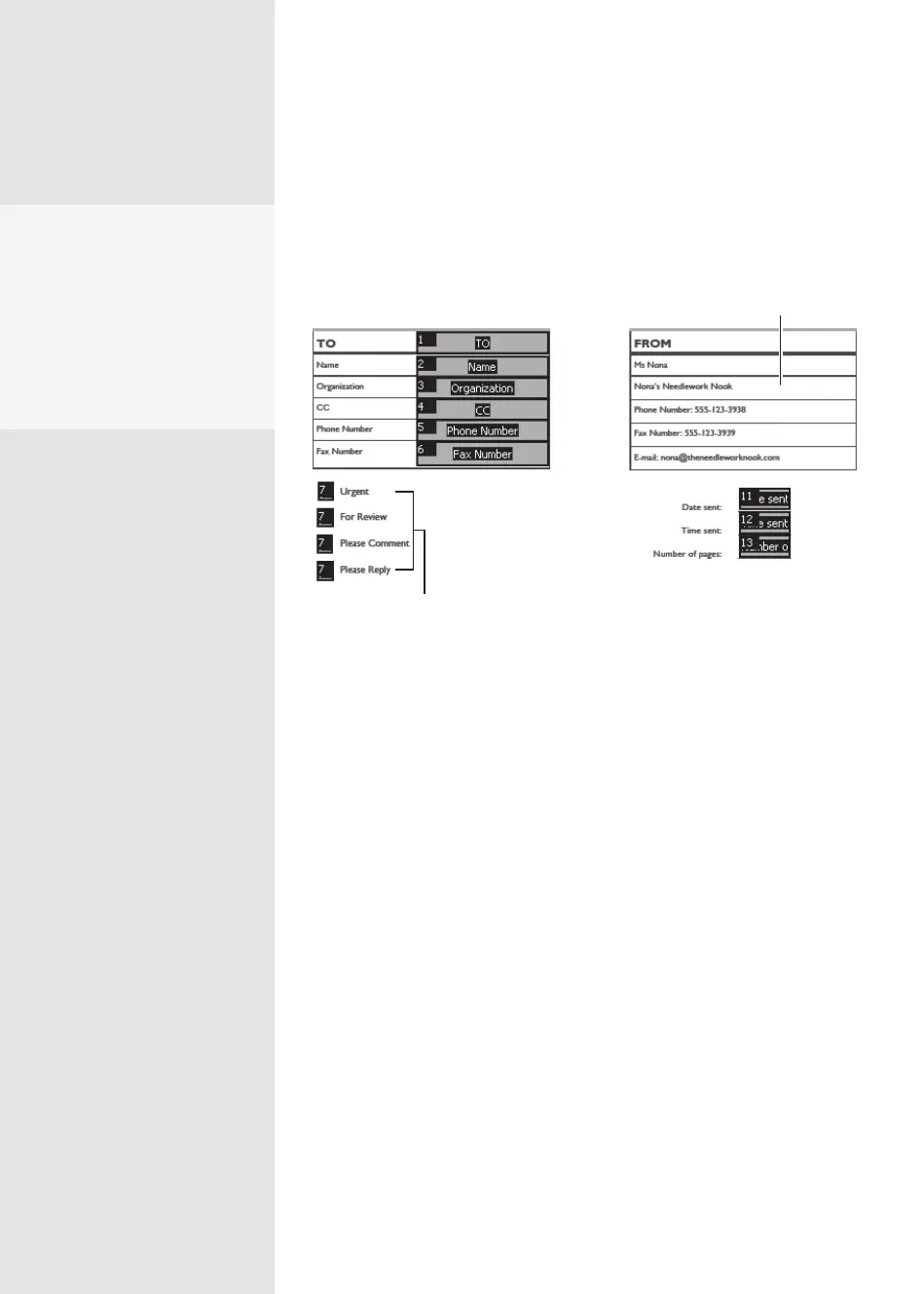
Choose Show Tab Numbers to see the tab order on your form. If you
delete extraneous elds, your tab order remains intact, but you see the
remaining elds don’t renumber themselves (Figure 90b).
Original fields deleted
Set of radio buttons
counts as one field
Figure 90b The tab order for the fields is numbered, excluding those fields that were
deleted from the form.
The form fields on the docu-
ment are now identified by
the selected background
color when the Highlight
Fields option is selected on
the Document Message Bar,
and show a border when the
mouse moves over a field.
From the Library of Daniel Dadian



 To Next Page