ptg
C H A P T E R T W E L V E Creating and Handling Forms
248
4. Modify the elds as required. In the example, which uses ve text elds
and one check box, only the check box was inserted manually.
5. Save the le, and close the Form Editing mode window.
6. Choose Document > Replace Pages to open the Select File With New
Pages dialog. Locate and select the full version of the form. Click OK;
click OK in the subsequent Replace Pages dialog.
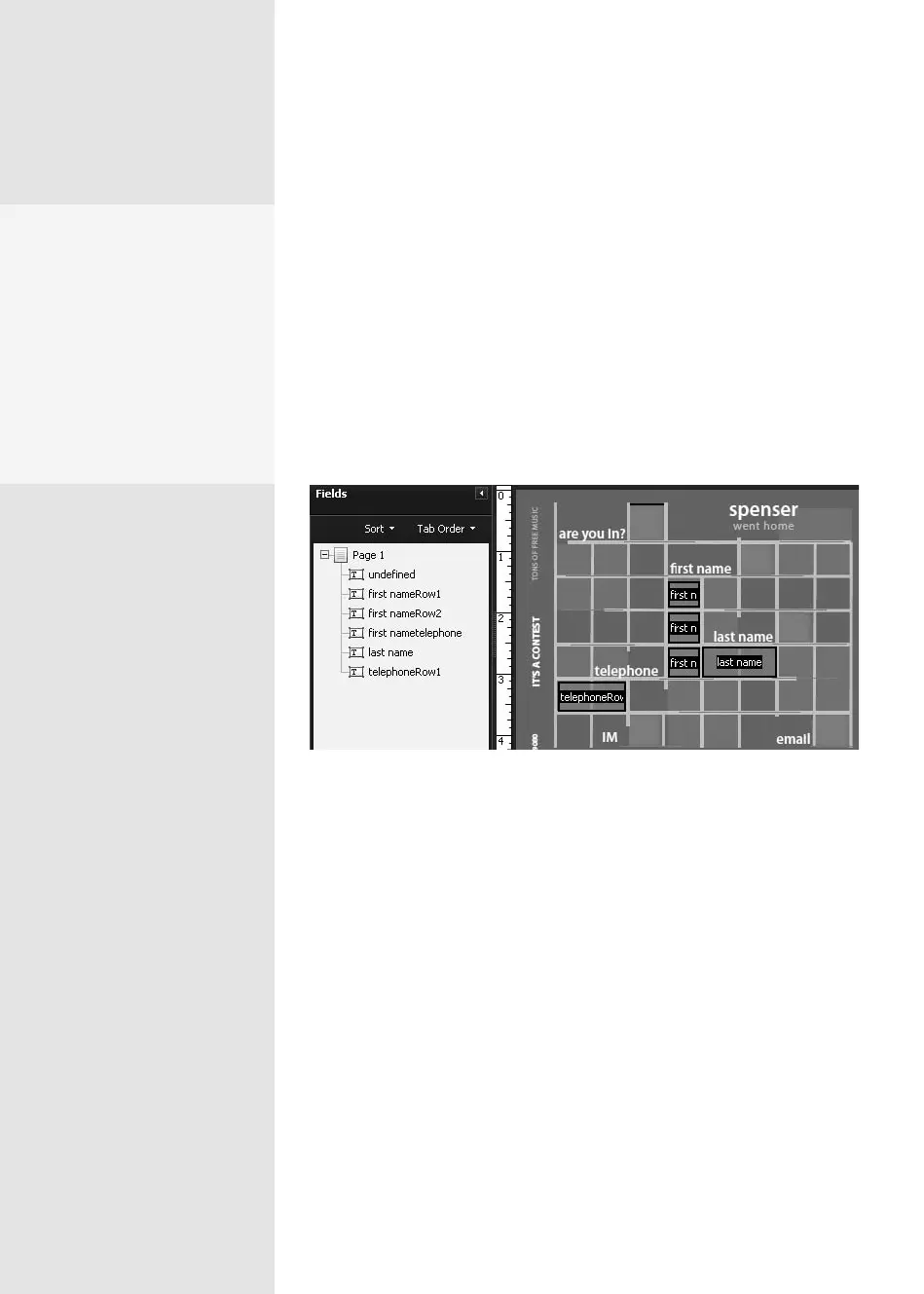
The full form structure replaces the simplied form structure without
aecting the elds (Figure 91b). Read about replacing pages in #50,
“Changing Pages and Their Contents.”
Figure 91b The revised form shows different content but the same field structure.
LiveCycle Designer
on Mac
Although you won’t find
LCD available for the Mac
in Acrobat 9, here’s a con
-
venient workaround: Use
VMware Fusion™ on an Intel
Mac and install Acrobat on
XP or Vista OS. It’s the best of
both worlds!
From the Library of Daniel Dadian



 To Next Page