ptg
C H A P T E R T H I R T E E N Using Flash Video and 3D Media
276
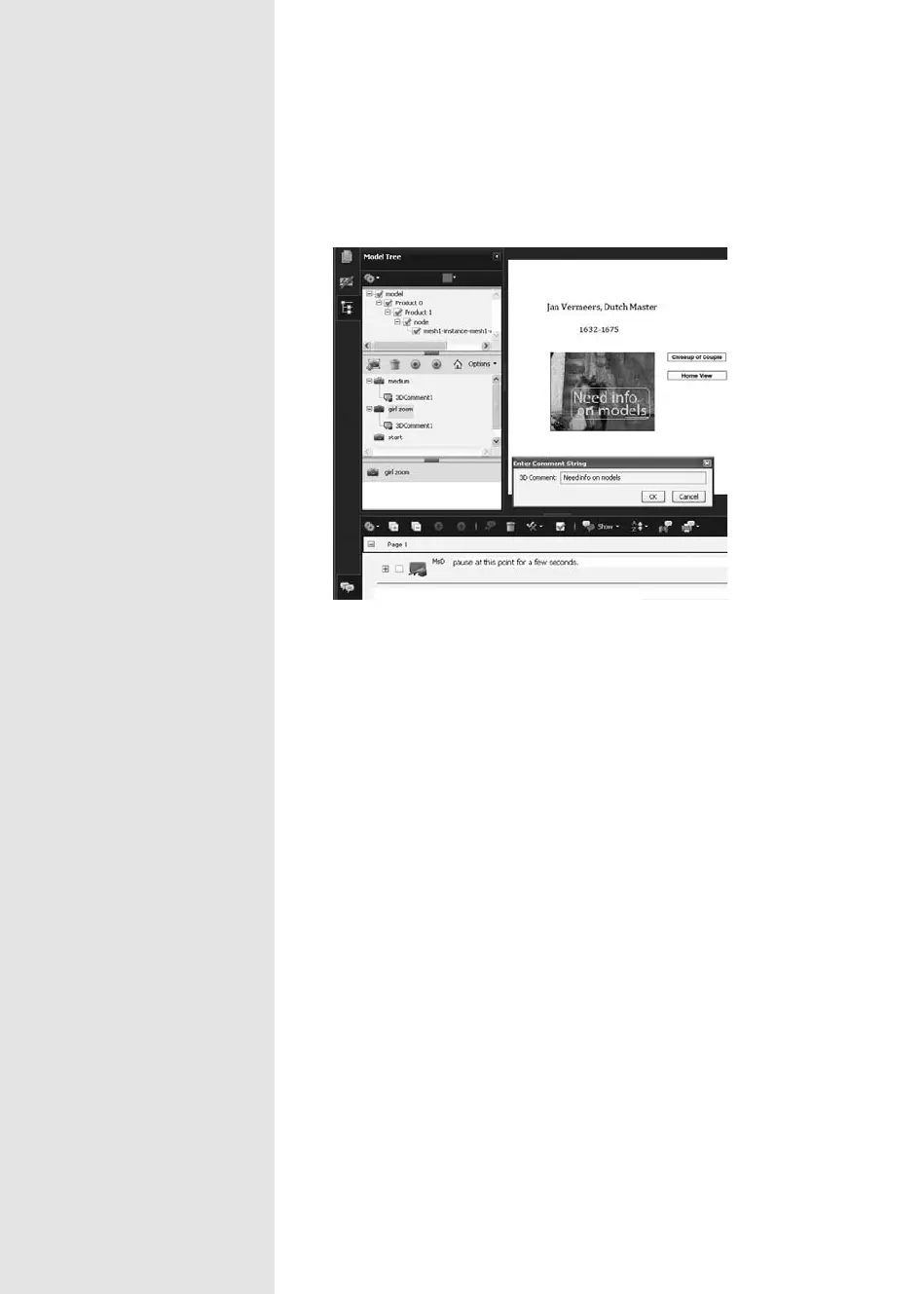
3. Type the comment in the Enter Comment String dialog (Figure 101b).
Figure 101b Add a comment to a particular part or view of a model.
Note
In Figure 101b, the dialog shown overlaying the Acrobat window is a
duplicate of the comment added—the comment is shown in the Com-
ments List and Model Tree.
Comment & Markup tools. Choose a tool from the Comment &
Markup toolbar, and click inside the 3D area. Add your comment.
From the Library of Daniel Dadian



 To Next Page