ptg
C H A P T E R T H I R T E E N Using Flash Video and 3D Media
278
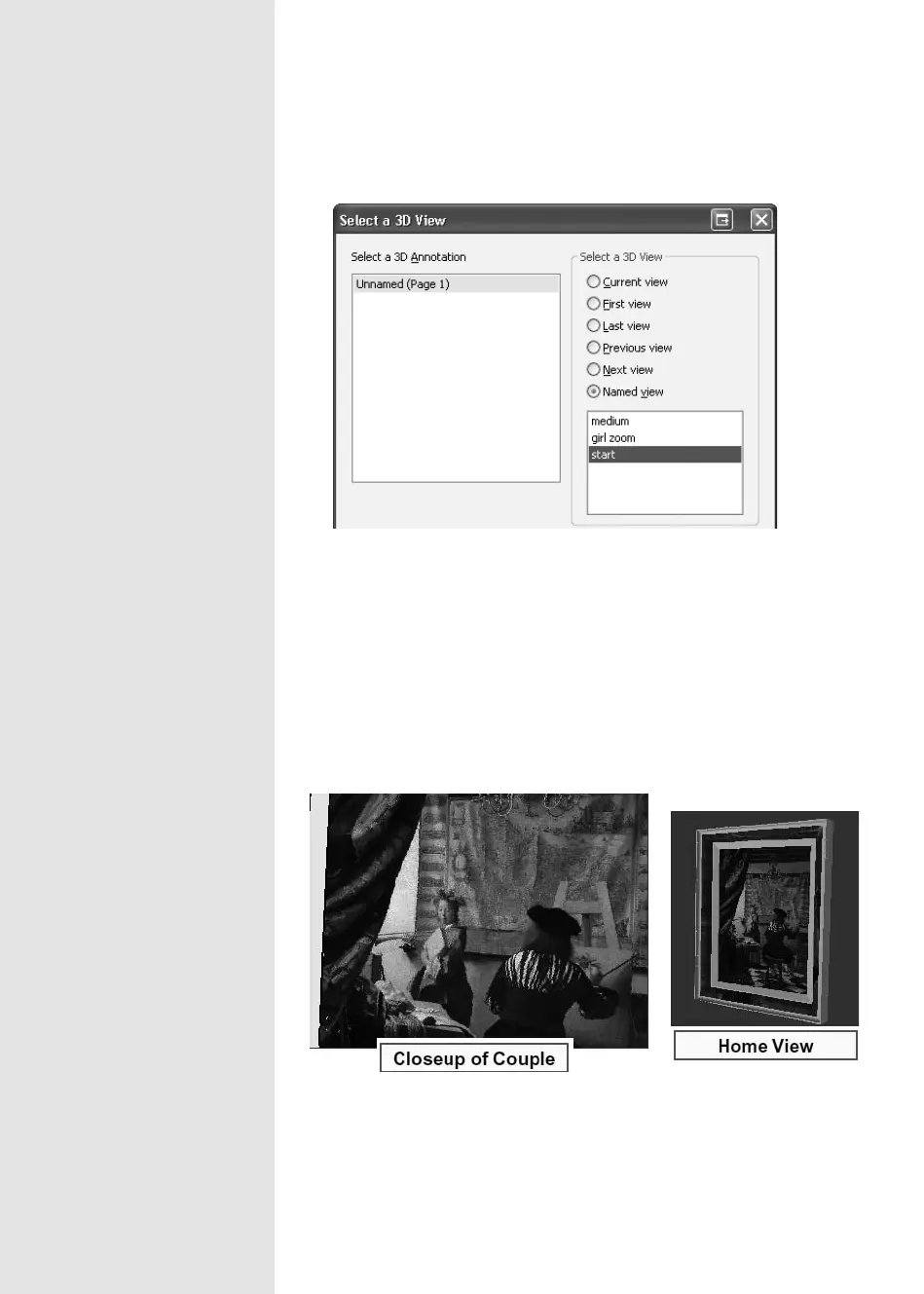
Figure 102a Choose one of the views added to the model.
6. Click OK to close the dialog and return to the Button Properties dialog,
where you’ll see the new action listed in the Action tab in the dialog.
7. Click OK to close the Button Properties dialog and return to the
document.
8. Click the Hand tool and then click your button to display the view you
set earlier. Add other buttons as needed (Figure 102b).
Figure 102b Add buttons to show different views of your model. Left shows the close-
up of the couple; right shows the default model view.
From the Library of Daniel Dadian



 To Next Page