ptg
CHAPTER ONE Getting Started, Staying Organized
18
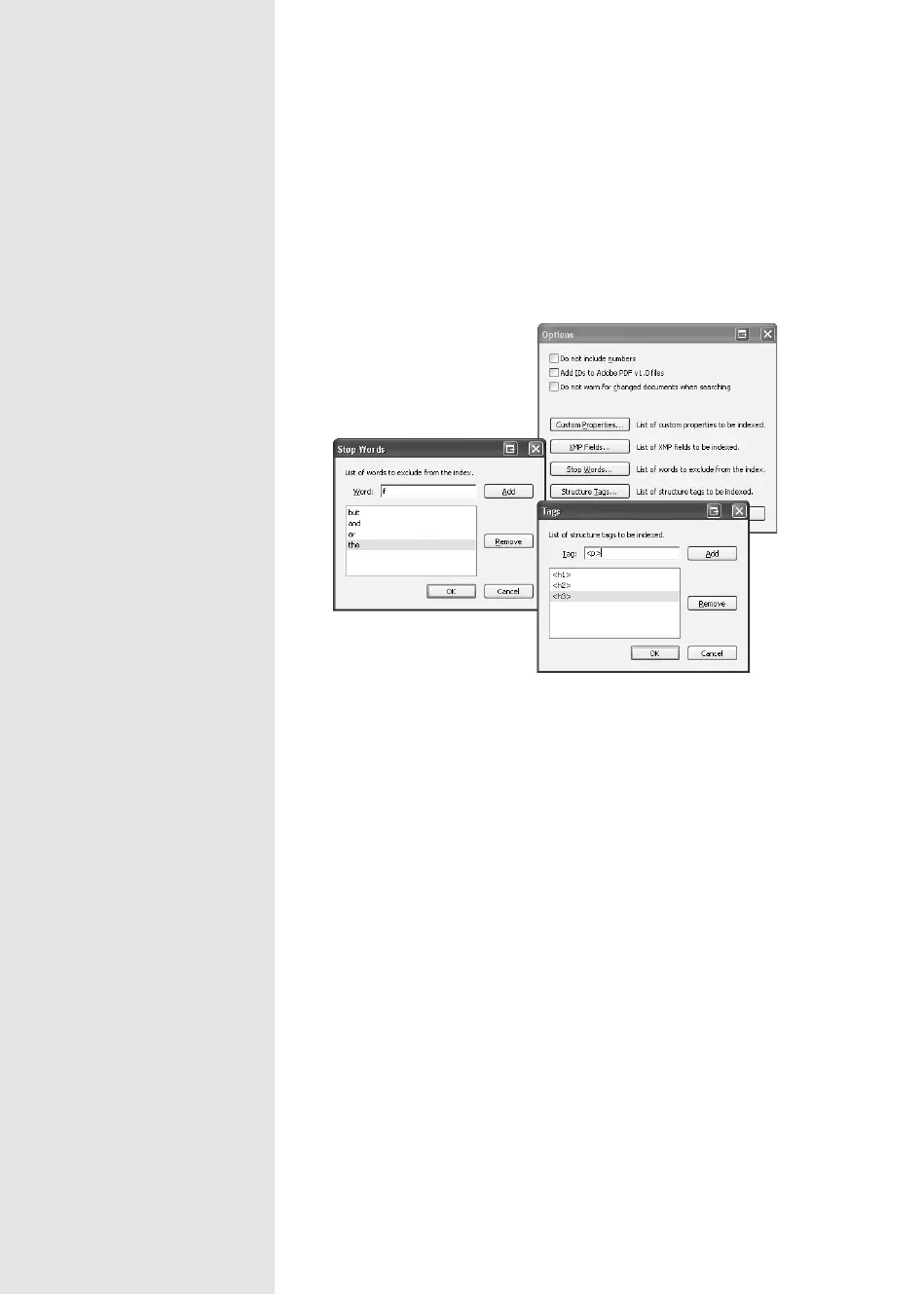
3. Click Options to display ways to either add or remove content from the
index in the Options dialog (Figure 8b). Choose to exclude numbers,
add custom properties, use stop words, or specify the tags to include,
described in the sidebar “Getting Ready for Indexing.”
Figure 8b Specify the options you want to include—or exclude—
in the index.
4. Click OK to dismiss the Options dialog, and then click the Build but-
ton at the bottom of the Index Definition dialog. The collection is
processed and the results displayed in the Build dialog. Click Close to
dismiss the Build dialog.
Note
Several files are added to the index’s folder, including a log file and the
index.pdx file, which is the index’s database file. There is also a folder con-
taining two more indexing files. Don’t delete or move any of the indexing
folders or files, or you will corrupt the index.
From the Library of Daniel Dadian



 To Next Page