ptg
CHAPTER TWO Creating PDF Files Outside Acrobat
42
Whether you archive e-mail messages manually or using the auto-
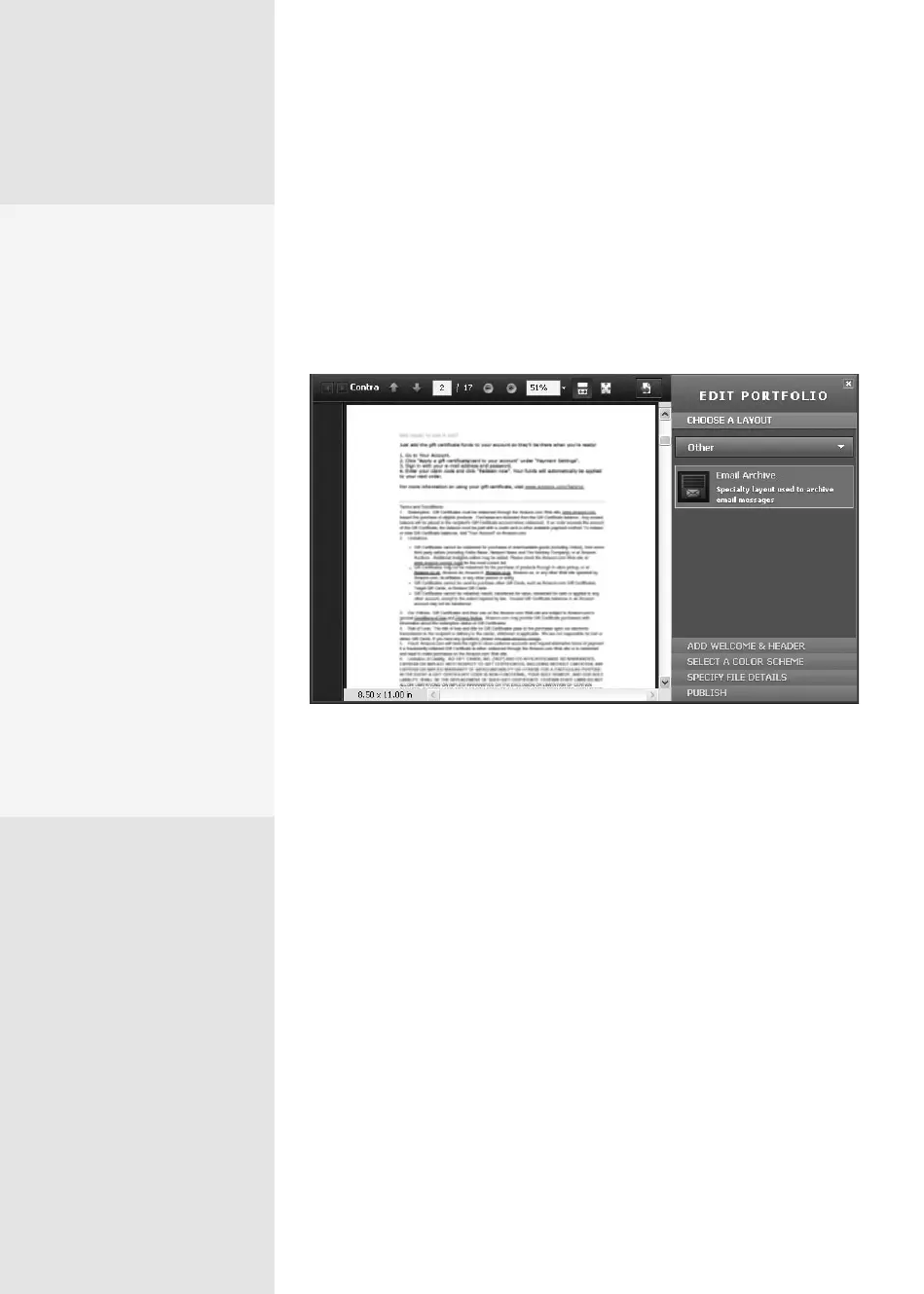
matic archiving, the files are combined into a PDF Portfolio, named
using the folder’s name (Figure 16b). You can locate the contents of the
archive based on folder location for the source file, sender, date, subject,
and whether there are file attachments. Read about constructing a PDF
Portfolio in Chapter 4, “Producing a PDF Portfolio.”
Figure 16b The e-mail messages are combined into a PDF Portfolio.
Planning Archival
Names
Some organizations such as
governments require that all
e-mails be saved. Archiving
e-mails using PDF is a terrific
way to organize material for
storage. Regardless of why
you need to archive e-mail, it
pays to take a few minutes to
organize a method for nam-
ing the archives.
For a graphic designer, con-
sultant, or engineer, it may
be useful to archive accord-
ing to project name, for
instance. In other circum-
stances, it may be useful to
archive by sender’s name;
you might want to select
files and track correspond-
ence regarding purchases
by product name if you are
involved in a retail business.
From the Library of Daniel Dadian



 To Next Page