Programming Control
How
to
Read
Table 3
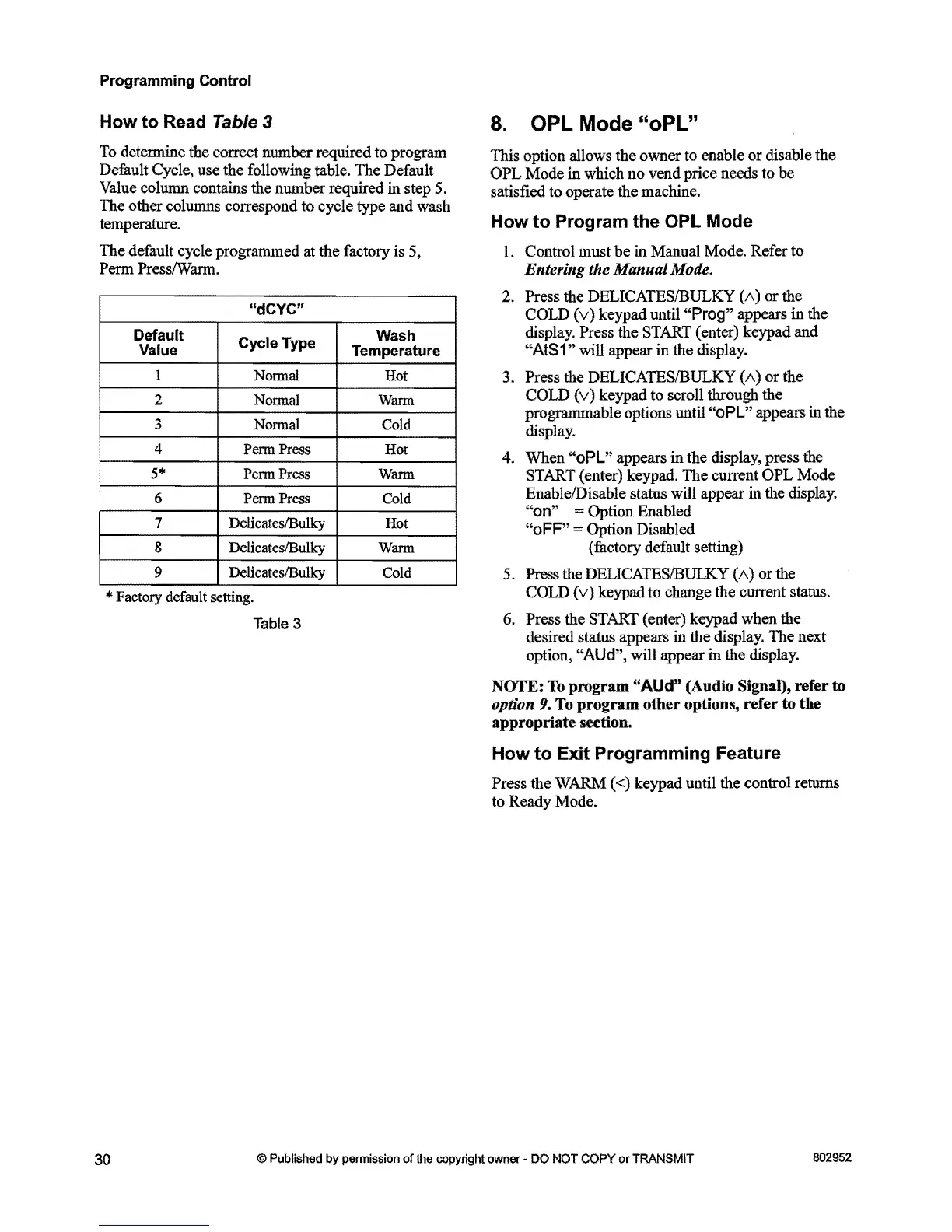
To determine the correct number required to program
Default Cycle, use the following table. The Default
Value column contains the number required in step 5.
The other columns correspond to cycle type and wash
temperature.
The default cycle programmed at the factory is 5,
Perm PresslWarm.
"dCYC"
Default
Value
Cycle Type
Wash
Temperature
1
Nonnal Hot
2
Warm
3
Cold
4
Penn
Press Hot
5*
Penn
Press Warm
6
Penn
Press Cold
7 Delicates/Bulky
Hot
8 DelicateslBulky Warm
9 DelicateslBulky
Cold
* Factory default setting.
Table
3
8. OPL Mode "oPL"
This option allows the owner to enable
or
disable the
OPL
Mode in which no vend price needs to be
satisfied to operate the machine.
How
to
Program the OPL Mode
1.
Control must
be
in Manual Mode. Refer to
Entering the Manual Mode.
2. Press the DELICATESIBULKY (/\) or the
COLD
(v)
keypad until "Prog" appears in the
display. Press the START (enter) keypad and
"AtS1" will appear
in
the display.
3.
Press the DELICATESIBULKY (/\)
or
the
COLD
(v)
keypad to scroll through the
programmable options until
"oPL" appears in the
display.
4.
When "oPL" appears
in
the display, press the
START (enter) keypad. The current OPL Mode
EnablelDisable status will appear in the display.
"on" =Option Enabled
"oFF" = Option Disabled
(factory default setting)
5.
Press the DELICATESIBULKY (/\)
or
the
COLD
(v)
keypad to change the current status.
6.
Press the START (enter) keypad when the
desired status appears
in
the display. The next
option,
"AUd", will appear in the display.
NOTE:
To
program
"AUd"
(Audio Signal), refer to
option 9.
To
program
other options, refer to the
appropriate section.
How
to
Exit Programming Feature
Press the WARM «) keypad until the control returns
to Ready Mode.
30
© Published by permission of
the
copyright owner -
DO
NOT
COPY
or TRANSMIT
802952



 To Next Page