118 Chapter 6 Autel Enterprise App
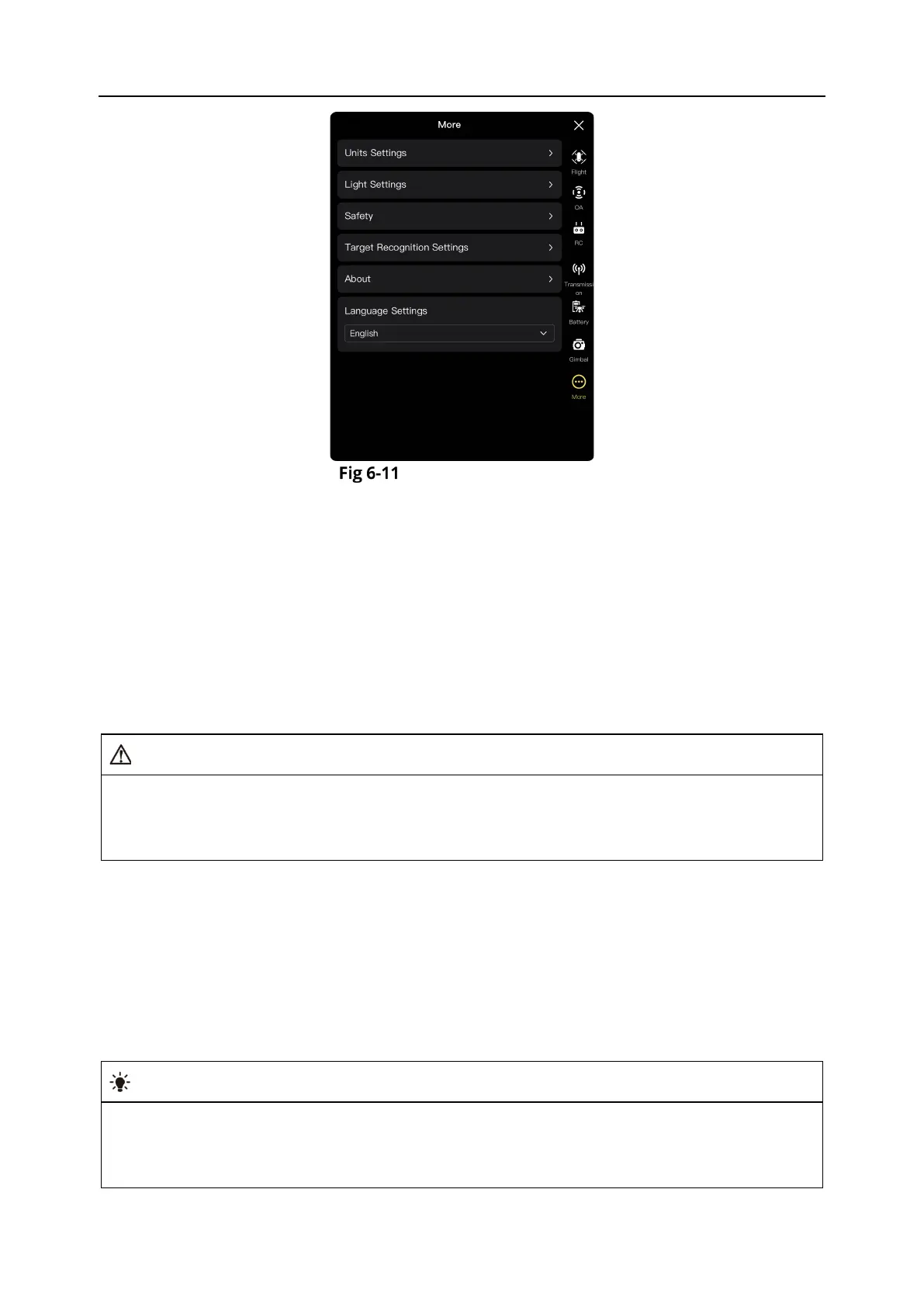
"More" interface
Unit Settings
Tap "Units Settings", and then set "Speed/Distance Units", "Area Units", "Temperature Units",
and "Coordinate Format" according to your needs. After the setting, the Autel Enterprise App will
display relevant parameters in the specified units.
Light Settings
Tap "Light Settings", and then set "Strobe", and “Aux Light” according to your needs.
S
Turn On/Off Strobe
Tap the button to the right of "Strobe" to turn on or off the strobe on the top of the fuselage.
When flying at night, please turn on the strobe to ensure flight safety.
Do not look directly at the strobe while they are on to avoid vision damage caused by strong
Set Aux Light
Tap the drop-down list of "Aux Light" and then select “Auto”, “On”, or “Off” according to your
needs.
If “Auto” is selected, the auxiliary bottom light is automatically turned on or off according to
ambient brightness.
If "On" is selected, the auxiliary bottom light is always on by default.
If "Off" is selected, the auxiliary bottom light is off by default.
Tip
The auxiliary bottom light is mainly used to enhance the ambient brightness of the landing
point during the landing of the aircraft, improve the sensing performance of the downward
visual sensing system, and ensure landing safety.












 To Next Page