134 Chapter 6 Autel Enterprise App
Waypoint Action
Refers to the actions performed by the camera, gimbal, and aircraft at a
specific waypoint.
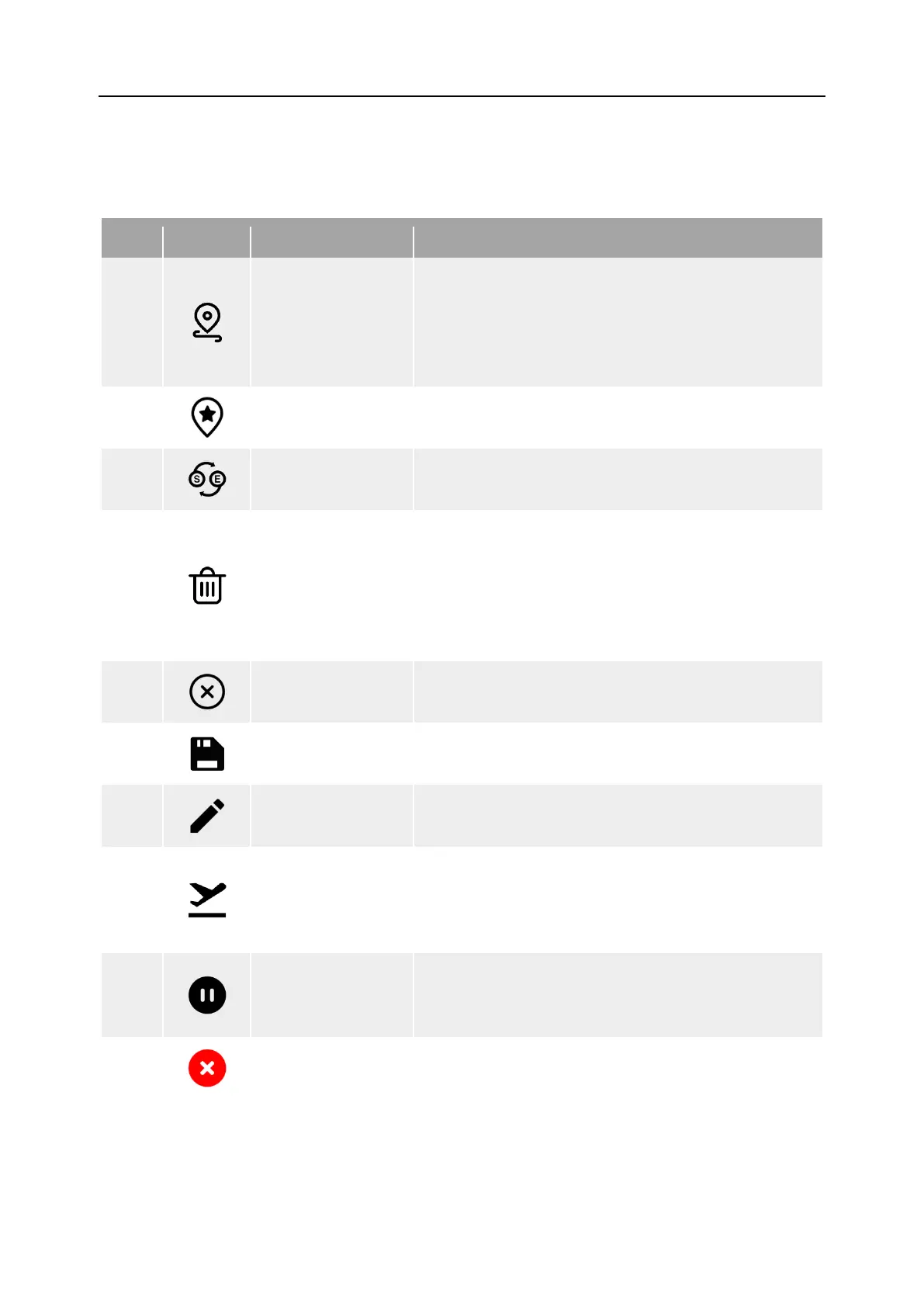
Table 6-11 "Waypoint Mission" Icons and Details
1
Waypoint Settings
Tap this icon to add a waypoint on the map as
needed.
Every two neighboring waypoints connect to form a
flight segment and one or more flight segments
form a route.
2
POI Settings
Tap this icon to add a point of interest on the map
as needed.
3
Heading Switch
Tap this icon, and the starting point and ending
point of the whole route will change direction.
4
Delete
When the aircraft is in waypoint setting status,
tapping this icon once will delete the latest waypoint
but cannot delete points of interest.
When the aircraft is in POI setting status, tapping
this icon once will delete the latest point of interest
but cannot delete waypoints.
5
Clear
Tap this icon and then tap the "Confirm" button to
clear all waypoints and POIs.
6
Save Route
Tap this icon, and the currently edited waypoint
mission will be saved to “Mission”.
7
Edit Route Tap this icon to edit the saved route missions.
8
Execute Mission
Tap this button, and the aircraft will enter the "Pre-
flight Check" interface. After the check is completed,
the aircraft will take off to perform the waypoint
9
Pause Mission
When executing a waypoint mission, tap this icon,
and the aircraft will pause the waypoint mission and
hover at the current position.
10
Exit Mission
Tap this icon, and the aircraft will abort the current
waypoint mission and automatically return.












 To Next Page