120 BD FACSCalibur Instructions for Use
A save dialog box appears.
3 Specify the file name and folder destination, and click Save.
4 Click OK in the Batch Setup dialog.
5 Choose Batch > Run.
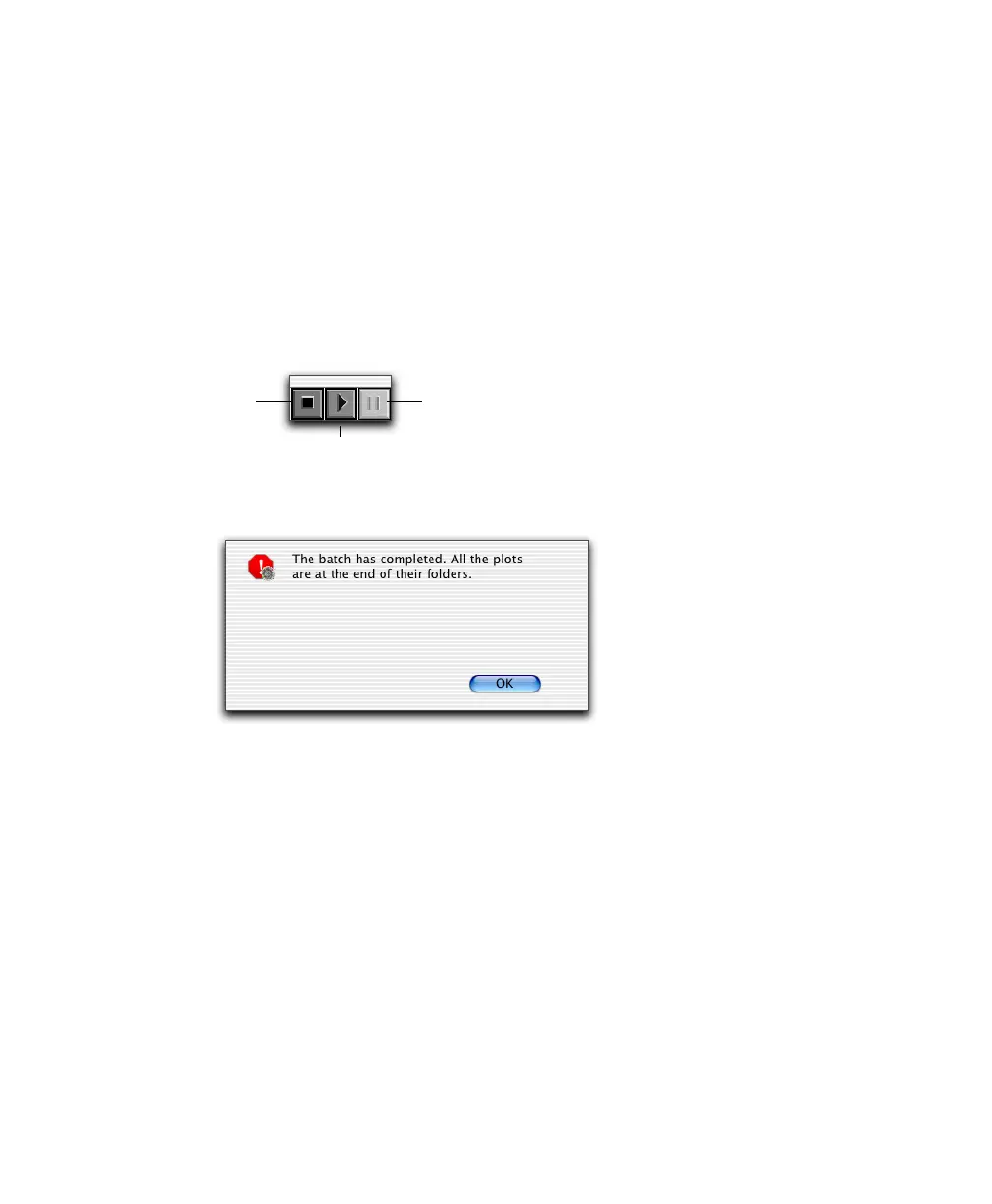
A batch control window appears. To interrupt batch analysis, click stop,
pause, or resume anytime during the run.
A message appears when the batch run is finished:
pause
stop
resume



 To Next Page