Chapter 5: Running Samples Manually 119
Analyzing Groups of Files
Use the batch analysis feature to analyze a group of data files in an Analysis
Experiment document. Batch analysis allows you to increment files, pause
between data sets, print automatically, and export statistics to a spreadsheet file.
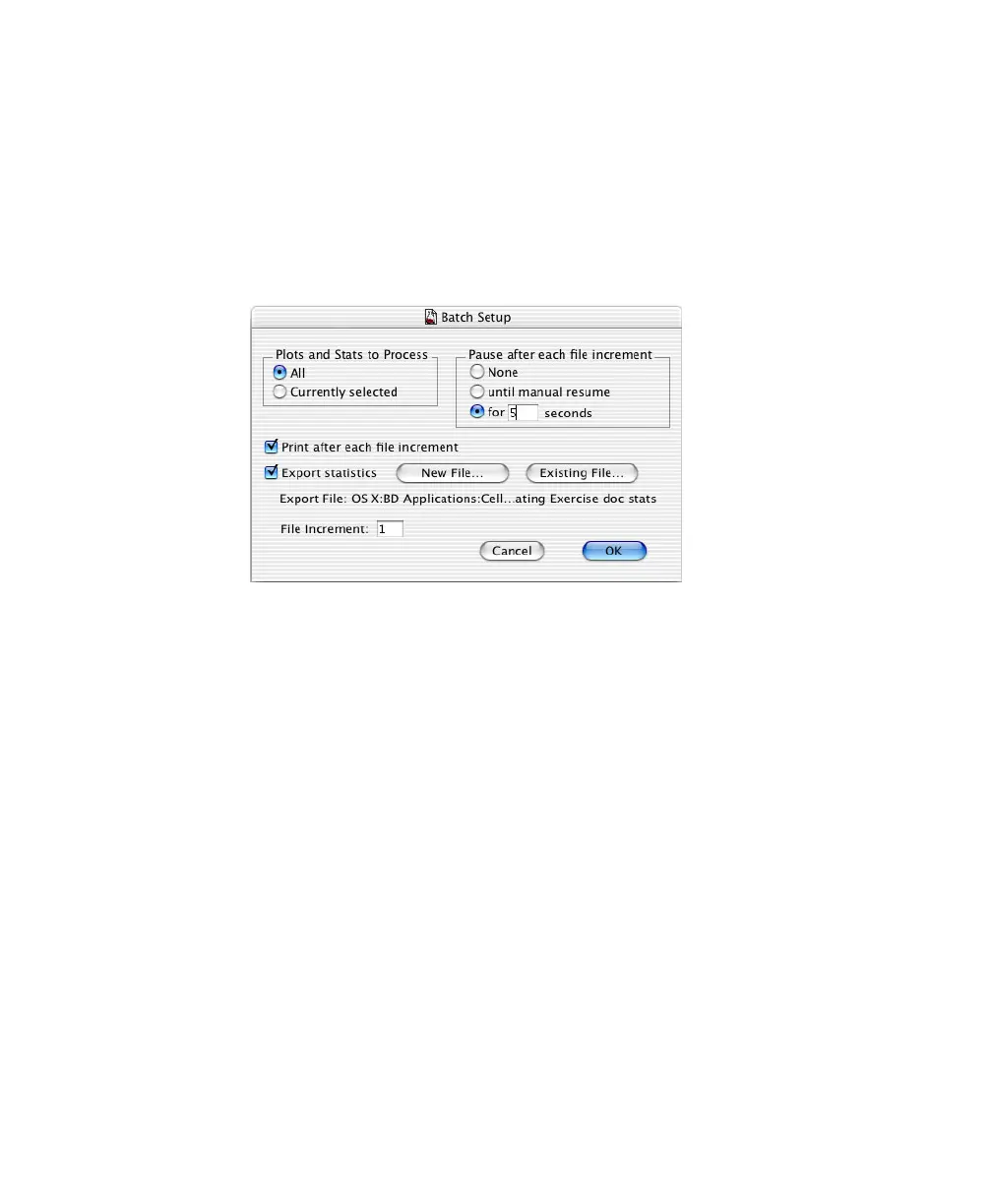
1 Choose Batch > Setup, and make the following selections:
• When All is selected under Plots and Stats to Process, data will be
processed using all plots in the document.
•When for [n] seconds is selected under Pause after each file increment,
the batch will pause for n seconds after each file is processed.
• When the Print after each file increment checkbox is selected, the
document prints automatically after each file is processed.
• When the Export statistics checkbox is selected, the statistics from each
statistics view are exported to a file that you can open in a third-party
application such as Microsoft® Excel.
•The File Increment field instructs the software to increment that
number of files when running batch analysis. For example, if 2 is
entered and the first data file is .001, the next file analyzed would be
.003.
2 For exported statistics, click the New File button.



 To Next Page