118 BD FACSCalibur Instructions for Use
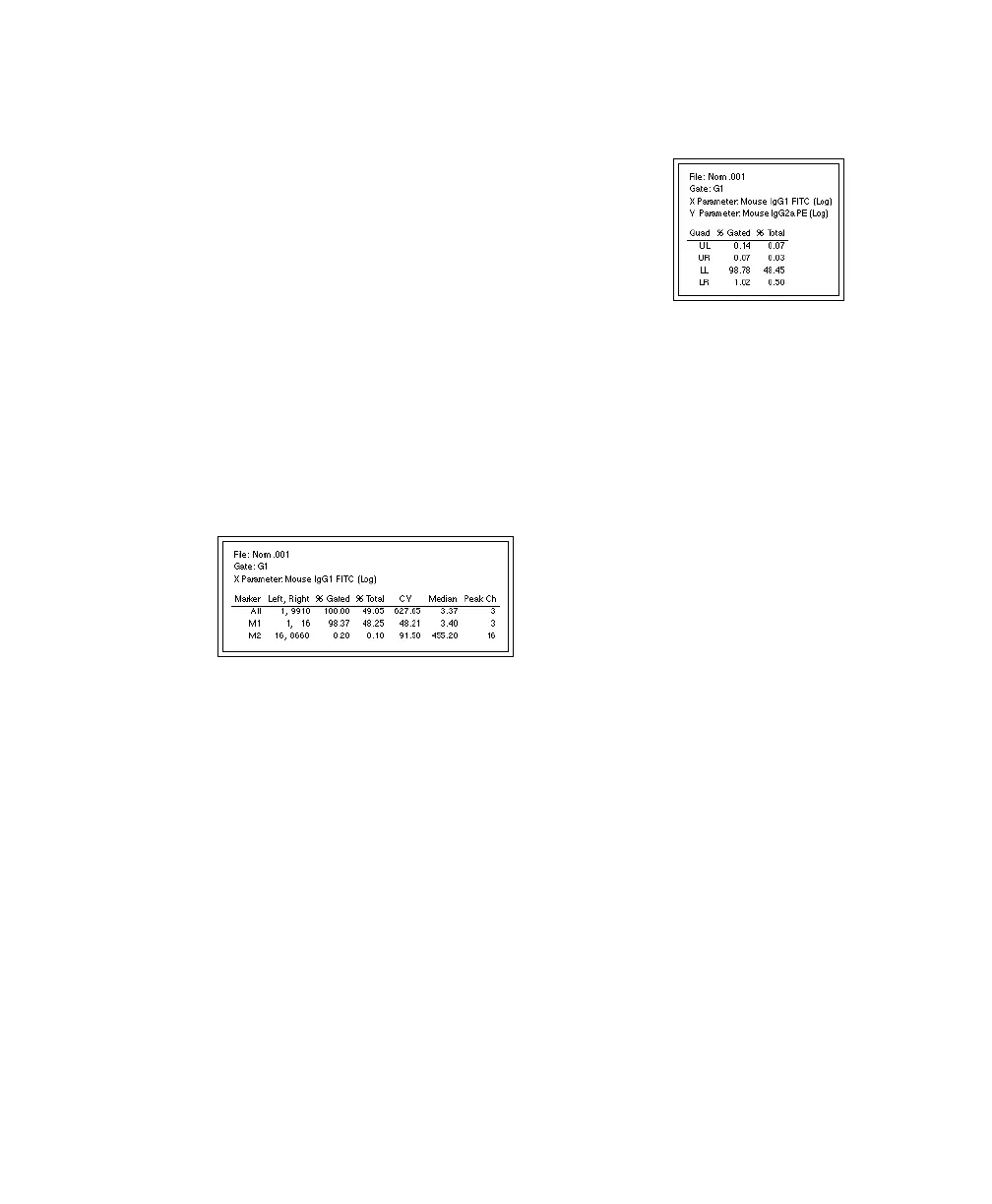
4 Click OK; resize and reposition the resulting Quadrant Statistics view.
Drag one of the handles to resize the view; drag the
border to move the view next to the FL1 vs FL2
contour plot.
The calculated statistics for NORM001 show that
most of the gated events fall in the lower-left (LL)
quadrant. In this example, 98.94% of the gated
events are negative for FL1 and FL2 which would
be expected because the subclass control accounts for nonspecific antibody
binding.
5 Select the histogram, and choose Stats > Histogram Stats.
The changes you made in the Edit Quadrant Statistics dialog also apply to
the histogram statistics. Move the statistics view next to the histogram.
6 Save the Analysis document.
7 Print the results for NORM001.
; Tip Choose File > Print One to print a single copy.



 To Next Page