Chapter 5: Running Samples Manually 129
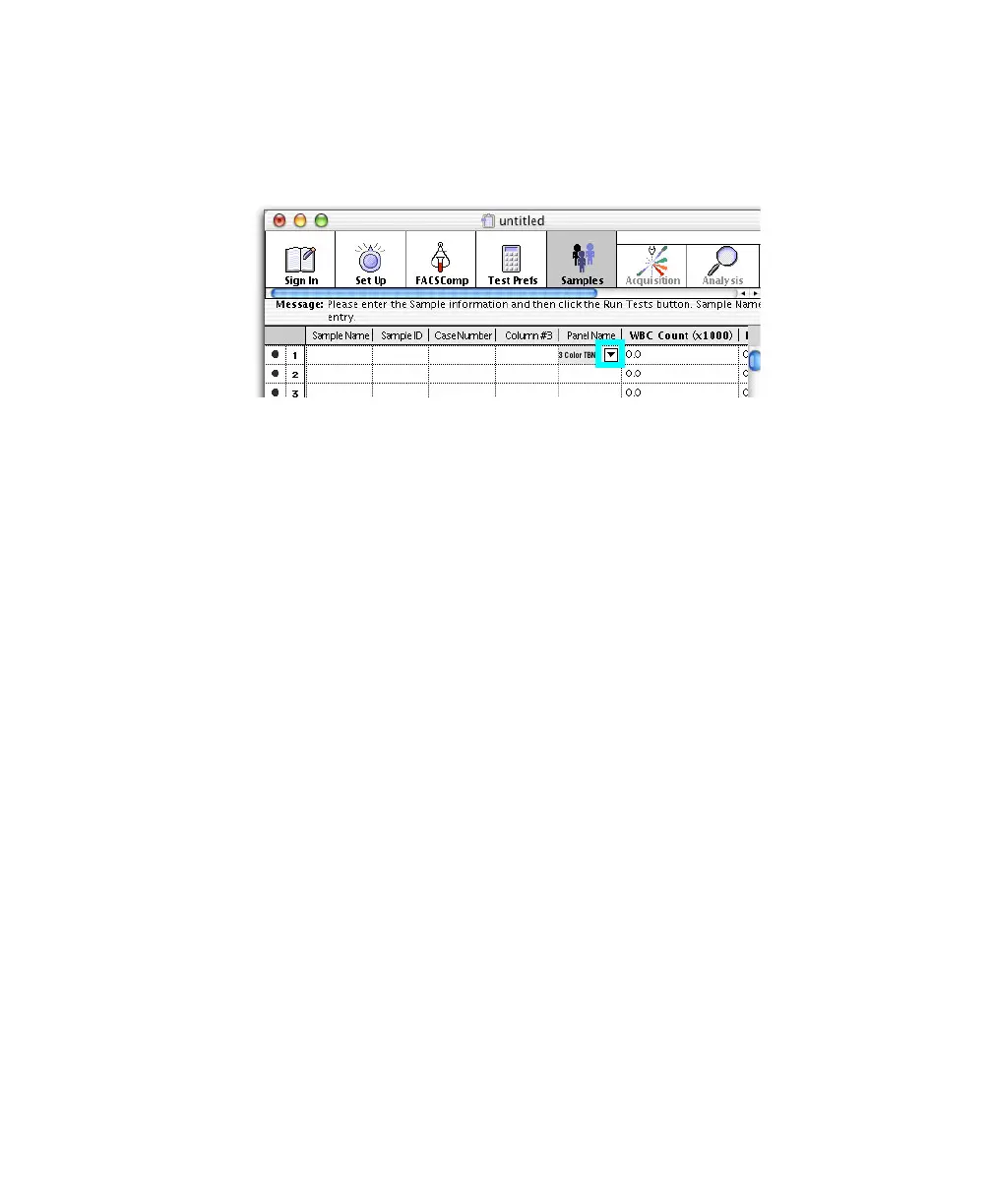
2 Choose the panel you want to run.
Click in the Panel Name field, click the pop-up control, and choose a panel.
; Tip If you always run the same panel, use Panel Preferences to set that
panel to appear by default.
3 Choose one of the following methods to calculate absolute counts if you
are not using BD Trucount tubes.
; Tip For user-defined reagents, you must also choose a lymphocyte
population for the absolute count calculation. Click Edit Subset Results in
Reagent Tools.
• Enter the WBC count (0.0–999.9) and % Lymph (0.0–100.0) obtained
from a hematology instrument,
OR
• Enter an absolute lymphocyte count (0.00–999.9) obtained from a
hematology instrument.
NOTICE Do not enter both.
For accurate calculation of absolute counts when using hematology
inputs, CD45 must be used for FL3.
NOTICE Do not enter information in the WBC or Lymph fields if one
or more reagents in the panel is used with BD Trucount tubes.



 To Next Page