128 BD FACSCalibur Instructions for Use
6 Enter the Lot ID and Beads/Pellet information from the BD Trucount foil
pouch label, and click Save.
7 At the Test Prefs view, click Accept.
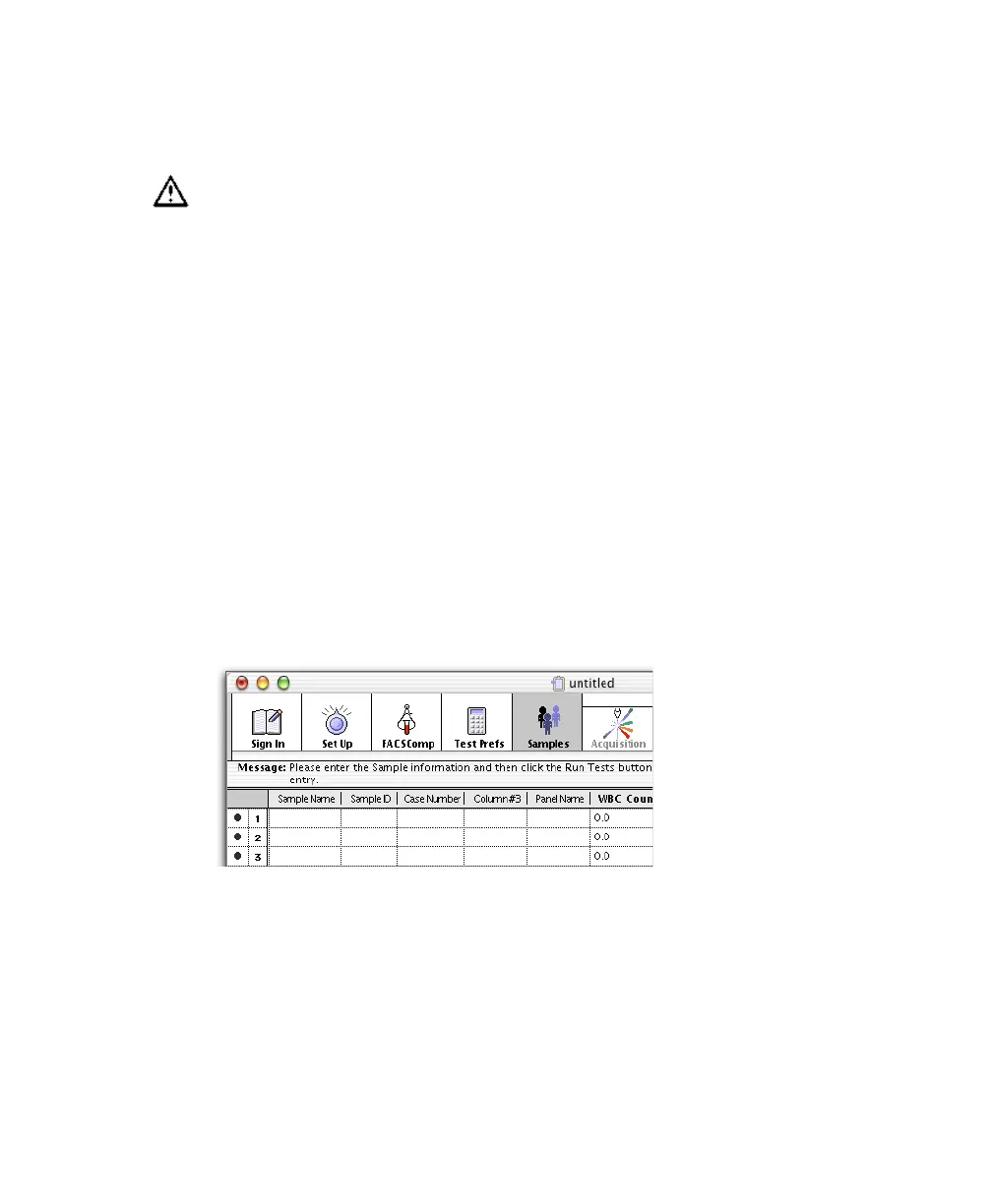
Entering Sample Information
You must enter sample information whether the Data Source is From Cytometer
(acquisition) or From Data Files (analysis only), but you cannot mix acquisition
and analysis entries in the same Schedule document. This section describes how
to enter sample information for acquisition; for analysis only, see page 137.
; Tip To enter information automatically, use a barcode scanner. Use any barcode
except 2 of 5, because errors can occur when the scanner is not correctly
horizontal across the bars. This code has no check for begin/end of barcode.
1 Click in the first required field, and enter information.
At the minimum, enter information for the file name prefix selected in the
Set Up view, and for the Summary Report ID field(s) selected in Test
Preferences. The message box shows which fields are required.
Make sure the correct information is entered per run. This information is
critical for calculating accurate absolute counts. Only one lot ID can be
entered per Schedule document.



 To Next Page