Chapter 5: Running Samples Manually 127
2 Select Report Reference Ranges if you want reference ranges to appear on
the Lab and Physician Report.
Reference ranges are defined in Subset Ranges. The range selected in Panel
Tools is the one shown on Lab and Physician Reports.
To show a QC message when a result is out of range, ensure the QC
Message for Out of Normal Range checkbox is selected.
3 Under Lab Report Choices, specify which results to include.
Choose percentages, absolute counts, or both. The information is reported
on both Lab and Physician Reports.
4 Under Summary Report ID, select at least one ID.
All samples are listed in the Summary Report with the specified ID(s). You
must enter information in the specified fields at the Samples view.
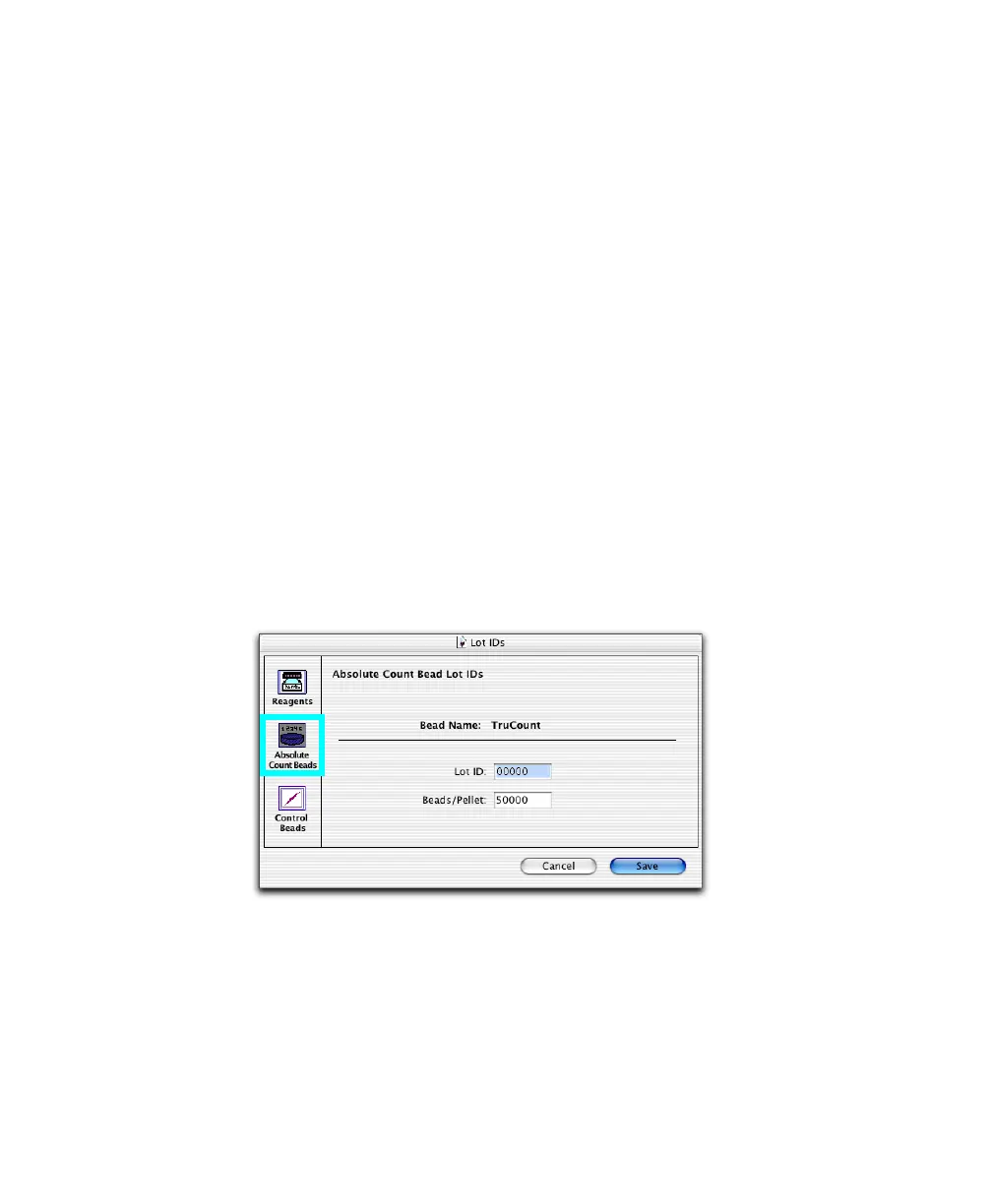
5 If you are using BD Trucount tubes, click Lot IDs, and click Absolute
Count Beads.



 To Next Page