126 BD FACSCalibur Instructions for Use
6 Click Save Optimized Settings.
A file name and location dialog appear if optimized settings have already
been saved with the default name. Click Overwrite to overwrite the file
with the current settings.
7 Click Quit within BD FACSComp, and Continue within BD Multiset.
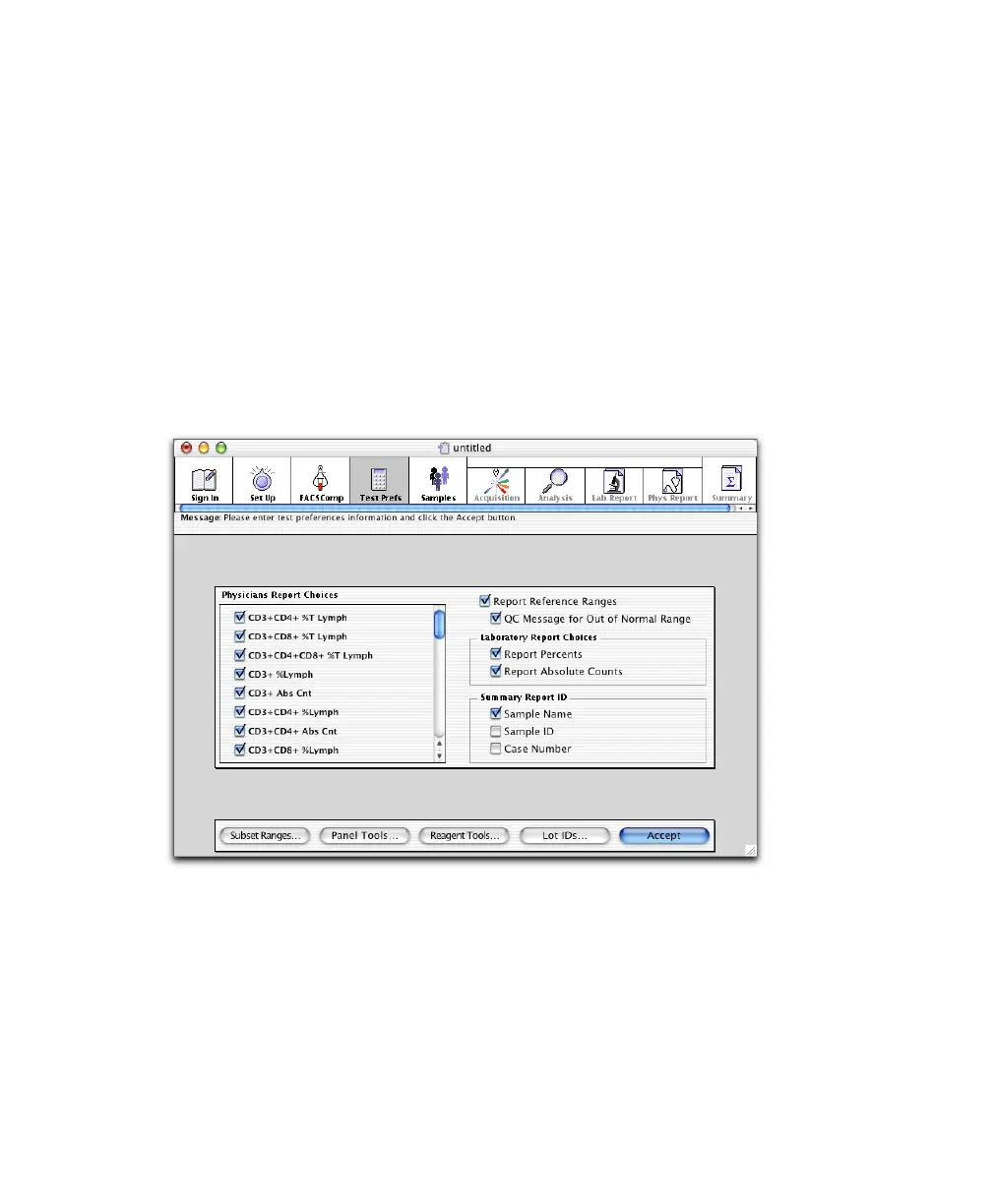
Entering Test Preferences
At the Test Prefs view, you make analysis and reporting choices. You can also
access the Lot IDs dialog to enter BD Trucount bead information.
1 Under Physicians Report Choices, select subsets to show on the Physician
Report.
All subsets for BD-defined reagents are listed. Selected subsets will be
shown on the report if reagents producing these results are part of the
entry’s panel.



 To Next Page