Chapter 5: Running Samples Manually 125
Optimizing Settings
The instrument settings in Calib File.LNW are appropriate for LNW samples but
can be optimized for SSC and FL3 threshold settings. For details on optimizing
settings in BD FACSComp software, see page 79.
; Tip If running both BD Tritest and BD Multitest samples, optimize once with
BD Multitest samples. If your BD Tritest panel includes both CD4/CD8/CD3 and
CD3/CDX/CD45, optimize using the CD4/CD8/CD3 tube.
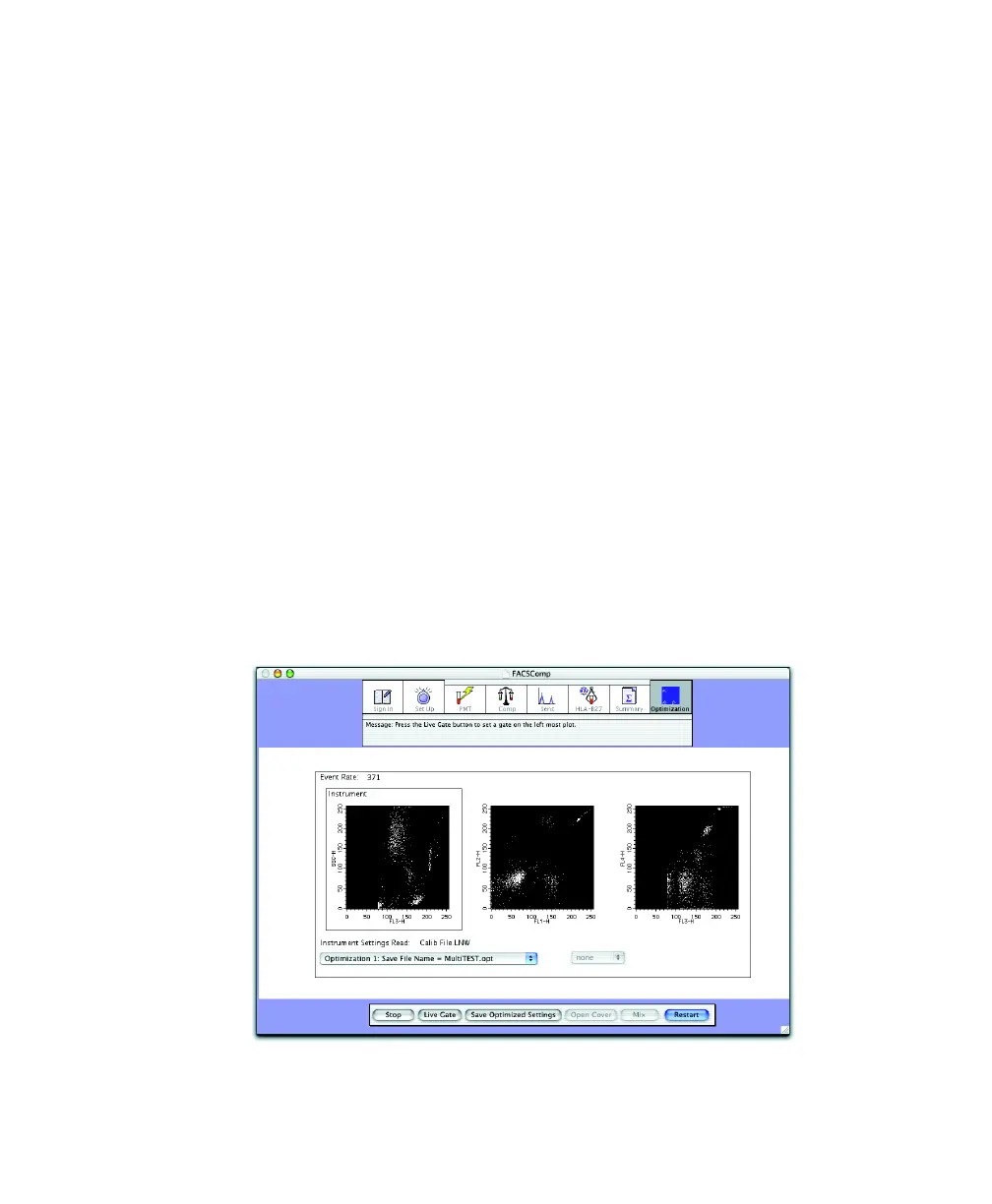
1 At the BD FACSComp Summary view, click Optimization.
2 Choose MultiTEST.opt from the Optimization menu.
3 Install any of the control or sample tubes on the SIP, and click Start.
4 Adjust the SSC PMT setting, if needed.
5 Adjust the FL3 threshold to exclude most of the debris.
A small amount of debris should be present to properly set the Expert Gate.
Do not modify the fluorescence PMT detector or compensation settings.



 To Next Page