Chapter 5: Running Samples Manually 131
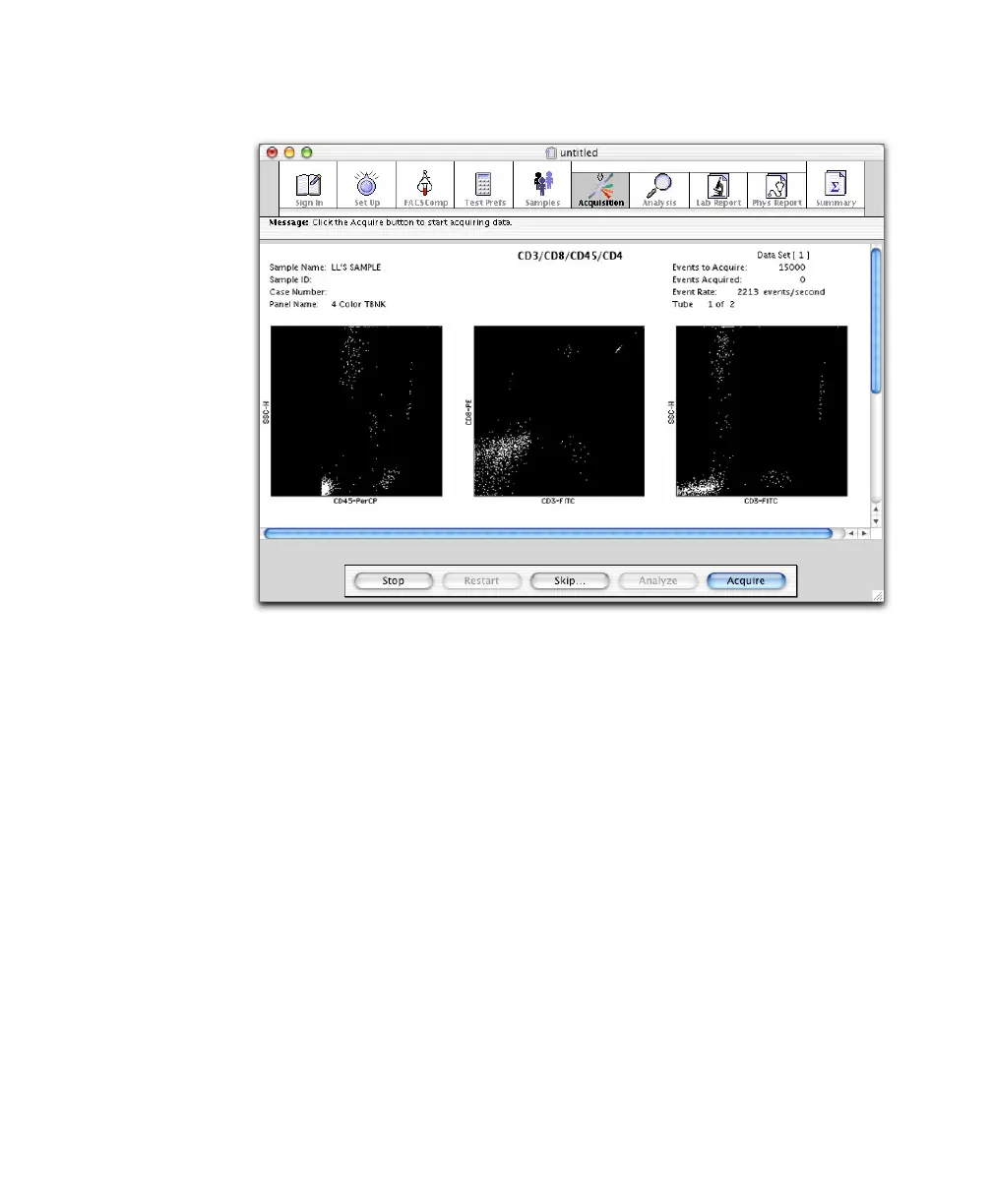
Figure 5-6 Previewing BD Multitest data
4 Click Acquire.
Acquisition proceeds until the designated number of events is acquired
(Events Preferences). The software then checks to see if the minimum target
population events (Reagent Tools) have been collected. If the target number
has been reached, BD Multiset proceeds with analysis. If the target number
has not been reached, the software calculates the additional number of
events needed.
5 Review data on the Lab Report and make manual adjustments, if needed
(page 133).
6 Vortex and then install the next tube on the SIP.
7 Verify RUN is on, and click Continue.
The software proceeds with acquisition and analysis of the next tube.



 To Next Page