132 BD FACSCalibur Instructions for Use
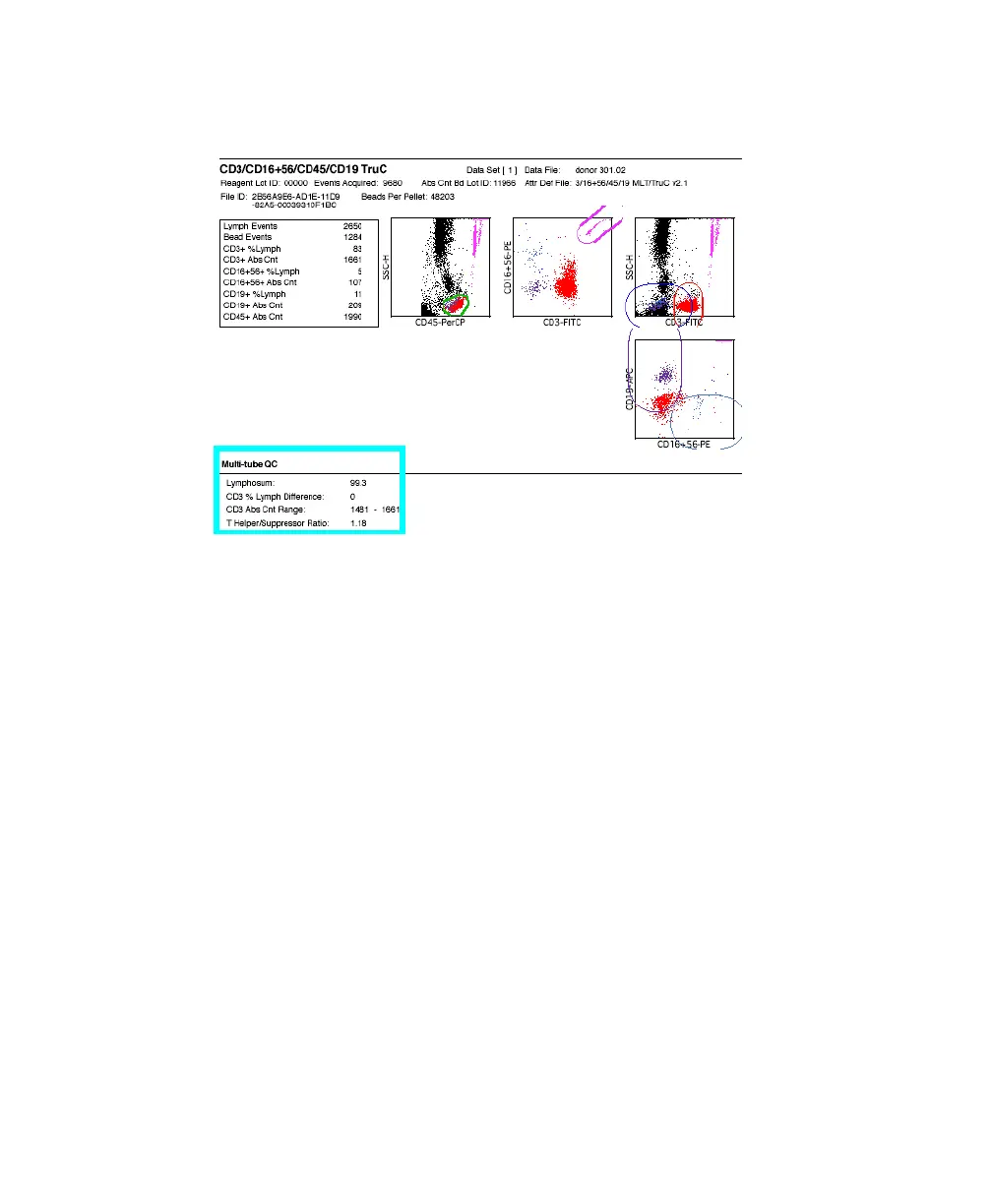
After the last tube in the panel, multi-tube QC values are shown on the report.
8 (Optional) Click Rerun to rerun any tube in the panel.
NOTICE Do so before you proceed to the Phys Report view.
9 Click Continue.
The Lab Report prints if automatic printing was chosen in Printing
Preferences and the Phys Report view appears (page 136).
10 Click Next at the Phys Report view.
The Physician Report prints if automatic printing was chosen in Printing
Preferences.
11 Install the first sample tube of the next panel on the SIP; repeat steps 4
through 10 until all samples have been run.
12 Review the Summary Report (page 137).
13 Install a tube of DI water on the SIP, and press STNDBY.



 To Next Page