Chapter 5: Running Samples Manually 135
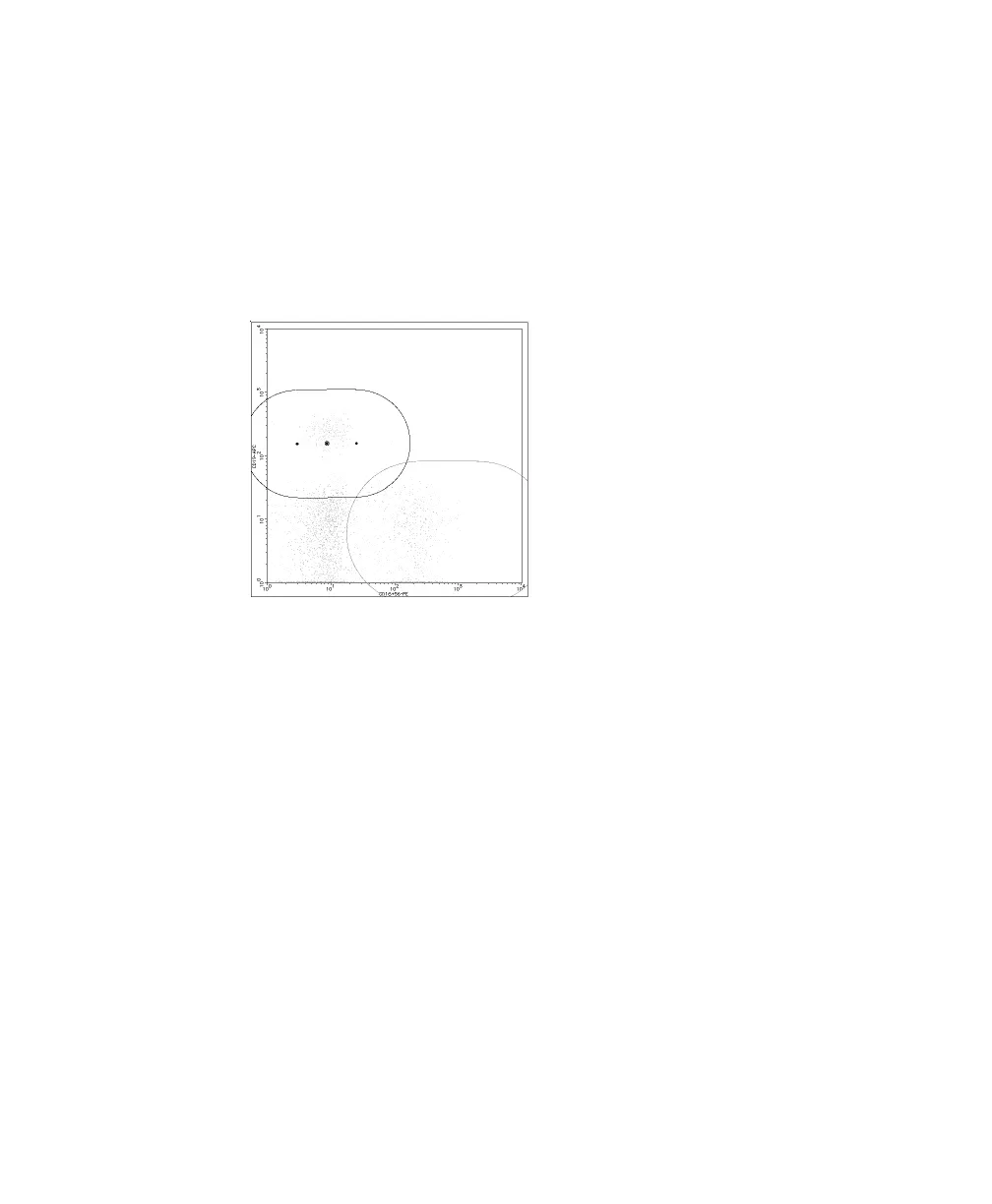
You can move, resize, and reorient attractors, but you cannot delete them
or add new ones.
• To move an attractor, drag the center point.
• To change the orientation and length, drag an endpoint.
• To change the size, drag an edge.
6 Click Analyze.
This confirms changes and recalculates results. The QC Message area of the
Lab Report indicates a manual gate has been set.
7 (Optional) Save attractor changes.
Expert lymph gate changes cannot be saved.
• Choose File > Save Reagent.
• Enter a unique name, or keep the default name.
•Click OK.
Changes are saved as a user-defined reagent that can be reused the next
time a tube with the same reagent combination is analyzed.



 To Next Page