142 BD FACSCalibur Instructions for Use
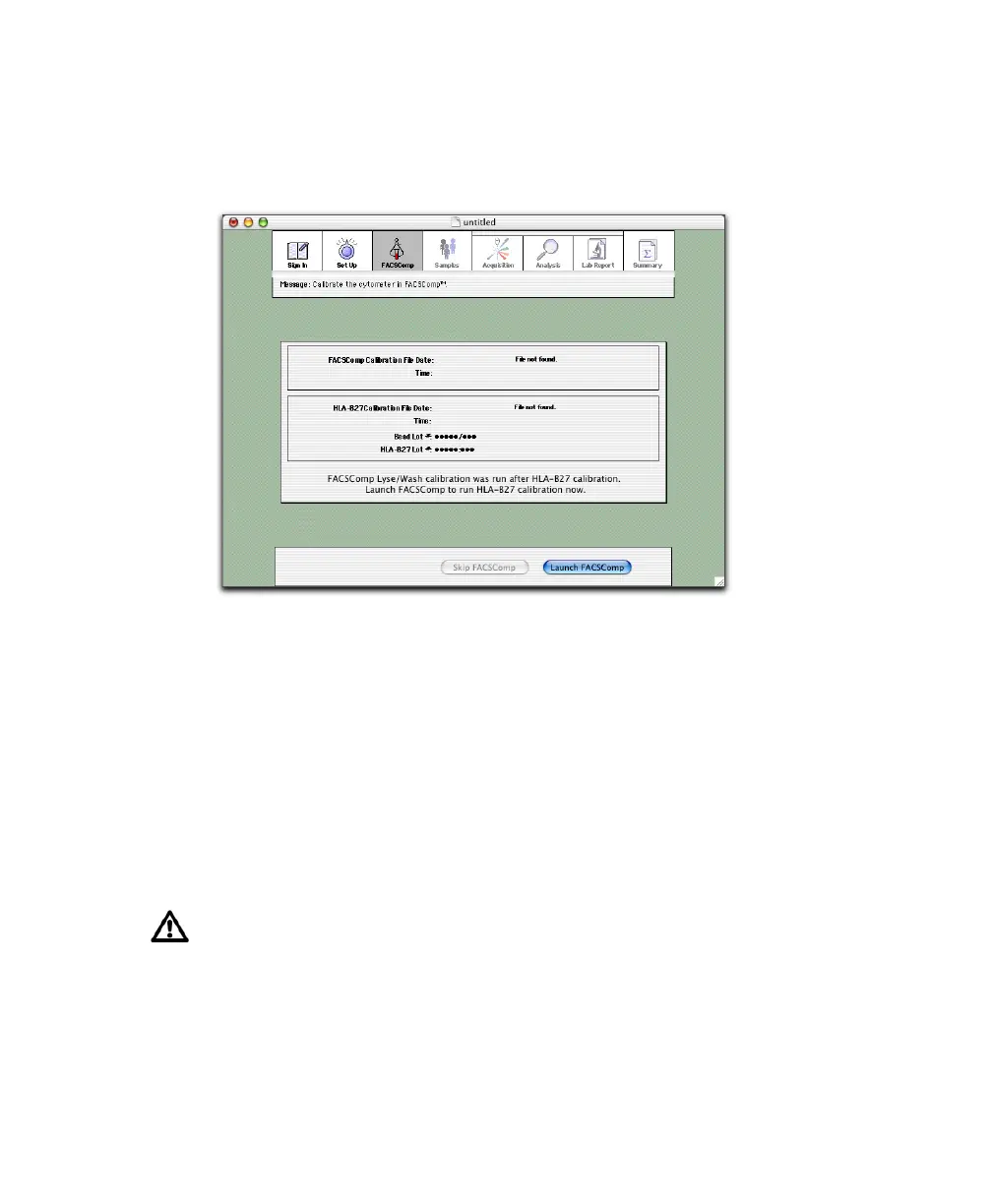
Running BD FACSComp
1 If the current Calib file is old or invalid, click Launch FACSComp.
Otherwise, click Skip FACSComp to proceed to the Samples view
(page 143).
2 At the BD FACSComp Set Up view under Assay Selection, select the
checkboxes for Lyse/Wash and HLA-B27 Calib.
3 Enter BD Calibrite bead lot IDs from the sticker packaged with the
BD Calibrite Beads kit.
4 Enter HLA-B27 bead and reagent lot IDs and suffixes from reagent vials in
the BD HLA-B27 kit.
Make sure the correct information is entered per run. This information is
critical for providing accurate results. Only one lot ID can be entered per
Schedule document.



 To Next Page