Chapter 5: Running Samples Manually 143
5 Run the Lyse/Wash option for at least a two-color setup with unlabeled,
FITC-, and PE-labeled beads.
6 Run HLA-B27 calibration with BD HLA-B27 beads.
7 When complete, quit BD FACSComp software.
• If both calibrations are successful, the BD HLA-B27 Samples view
appears.
• If either calibration is unsuccessful, the BD HLA-B27 FACSComp view
appears. Click Launch FACSComp to run calibration again.
• If you launched BD FACSComp software within Worklist Manager
software, the FACSComp view in Worklist Manager software appears,
stating that both calibrations were successful. Click Continue on the
button panel to advance to the Worklist view in Worklist Manager
software.
Entering Sample Information
You must enter sample information whether the Data Source is From Cytometer
(acquisition) or From Data Files (analysis only), but you cannot mix acquisition
and analysis entries in the same Schedule document. This section describes how
to enter sample information for acquisition; for analysis only, see page 146.
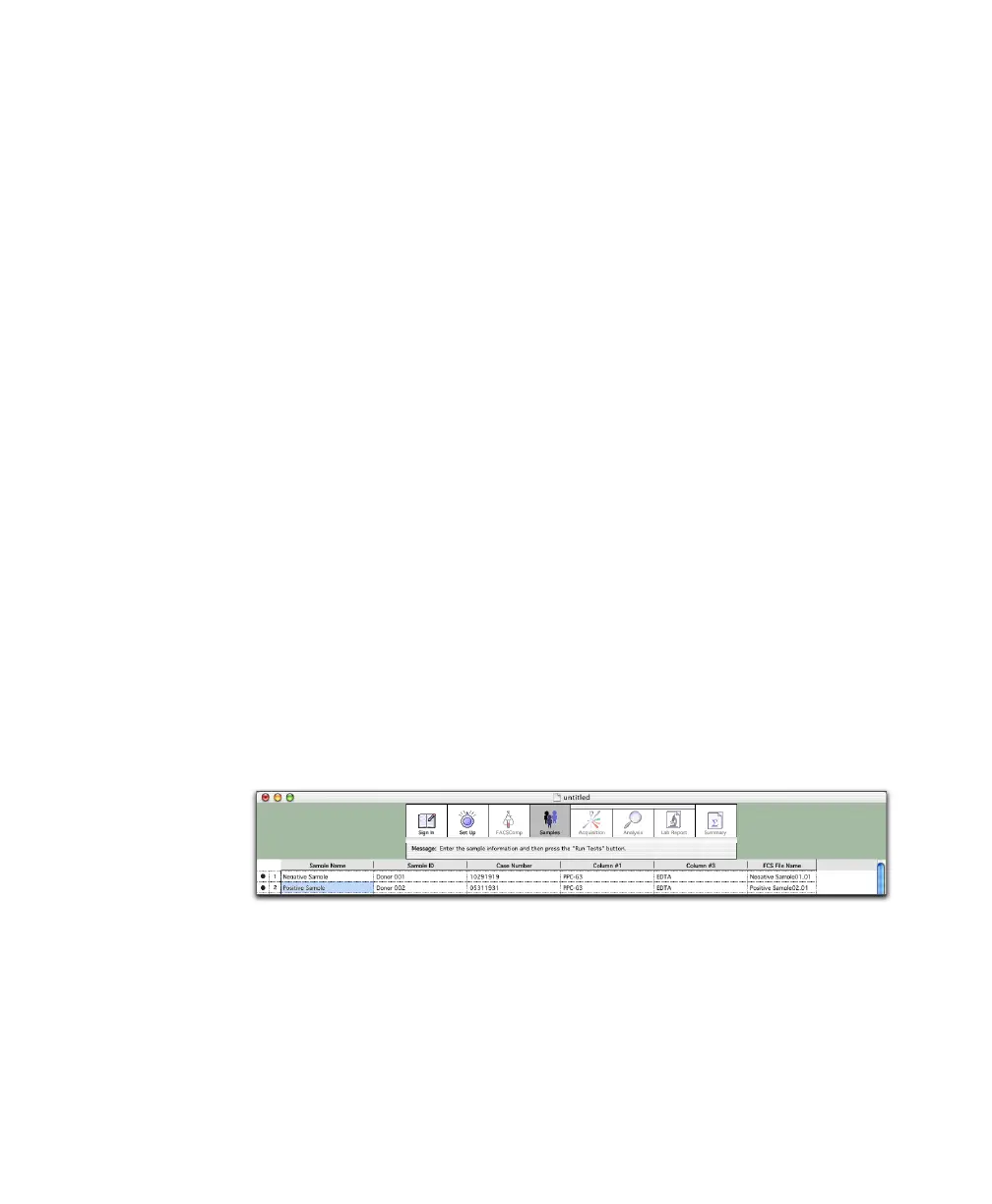
1 Click in the first required field, and enter information.
At the minimum, enter information for the file name prefix selected in the
Set Up view. The message box shows which fields are required. Enter
information by typing, or use a barcode scanner.
2 Choose File > Save to save the Schedule document.



 To Next Page