16 BD FACSCalibur Instructions for Use
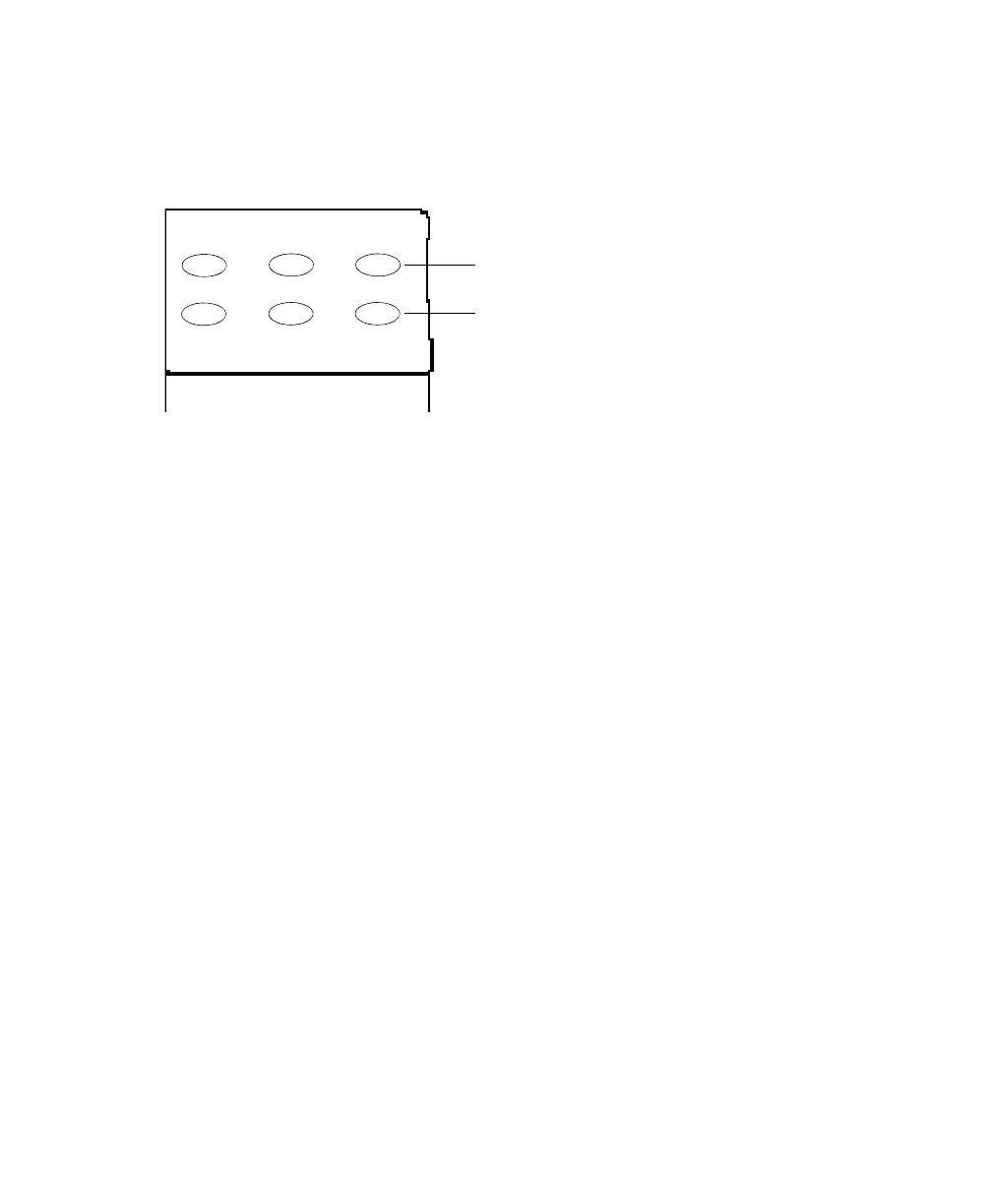
Buttons in the fluidics control panel are used to set the sample flow rate and fluid
modes.
Figure 1-4 Fluidics control panel
Approximate sample flow rate:
• LO: 12 µL ±3 µL/min
• MED: 35 µL ±5 µL/min
• HI: 60 µL ±7 µL/min
Fluid modes:
• RUN pressurizes the sample tube to transport sample through the SIT and
into the flow cell. The button is green when a sample tube is installed, the
tube support arm is centered, and the tube is pressurized. When the arm is
to the side, the button turns orange and the instrument switches to standby.
• STNDBY (standby) stops sheath flow to conserve fluid and lowers the blue
laser power to prolong laser life.
• PRIME removes bubbles from the flow cell primarily during
troubleshooting. At completion, the instrument goes into standby mode.
LO MED
HI
RUN
STNDBY PRIME
fluid mode
sample flow rate



 To Next Page