68 BD FACSCalibur Instructions for Use
7 Place the rack on the Loader, push in the drawer, and install the cover.
The Loader cycles and Tube 01 is displayed on the keypad.
8 (Optional) At the Set Up view, click Check Seal or Clean.
• Check Seal raises tube 40 and tests for an adequate seal.
• Clean runs a 3-minute cleaning cycle: tubes 39 and 40 run for 1.5
minutes each.
9 On the cytometer, press RUN and HI.
10 At the Set Up view, click Run.
• During walkaway operation, the Loader automatically lifts appropriate
tubes to the SIP and advances through each selected assay. (For a
description of each view, see Acquiring Manually on page 69.) When
finished, BD FACSComp software proceeds to the Set Up view.
• During non-walkaway operation, the Loader lifts the first tube to the
SIP and runs the corresponding assay. At the Summary view, click Next
Assay to advance to the next tube and assay.
NOTICE If an error occurs during walkaway operation, you must
acknowledge the error condition before the software will proceed. The tube
remains raised until you click OK in the software.
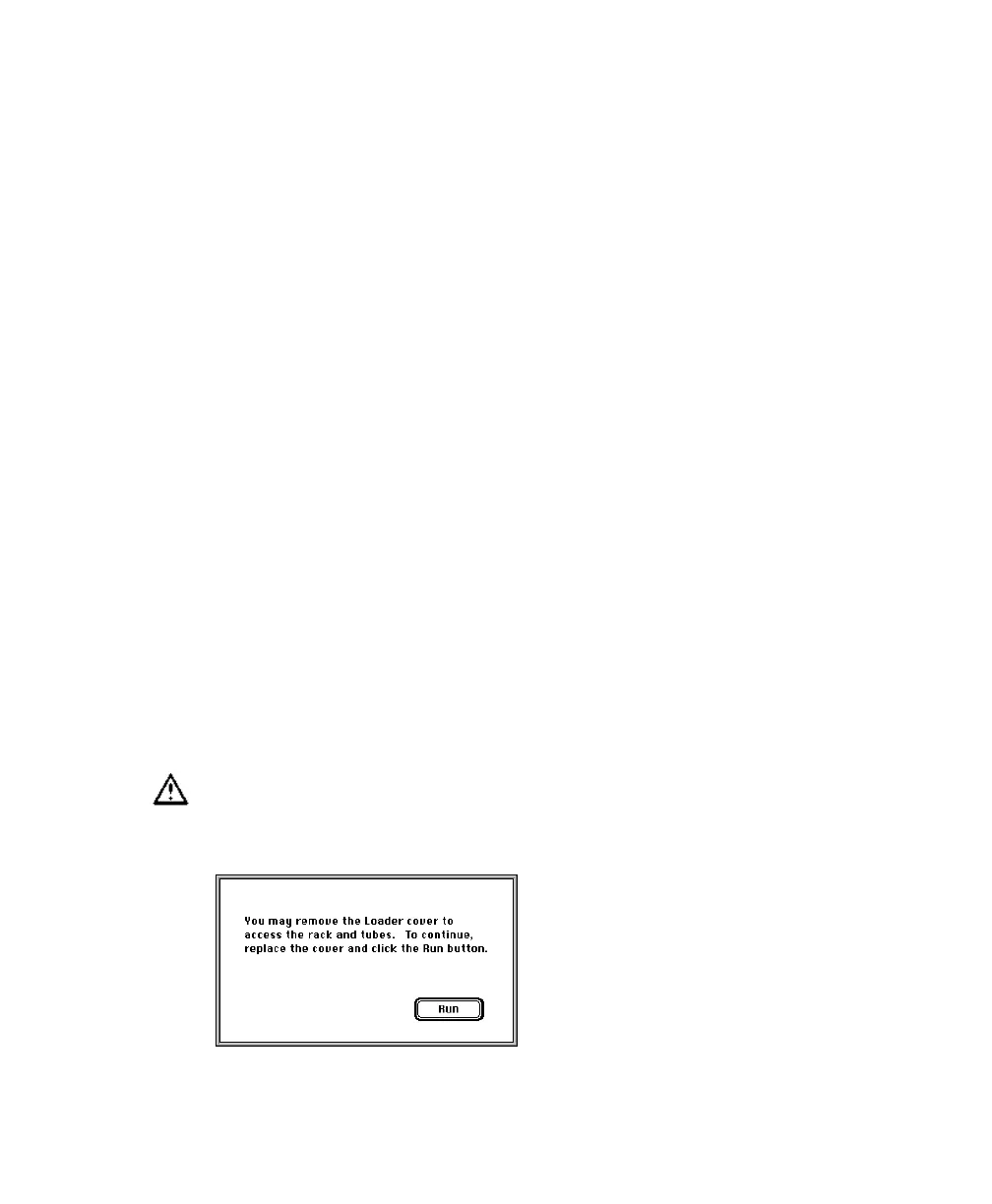
Do not open the Loader cover when the software is running. To access the
rack, first click Open Cover in BD FACSComp software, and open the
cover only when the following message appears:



 To Next Page