70 BD FACSCalibur Instructions for Use
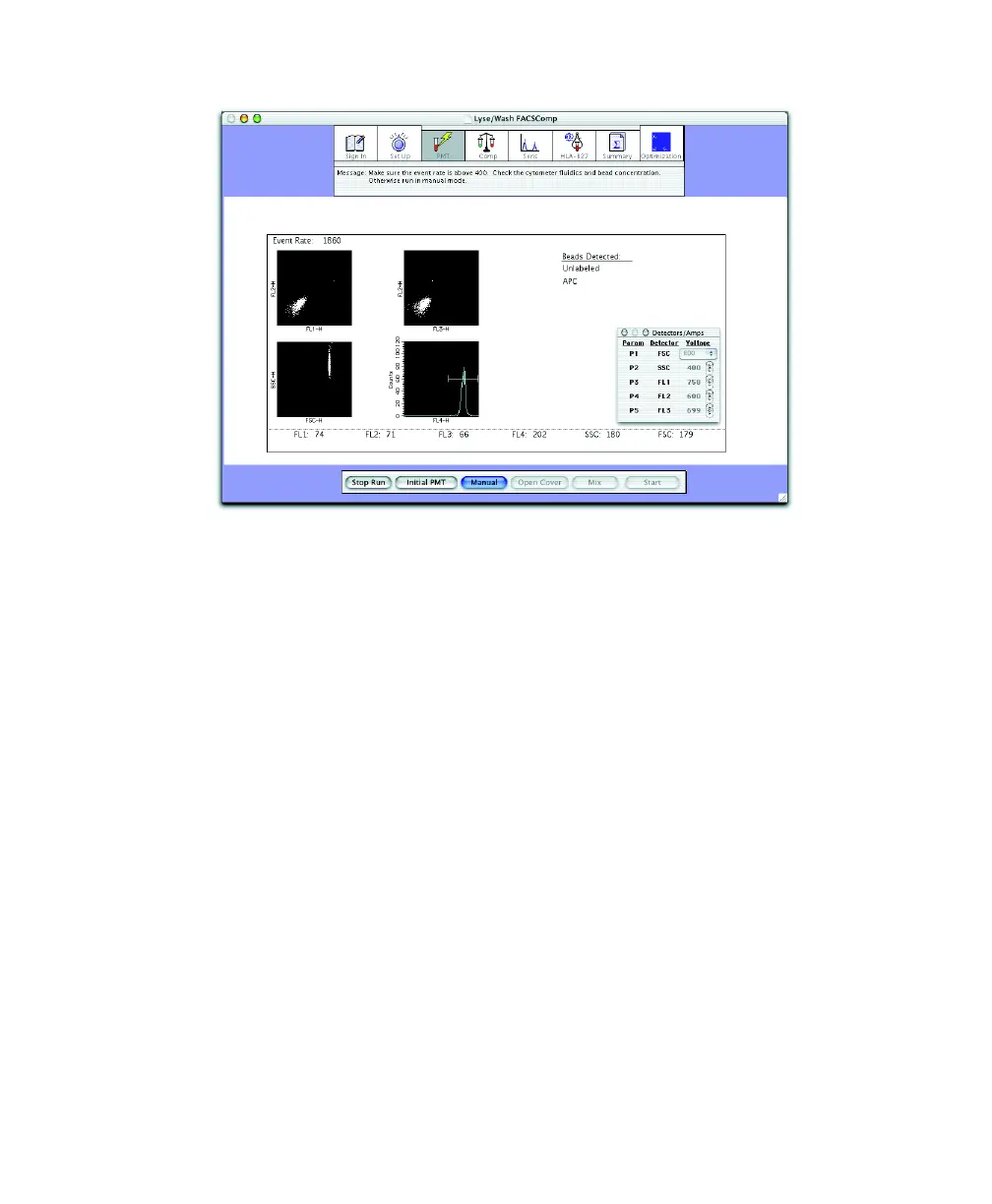
As PMTs are set, checkmarks appear next to the PMT labels below the
plots. PMTs Set Successfully appears when the values are close to their
assigned target.
If PMTs cannot be set automatically, see page 195 for troubleshooting.
The software counts down for 5 seconds. Unless you pause, it proceeds to
the Compensation view (3-color compensation), or time-delay calibration
(4-color setup).



 To Next Page