80 BD FACSCalibur Instructions for Use
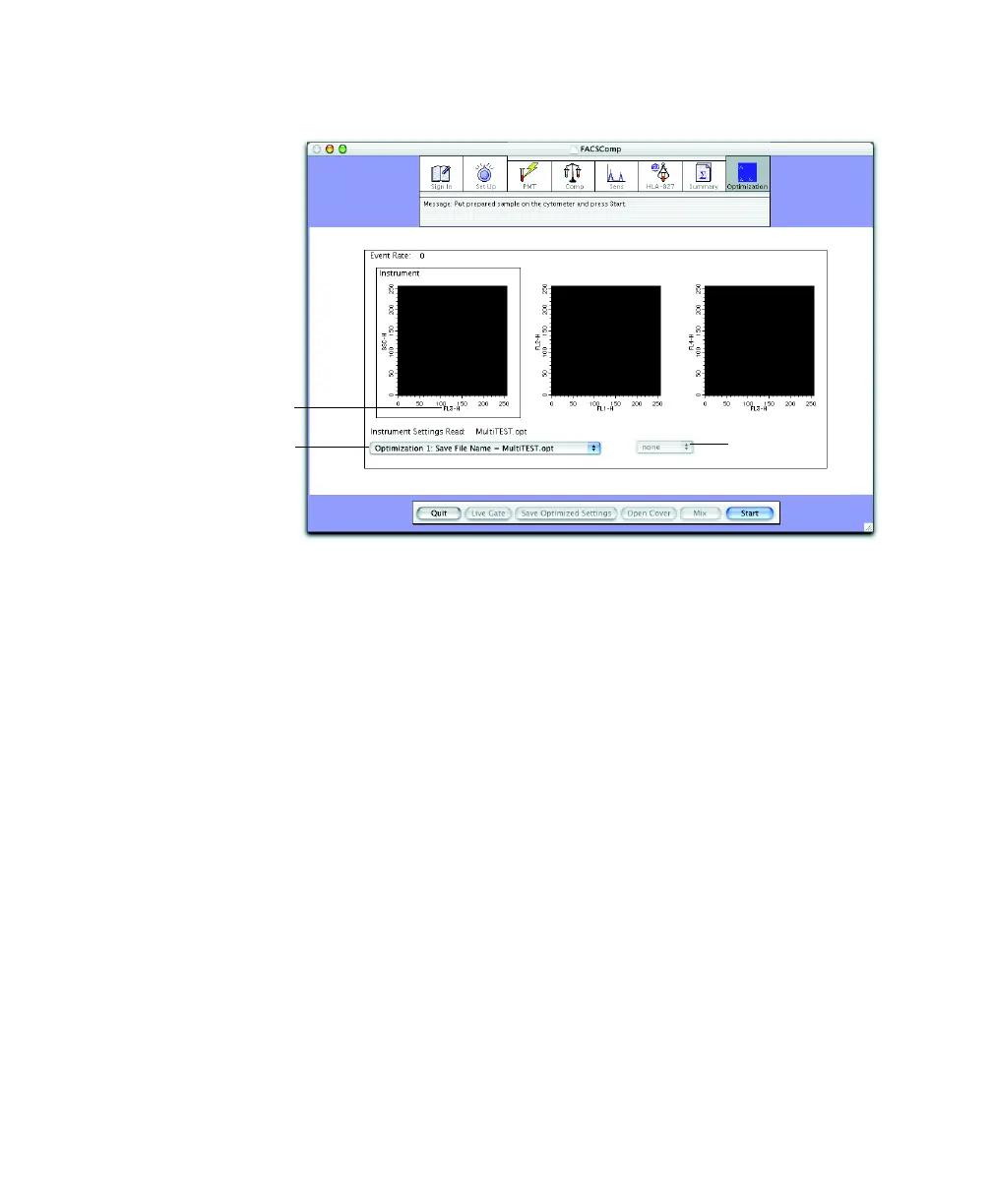
Figure 4-1 Optimization view
4 Install the control sample on the SIP.
For the Loader, choose the appropriate tube from the tube menu.
5 Click Start.
6 Adjust settings, if needed.
7 (Optional) Set a gate in the first plot, if appropriate.
The other plots will then contain gated data.
• Click Live Gate.
• Move the cursor to the plot and click to set each point.
• Click at the original point to close the gate.
• To redraw, click Live Gate and repeat.
tube menu
plot axis
optimization
menu



 To Next Page