Chapter 4: Instrument QC 81
8 Click Save Optimized Settings.
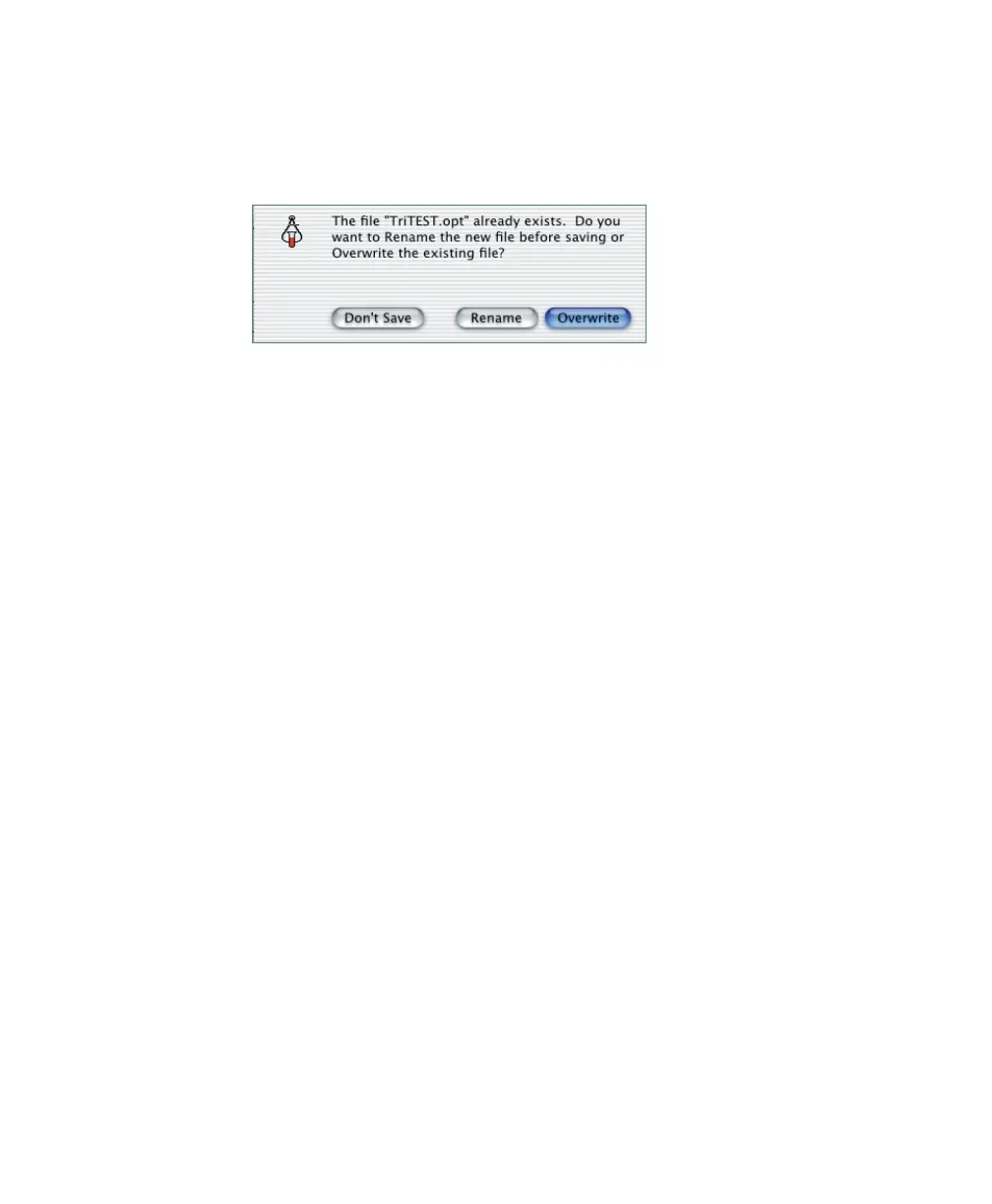
If a file with the same name exists, the following dialog appears:
• Click Rename to save the file with a new name.
• Click Overwrite to use the most recent optimized settings.
By default, settings are saved in BD Files > Instrument Settings Files.
9 At the Optimization view, click Quit.



 To Next Page