Chapter 5: Running Samples Manually 89
Restoring Calib Settings
Use BD FACSComp calibration files as a starting point to optimize settings in
BD CellQuest Pro software.
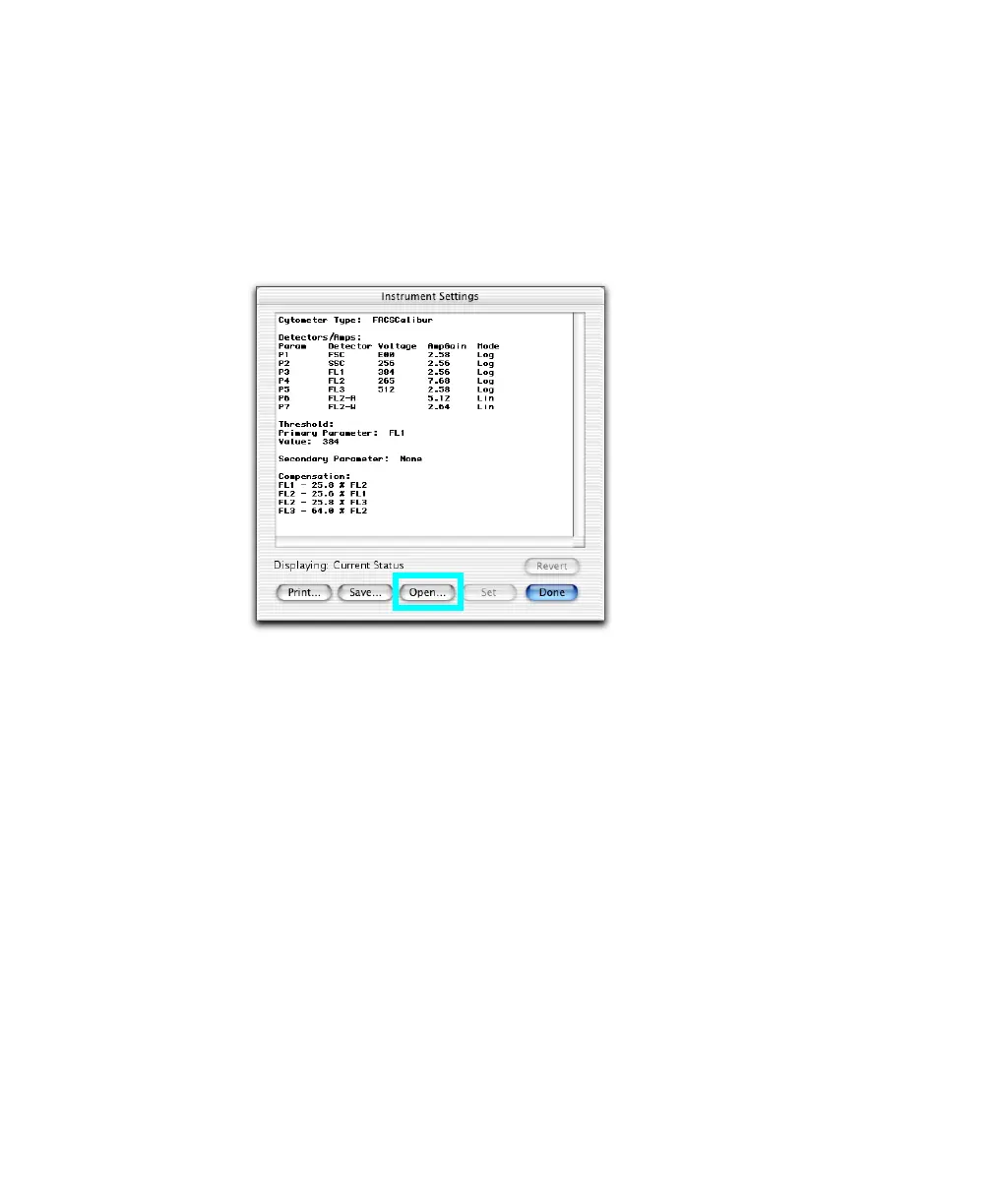
1 Choose Cytometer > Instrument Settings. Click Open.
2 Navigate to BD Files > Instrument Settings Files, and double-click the Calib
File icon.
The settings change in the Instrument Settings window.
3 Click Set.
NOTICE You must click Set to download new settings; otherwise, previous
settings apply.
To cancel, click Revert.
4 Click Done.



 To Next Page