Chapter 5: Running Samples Manually 91
; Tip To quickly update the display during optimization, click Pause and then
Restart in Acquisition Controls.
1 Install the isotype control tube on the SIP.
2 Press RUN and the appropriate flow rate button.
; Tip Use MED to conserve sample.
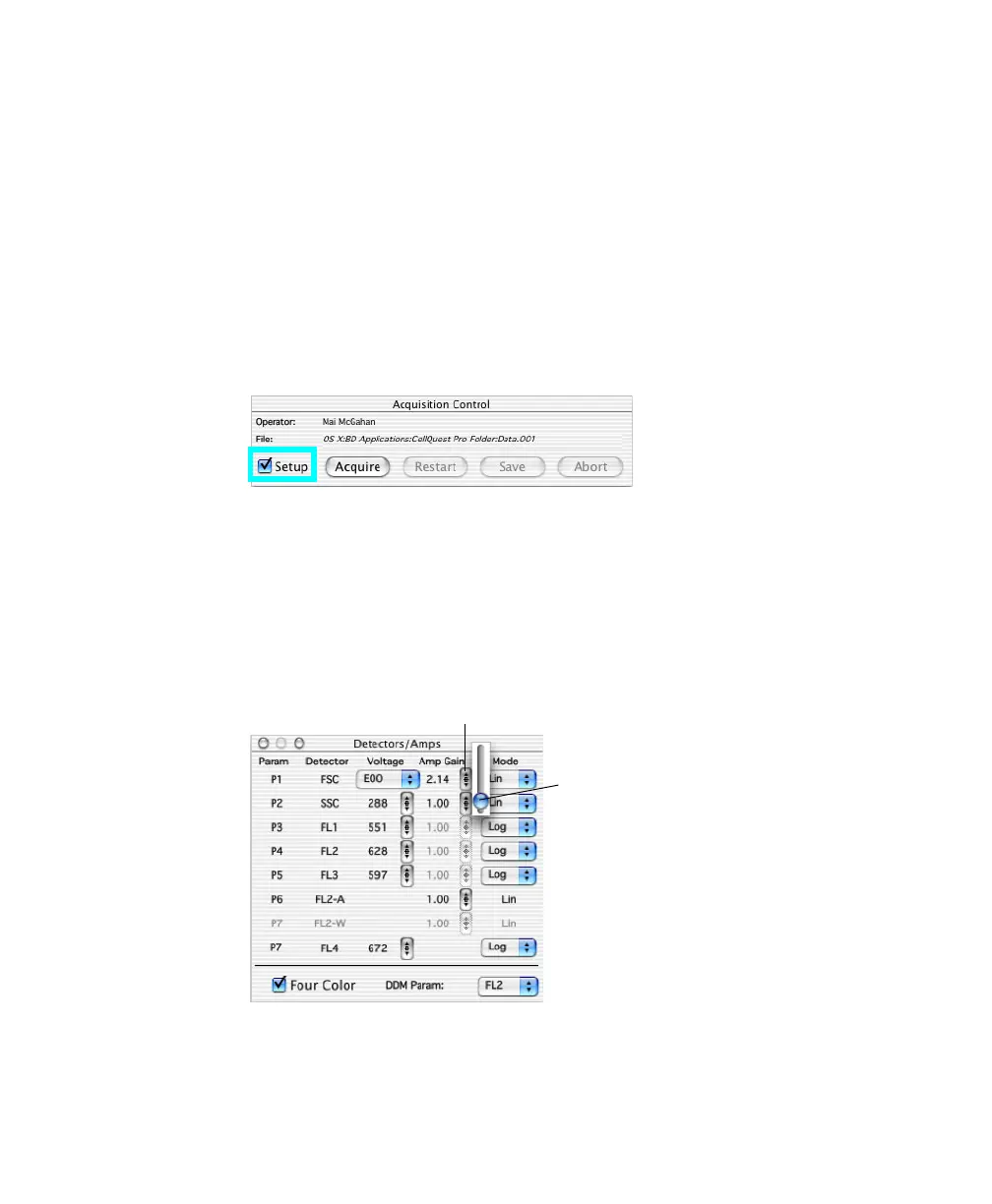
3 Ensure the Acquisition Control Setup checkbox is checked, and click
Acquire.
When Setup is checked, events are shown in plots but not saved.
4 Adjust the FSC Amp Gain, and then the SSC Voltage to place the
population of interest on scale in the FSC vs SSC plot (Figure 5-1).
Use controls in the Detectors/Amps window to change the setting. If the
Amp Gain is unavailable, change the Mode to linear (Lin).
arrow
slider control



 To Next Page