9. Performing A Bioassay
Bioassay uses the probe detector. You must setup the detectors, isotopes, staff and Bioassay
setup in Utilities before performing a Bioassay test. (See Chapter 4).
Bioassay is a measure of the activity in the staff’s thyroid. The efficiency you entered is used to
calculate the dpm, µCi’s or Bq’s of activity from the counting rate. The geometry should be set
as close to the probe as possible. The geometry is set in the Detector or Isotope Efficiency in
the Utilities Mode. It is important to have the correct geometry for the calculation. The system
shows the MDA calculation based on the background count rate, background counting time and
staff counting time.
NOTE: The MDA must be below the trigger level. A short counting time raises the MDA.
Performing A Bioassay Test:
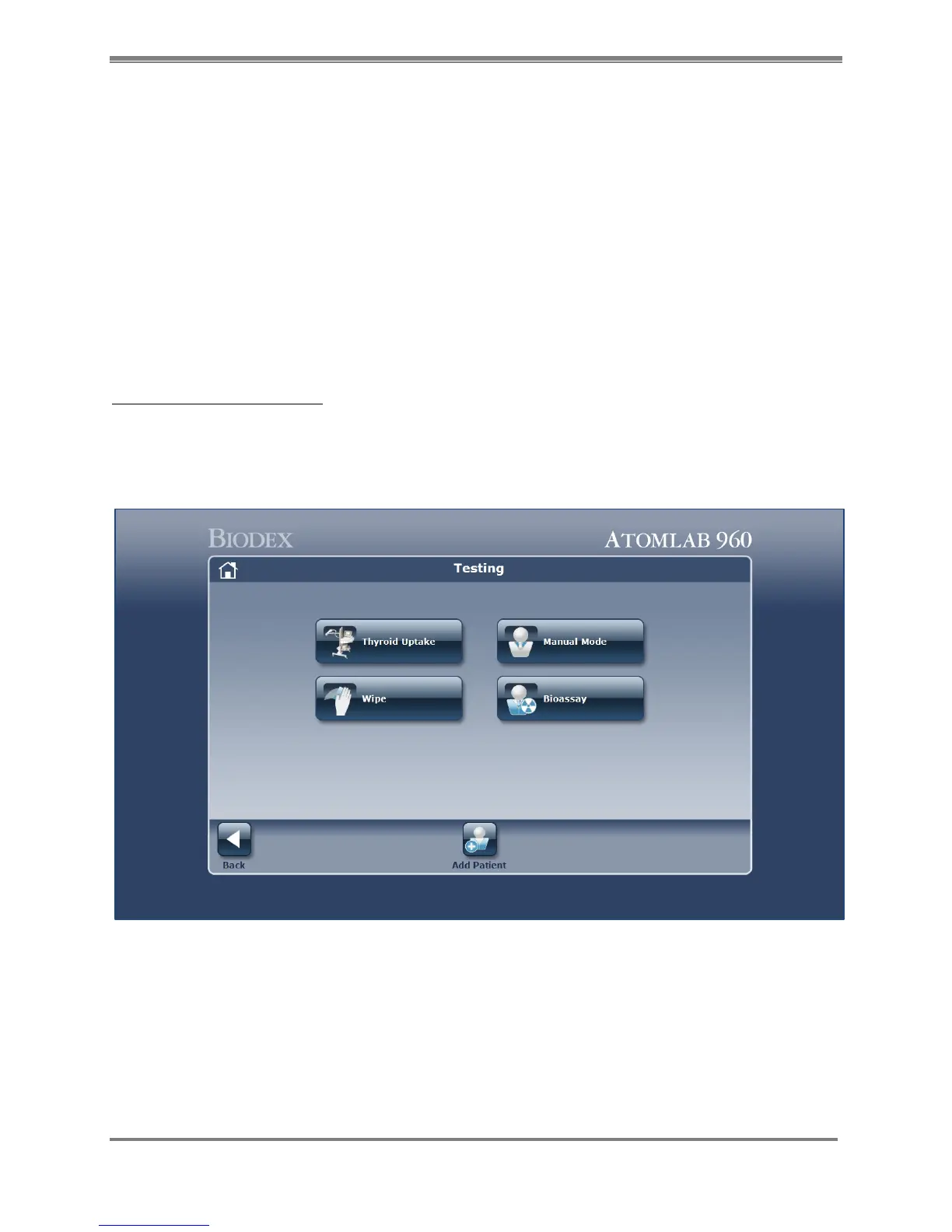
1. From the <Home> page select <Testing>. The Testing screen is now displayed.
2. Select <Bioassay). The Bioassay screen is now displayed.
Figure 9.1. Testing Home screen.



 To Next Page