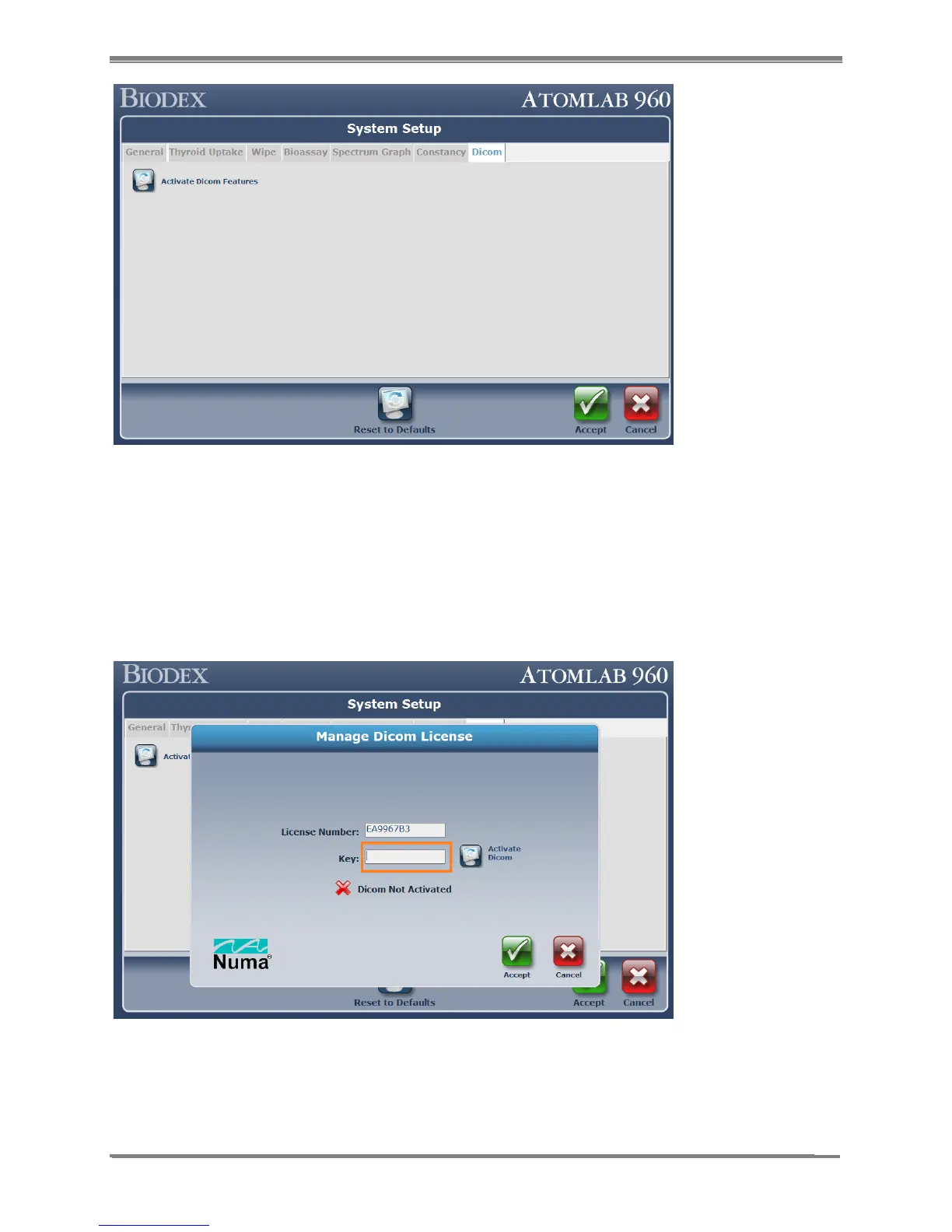
Figure 10.1.
2. Select <Activate DICOM Features> button. It will display the following screen which will
display the “License Number” and a blank text box to enter the “Key” value. At this stage, it
will also display “X DICOM Not Activated”.
3. Contact the Biodex Service Department, Software Support ext. 2120, with the “License
Number” information. Based on that information, Biodex will generate and provide a “Key”
number to the customer.
4. Upon receipt of the “Key”, type the number provided in the “Key” text box; Select the
<Activate DICOM> button.
Figure 10.2.



 To Next Page