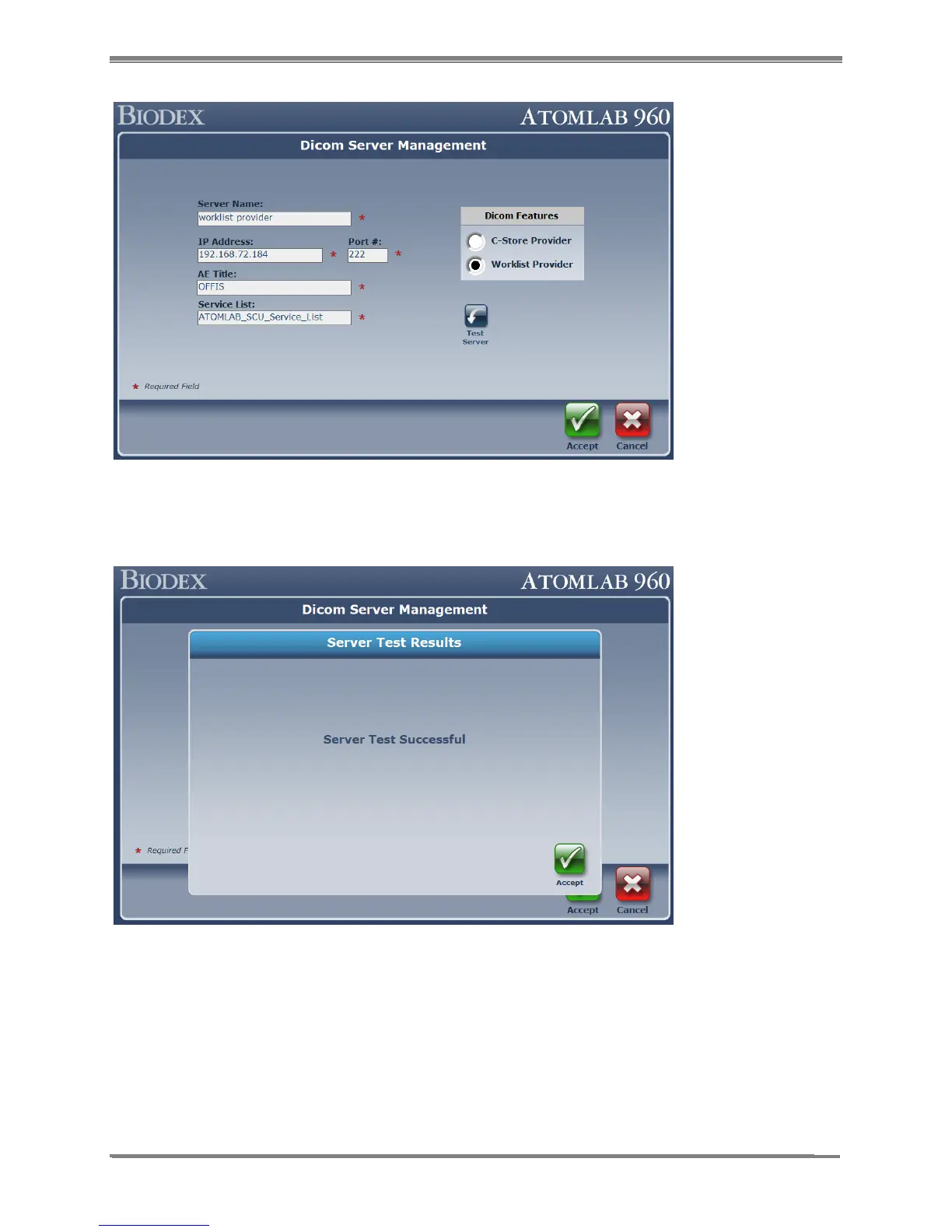
Figure 10.7.
5. Select the <Test Server> button. This will verify that the information provided is correct and
that communication with the server (Worklist/C-Store provider) has been established.
Figure 10.8.
6. If the server connection is successful, it will display the message. Select <Accept> button to
return to the DICOM Server Management screen. Then select the <Accept> button again to
save the entered value for DICOM server.
7. Once it’s saved in the database, this will bring you back to the System Setup screen with
the summary information for the servers.



 To Next Page