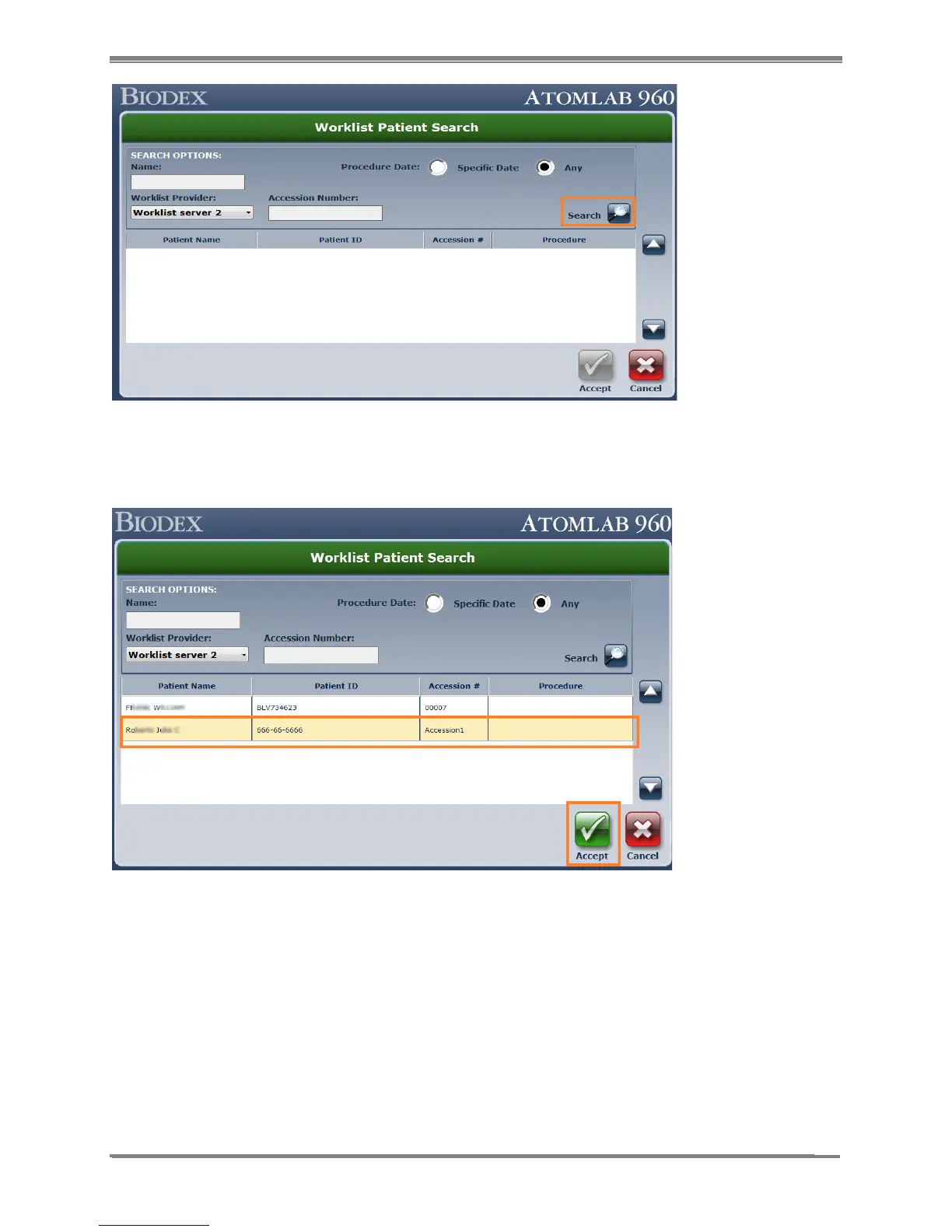
Figure 10.13.
4. From the patient list, choose the patient to highlight and select the
<Accept> button.
Figure 10.14.
5. The Atomlab 960 software prompts the user to select the study type for the Thyroid Uptake
procedure. Select the Study type by clicking on the procedure to highlight it on the list and
select the <Accept> button.
NOTE: Selecting the <Cancel> button on “Add Study” screen will take you back to the Worklist
screen and no patient/study will be added to the Atomlab 960 database. It has to complete the
cycle – add patient from Worklist and then add study for that patient and procedure to be listed
in the Atomlab 960.



 To Next Page