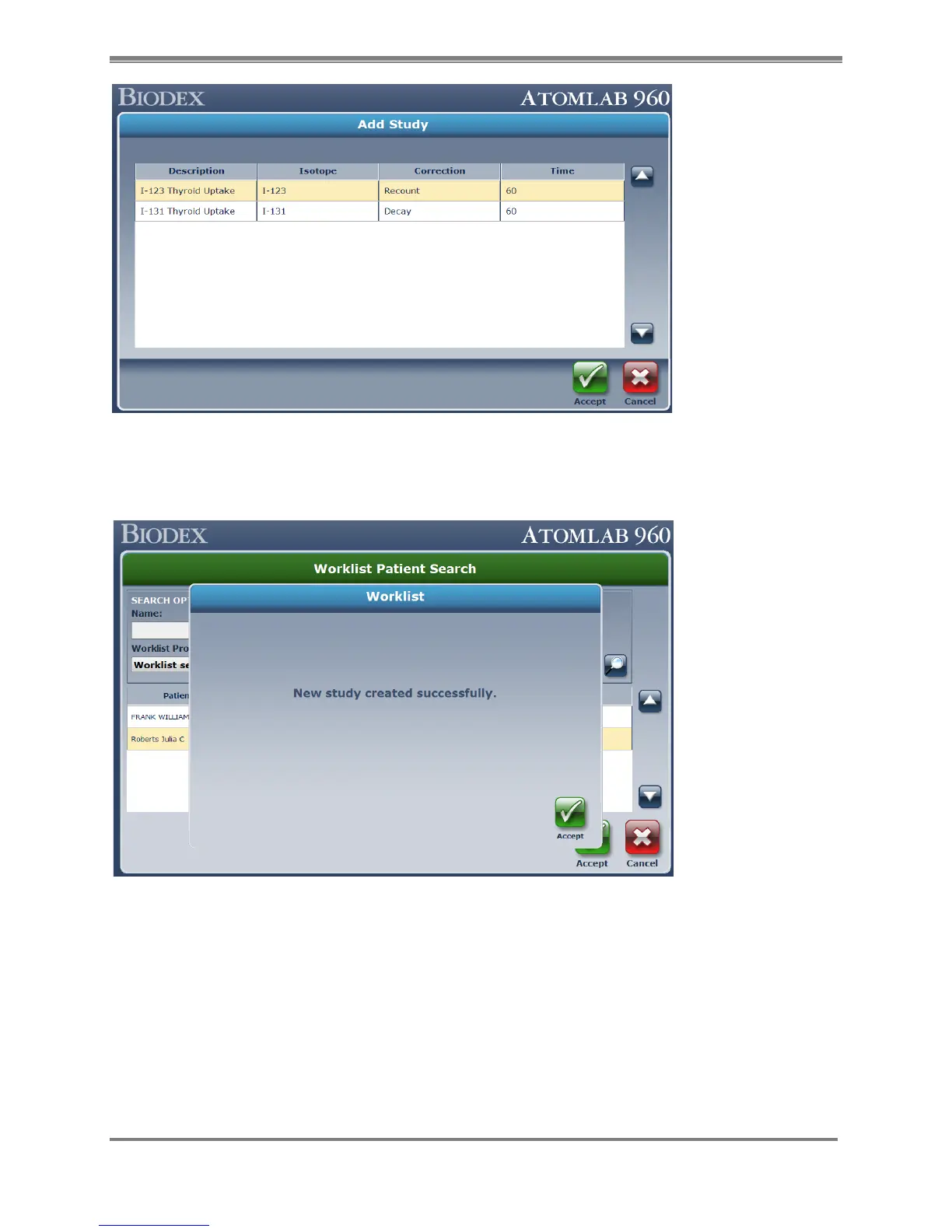
Figure 10.15.
6. Once the study has been created, it will display the message shown below.
Select the <Accept> button. That will take you back to “Select or Add A Patient” Screen.
Figure 10.16.
7. At this point, the Patient was downloaded from the Worklist and is now ready for the
thyroid uptake procedure.
8. Please refer to the Atomlab 960 user manual to perform a thyroid uptake procedure.



 To Next Page