ATOMLAB 960 MEDICAL SPECTROMETER ASSEMBLY AND STAND OPERATION 2-9
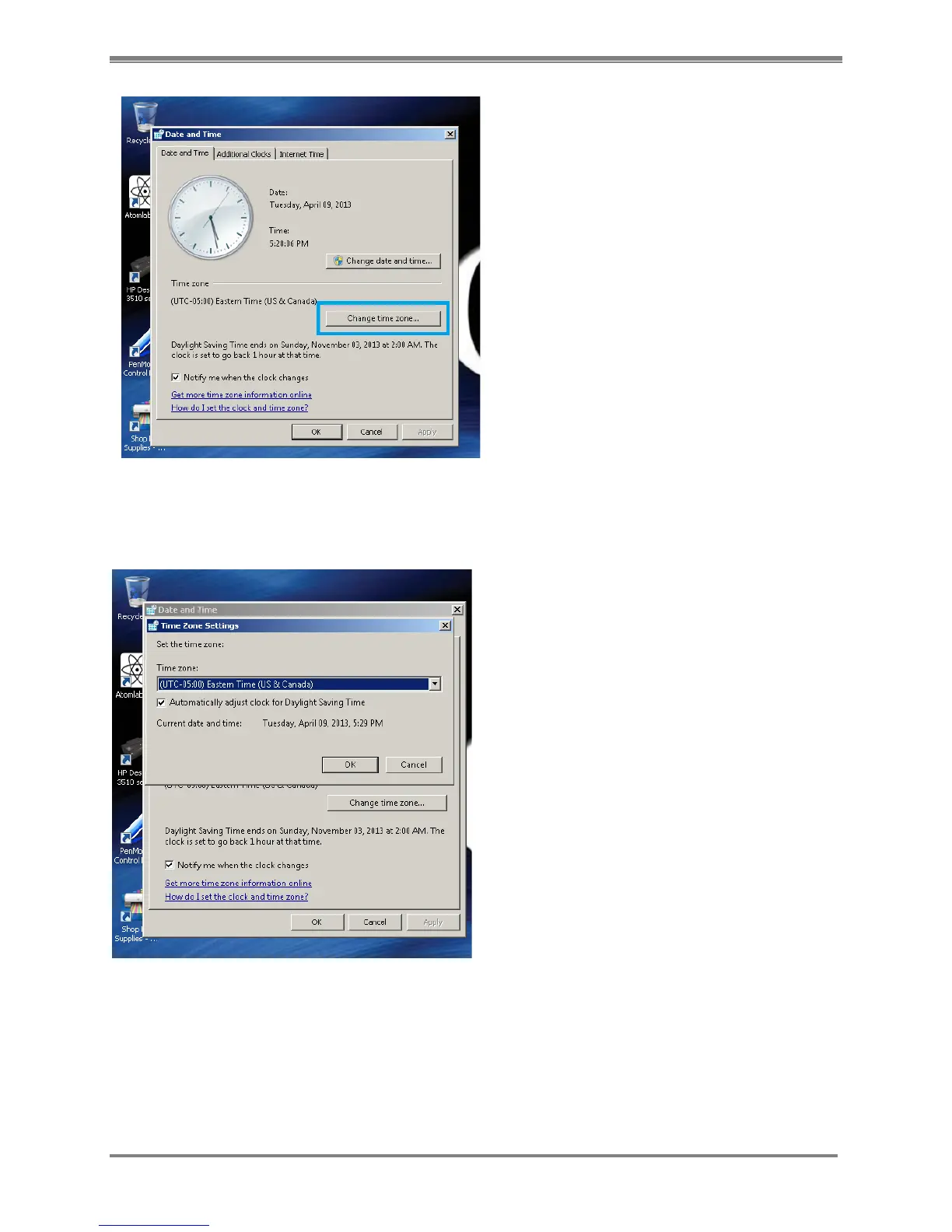
Figure 2.9. Date and Time window with <Change time zone> button highlighted.
10. In the Time Zone Settings dialog box, select your current time zone in the drop-down list,
and then click OK.
Figure 2.10. The Time Zone Settings dialog box..
NOTE: If your time zone observes daylight saving time and you want your computer's clock to
be adjusted automatically when daylight saving time changes, make sure the Automatically
adjust clock for Daylight Saving Time check box is selected.
11. Select <OK> button at the bottom of the Date and Time screen to return to the desktop.



 To Next Page