ATOMLAB 960 MEDICAL SPECTROMETER ASSEMBLY AND STAND OPERATION 2-11
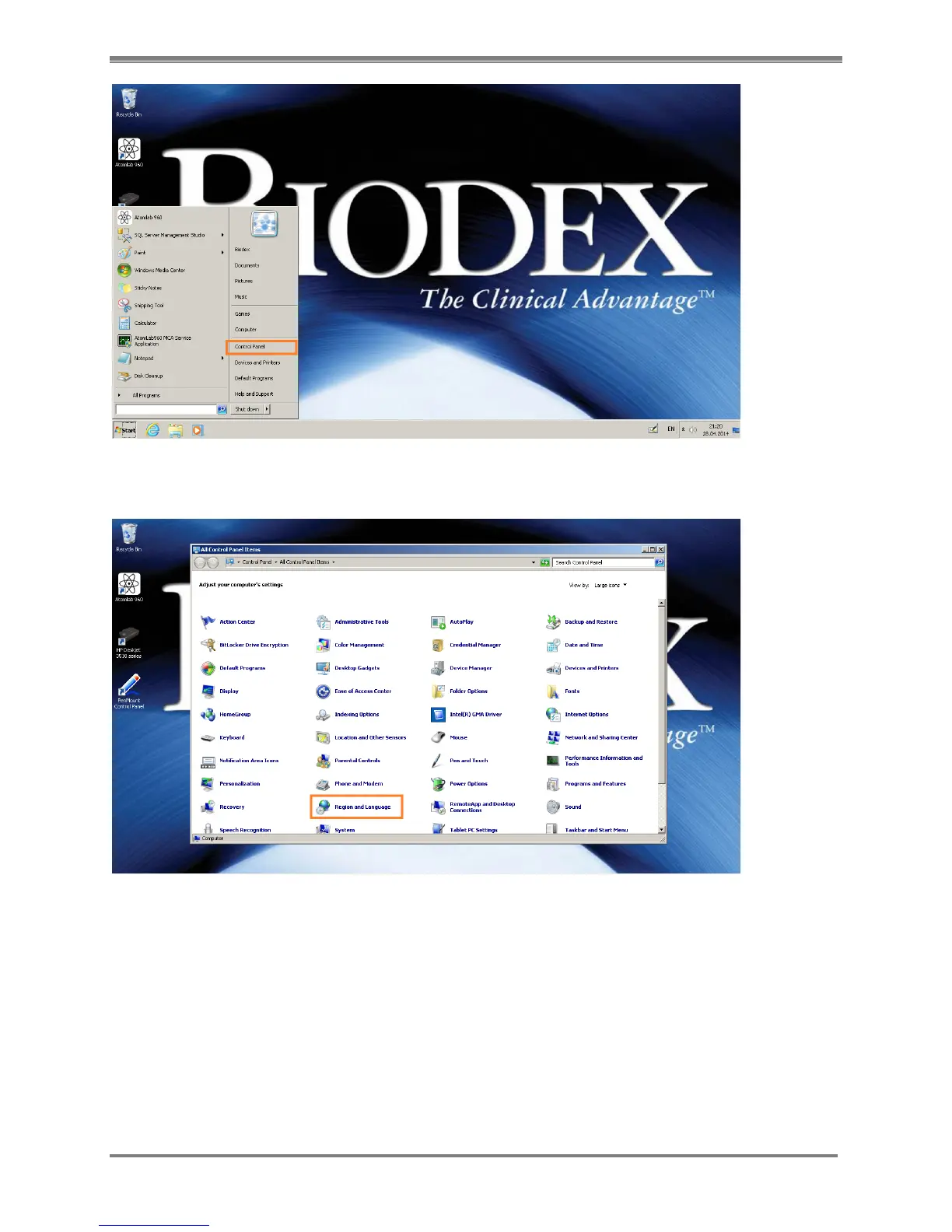
Figure 2.12 Panel operating system settings – Start button> Control Panel
3. Select the “Region and Language” option.
Figure 2.1 3 Panel operating system settings - Control Panel
4. The current settings of the Panel will be displayed. By default it will be set to “English”
(United States). Make the changes as required for Date and Time from the screen on next
page (Fig 3.4). Click on “Additional Settings” button for number format on that screen. In
this example, we are changing the settings to “Swedish” (Sweden).



 To Next Page